How to Use This Reference
This guide organizes smart home device categories by room — not specific products or brands. Each category entry names the type of device, the core problem it solves, and a note on where it fits into daily life. Use it as a planning checklist or a quick lookup when you're evaluating what a room actually needs.
If you're brand new to connected homes, understanding what smart home really means is a solid foundation before diving into room-by-room specifics. And if you want a broader system view, planning a setup that grows with you walks through the full picture.
| Most common entry point | Smart lighting (bulbs and switches) |
| Rooms with the most device categories | Kitchen and living room |
| Key comfort benefit | Automated routines reduce repeated manual adjustments |
| Compatibility consideration | Devices must share a protocol or hub to work together |
| Security note | Outdoor and entry devices often require separate network segmentation |
Living Room and Common Areas
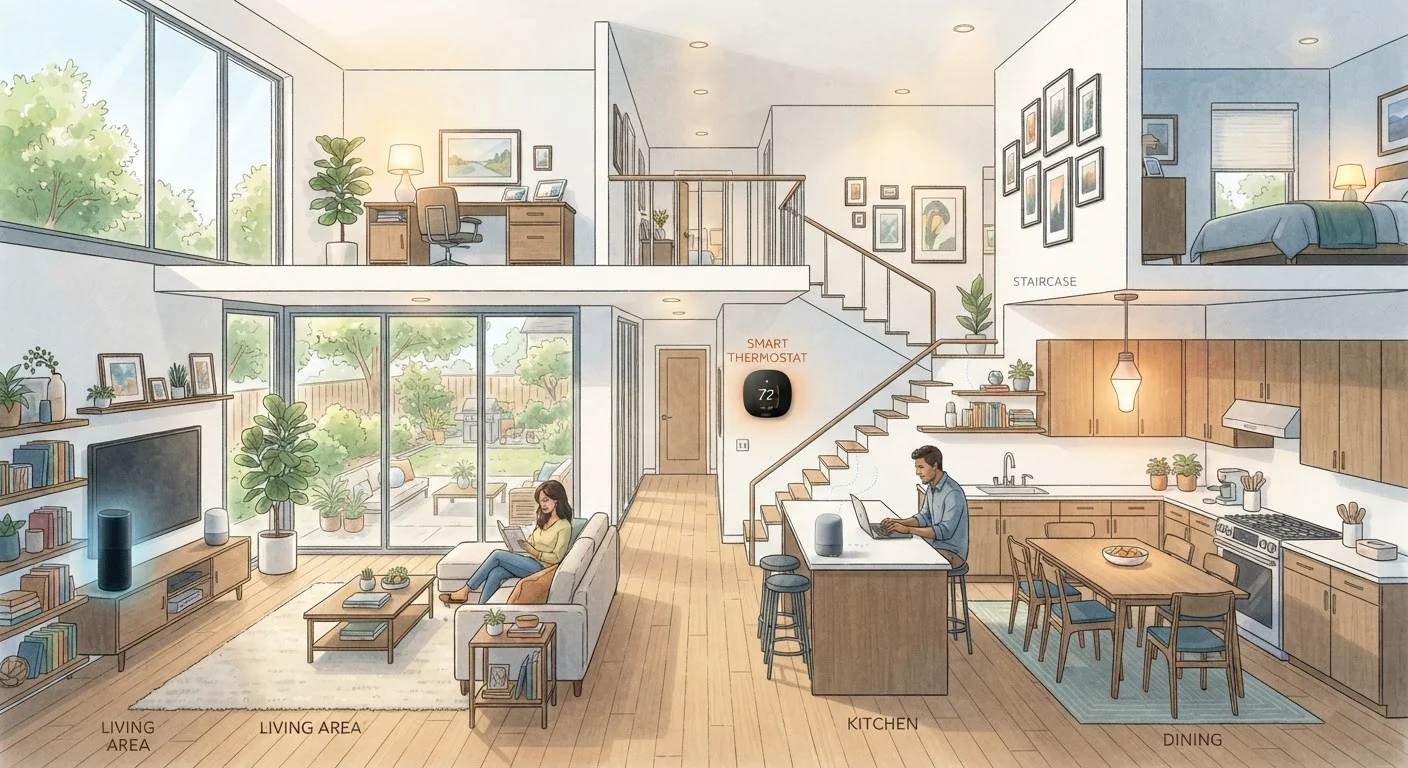
The living room typically hosts the highest concentration of smart device categories because it's where entertainment, comfort, and family routines converge.
- Smart lighting: Dimmable bulbs or smart switches let you adjust color temperature and brightness by time of day or activity. Pair with layered lighting strategies for best results.
- Smart speakers and displays: Central voice control points for music, timers, and device commands across the home.
- Smart thermostats: Automatically adjust heating and cooling based on schedules, occupancy, or remote input. Heating and cooling account for roughly 40% of home energy use, making this one of the highest-impact categories.
- Smart plugs: Add scheduling and remote control to lamps, fans, or older electronics without replacing them.
- Occupancy and air-quality sensors: Trigger automations based on who is in the room or current CO₂ and humidity levels.
Compatibility Comes First
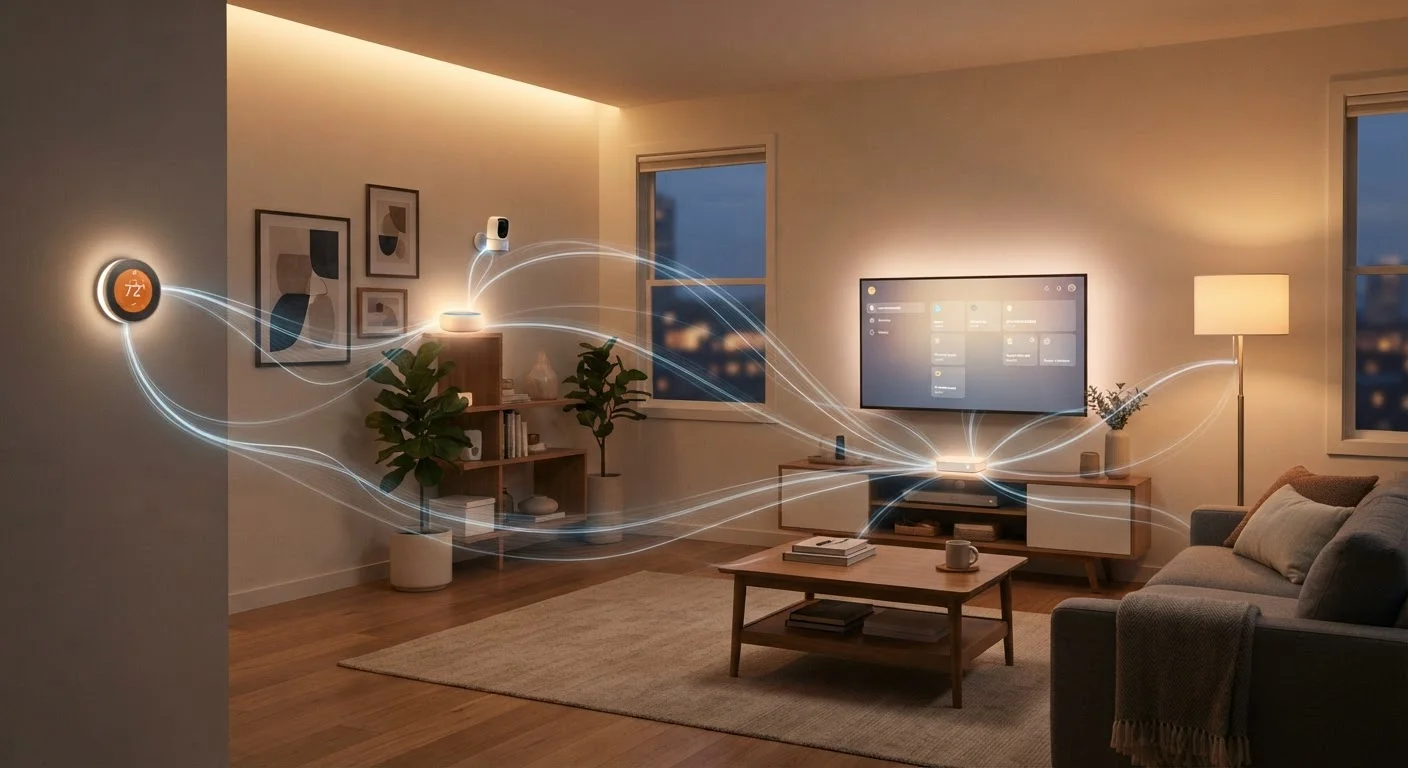
Before adding any device to a room, confirm it works with your existing hub or platform. Mixing incompatible protocols is the most common cause of smart home frustration. See how devices communicate before making any purchase decisions.
Kitchen, Bedroom, and Utility Spaces
Device needs shift significantly in rooms built around specific routines.
Kitchen
- Smart displays: Countertop screens that show recipes, timers, and video calls without touching a phone.
- Smart appliances: Refrigerators, ovens, and dishwashers with remote monitoring or status alerts — useful for confirming an oven is off from another room.
- Under-cabinet lighting: Task-oriented smart lighting strips controlled by voice or schedule.
- Smart plugs for small appliances: Add auto-shutoff scheduling to coffee makers or slow cookers.
Bedroom
- Smart lighting with wake routines: Gradual brightness increase simulates sunrise for gentler mornings.
- Smart plugs for fans or heaters: Schedule comfort devices to run only when the room is occupied.
- Smart blinds or shades: Automate light blocking at bedtime or opening at a set wake time.
Laundry and Utility Rooms
- Smart plugs with energy monitoring: Track washer/dryer cycle completion via power draw changes and receive alerts.
- Leak and moisture sensors: Detect water under appliances before damage occurs.
For a broader organization perspective alongside smart device planning, see the room-by-room home organization walkthrough. And if you're just getting started, the first smart home guide keeps the process manageable.
Smart hub
A central device or app that connects and coordinates multiple smart home devices, allowing them to communicate with each other and be controlled from one place.
Automation routine
A preset sequence of device actions triggered by a schedule, sensor reading, or another device event — for example, lights dimming automatically at sunset.
Voice assistant integration
The ability of a smart device to receive spoken commands through a connected voice assistant platform, enabling hands-free control.
Occupancy sensor
A device that detects motion or presence in a room and can trigger other devices — such as turning lights on when someone enters a space.
Smart plug
An outlet adapter that adds remote on/off control and sometimes energy monitoring to any standard plugged-in appliance without replacing the device itself.
Geofencing
A location-based trigger that activates or deactivates smart devices when your phone crosses a defined geographic boundary, such as your home's perimeter.
Entry Points, Outdoors, and Whole-Home Categories
Some device categories span the whole property rather than a single room.
Entry and Security
- Smart locks: Keypad or app-controlled door locks that support timed access codes — useful for guests or service appointments.
- Video doorbells: Camera-equipped doorbells with motion detection and two-way audio.
- Smart garage door controllers: Add app-based open/close control and status alerts to existing garage doors.
Outdoors
- Smart outdoor lighting: Motion-activated or scheduled lights for pathways, driveways, and entry areas.
- Smart irrigation controllers: Schedule watering based on weather data to avoid watering before rain.
Whole-Home
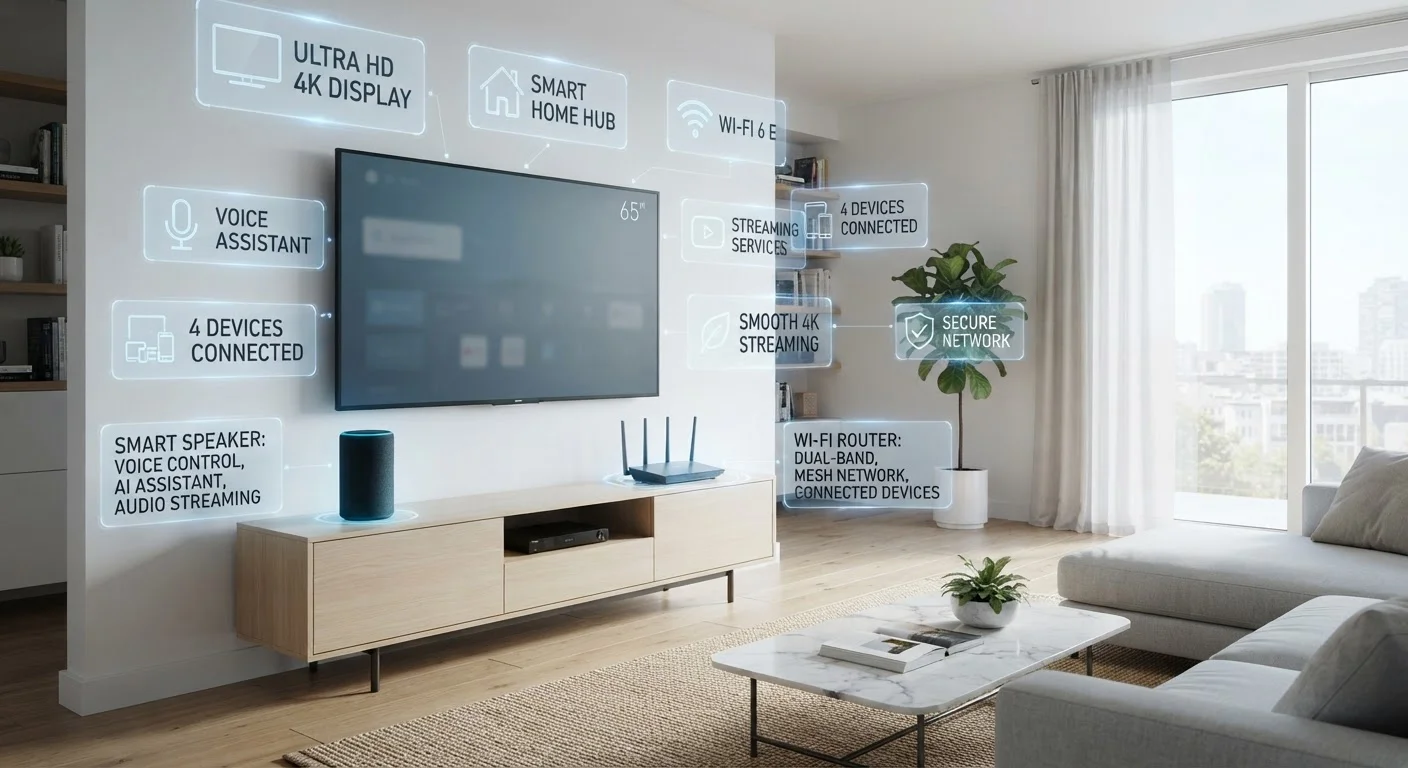
- Smart Wi-Fi systems: Mesh routers with app-based network management, device prioritization, and usage monitoring.
- Smoke and CO detectors: Connected alarms that send phone alerts when triggered, even if you're away.
Explore the home tech hub for deeper coverage of individual categories, and check the home tech jargon glossary whenever a product page term leaves you puzzled.