What 'Smart Home' Actually Means
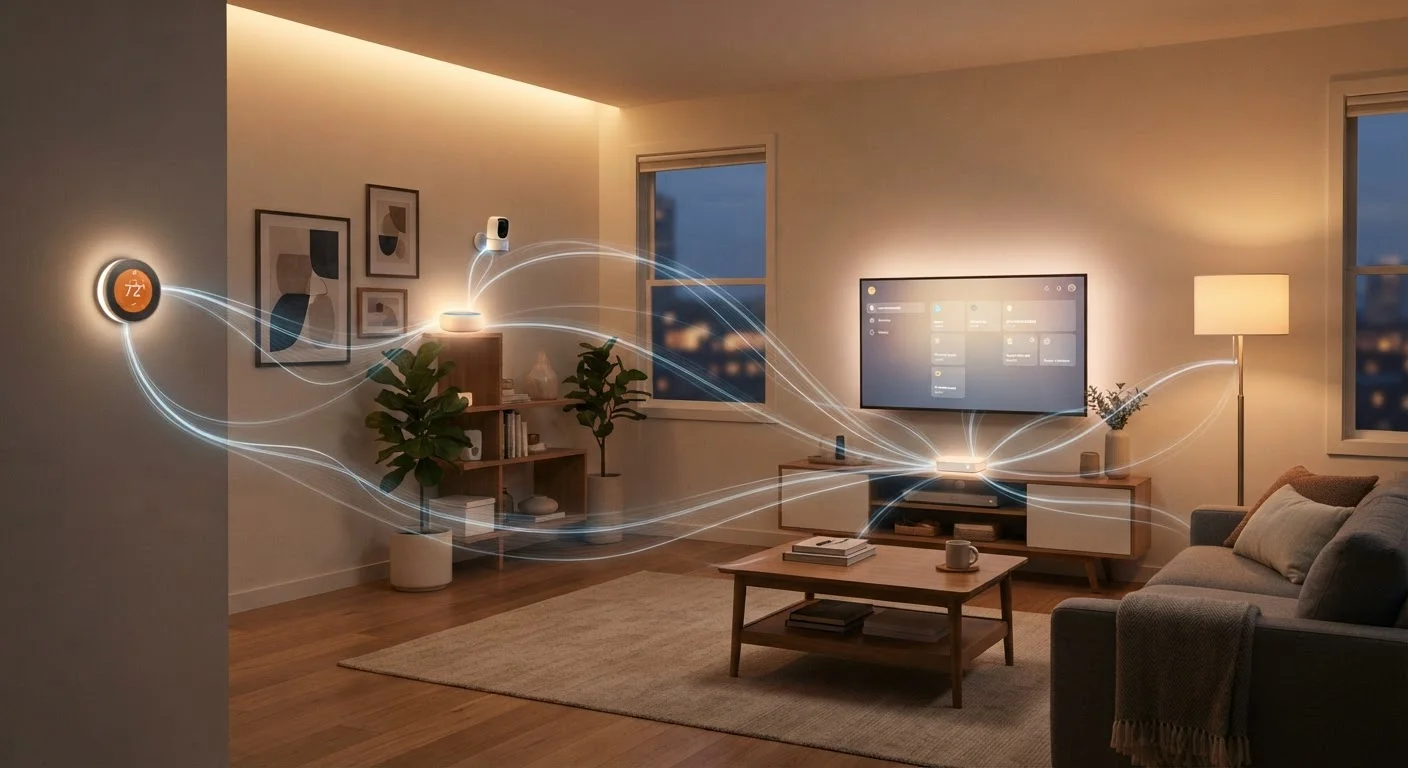
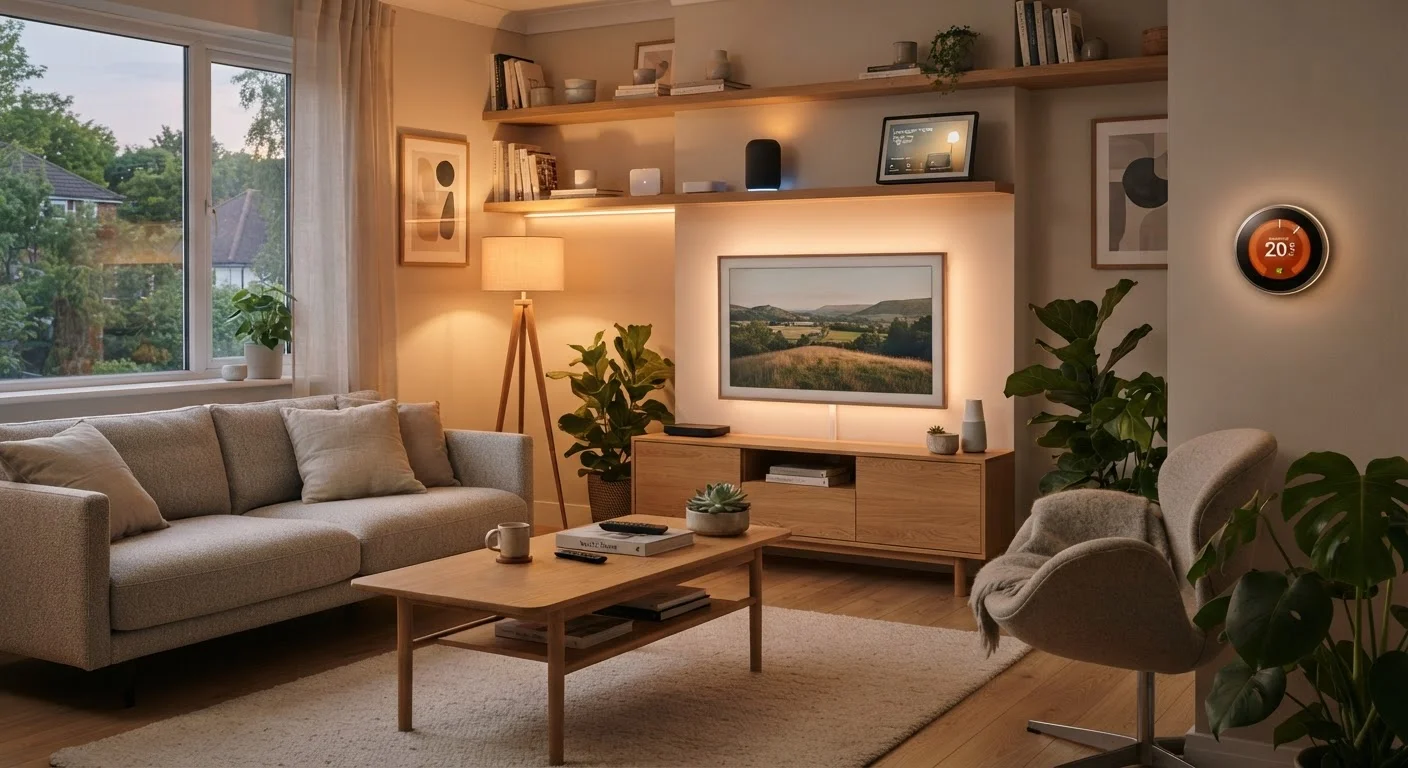
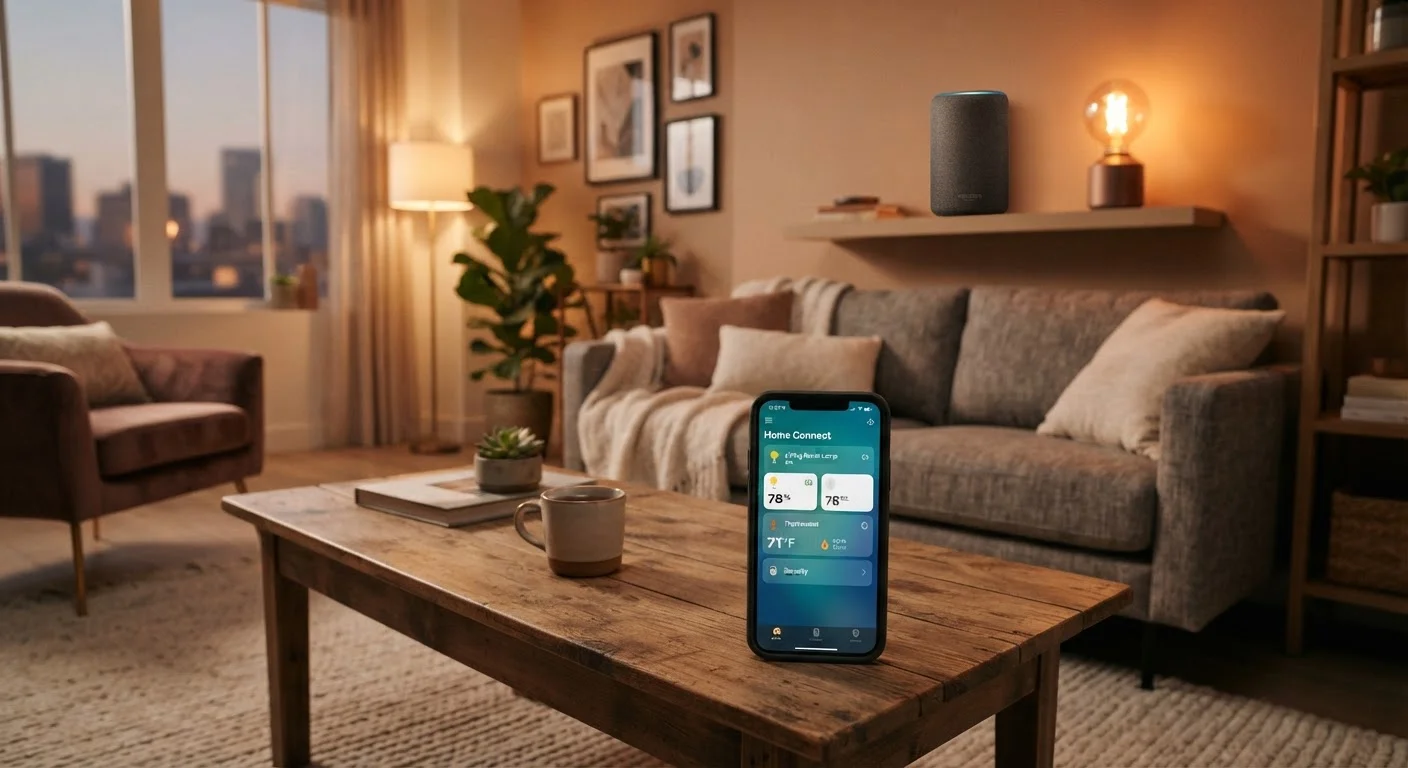
A smart home is simply a living space where devices — lights, locks, thermostats, speakers, cameras — can be controlled digitally, often remotely or through automation rules you set up yourself. The phrase sounds complex, but the underlying idea is practical: fewer manual tasks, more convenient routines.
What makes it feel overwhelming is the sheer variety of products, brands, and technical terms thrown at consumers all at once. Terms like Zigbee, Z-Wave, hub, and voice assistant appear before you've even decided what problem you want to solve.
Ecosystem
A group of smart home platforms and devices designed to work together under one app or voice assistant. Examples include Google Home, Amazon Alexa, and Apple HomeKit.
Hub
A central device that acts as a translator between smart home gadgets and your phone or voice assistant. Not all setups need one, but complex multi-brand setups often benefit from it.
Matter
An open industry standard that allows smart devices from different brands to communicate with each other, reducing lock-in to a single ecosystem.
2.4 GHz Band
A Wi-Fi frequency that most smart home devices use because it travels further and passes through walls better than the faster but shorter-range 5 GHz band.
Automation
A rule you set up so devices act on their own — for example, lights turning off automatically when everyone leaves the house.
The most important reframe for a first-timer: a smart home is not a project you finish. It's a setup you grow. Your job right now is to make one or two informed decisions — not to plan every device in every room. For a broader view of the technology landscape, explore Smart Home Living to understand what's possible before committing to anything.
Choose Your Ecosystem First
An ecosystem is the platform — or group of compatible platforms — that your devices connect through. The major ones you'll encounter are Google Home, Amazon Alexa, and Apple HomeKit. Each has its own strengths, app experience, and device compatibility range.
The critical rule: choose your primary ecosystem before purchasing a single device. Mixing ecosystems without planning leads to devices that can't talk to each other, duplicate apps, and automation rules that only half-work.
Learn how smart home platforms connect devices before you buy anything — understanding the basics of protocols like Matter, Zigbee, and Z-Wave will help you ask the right questions at the shelf.
Let Your Existing Devices Guide You
If you already own a voice assistant or smart speaker, that's a natural starting point for your ecosystem choice — devices designed for the same platform are more likely to set up smoothly and work together without extra configuration. Avoid the temptation to mix ecosystems just because a device is available at a lower price.
If you already own a voice assistant device, that's a reasonable anchor for your ecosystem choice. If you're starting fresh, consider which smartphone platform you use daily — Apple users often find HomeKit integrates naturally, while Android users may lean toward Google Home or Alexa.
For a longer-term perspective on planning a coherent setup, see the end-to-end planning guide.
Your Network Is the Foundation
Every Wi-Fi-connected smart device depends entirely on your home network. A weak or inconsistent signal is the single most common cause of smart home frustration — devices that go offline, automations that fail, and apps that time out.
Before adding smart devices, honestly assess your current Wi-Fi setup. Dead zones in bedrooms, garages, or back rooms will cause problems for any device placed there. If you're dealing with coverage issues, a mesh Wi-Fi system is often the most impactful first investment you can make.
Wi-Fi Bands and Smart Device Setup
Most smart home devices use the 2.4 GHz Wi-Fi band rather than 5 GHz. The 2.4 GHz band has longer range and better wall penetration, which is why manufacturers prefer it for home automation. Some routers broadcast both bands under the same network name, which can cause setup confusion — check your router settings if a device refuses to connect during pairing.
Most smart home devices use the 2.4 GHz Wi-Fi band rather than 5 GHz. The 2.4 GHz band has longer range and better wall penetration, which is why manufacturers prefer it for home automation. Some routers broadcast both bands under the same network name, which can cause setup confusion — check your router settings if a device refuses to connect during pairing.
The Right Order to Add Devices
Sequence matters. Adding devices in a logical order prevents you from making purchases that become redundant or incompatible once the rest of your setup takes shape.
- Network infrastructure first. Solve coverage and stability before adding anything else.
- A hub or voice assistant second — if your ecosystem of choice requires one. This becomes your control center.
- Lighting or a smart plug third. These are universally compatible, easy to set up, and immediately useful. They also confirm your network and app are working before you invest in more complex devices.
- Security or climate control fourth — once you're comfortable with the basics. Smart locks, cameras, and thermostats involve more setup and occasionally require professional installation.
Renters have a slightly different path: some devices require no installation at all. Building a smart home on a renter's budget walks through which categories work without drilling or rewiring.
When you're ready to expand, use this pre-purchase checklist to verify compatibility before each new addition. For a room-by-room breakdown of what devices exist and what problems they solve, the room-by-room device reference is a useful companion.
Common First-Timer Mistakes to Avoid
Most early smart home frustration traces back to a handful of predictable missteps:
- Buying before choosing an ecosystem. Devices that don't share a platform often can't be automated together, even if they each work individually.
- Ignoring network quality. No smart device performs reliably on a spotty connection.
- Over-buying at the start. Setting up five new devices simultaneously makes it hard to diagnose which one has the problem when something goes wrong.
- Underestimating setup time. Most devices take 15–30 minutes to configure properly. Factor that in before a busy weekend project.
- Skipping firmware updates. New devices often ship with outdated software. Updating before use reduces early bugs and improves security.
Avoid Buying Everything at Once
One of the most common first-timer mistakes is purchasing a full setup before understanding how the pieces fit together. When multiple new devices are introduced simultaneously, troubleshooting becomes significantly harder. Start with one or two devices, get them working reliably, then expand deliberately.
If you find yourself repeatedly starting over — ripping out devices and buying new ones — that's a signal to pause before purchasing. This guide on avoiding restarts identifies the foundational decisions worth getting right early, so your setup grows instead of cycles.