How Manufacturers Arrive at Battery Life Numbers
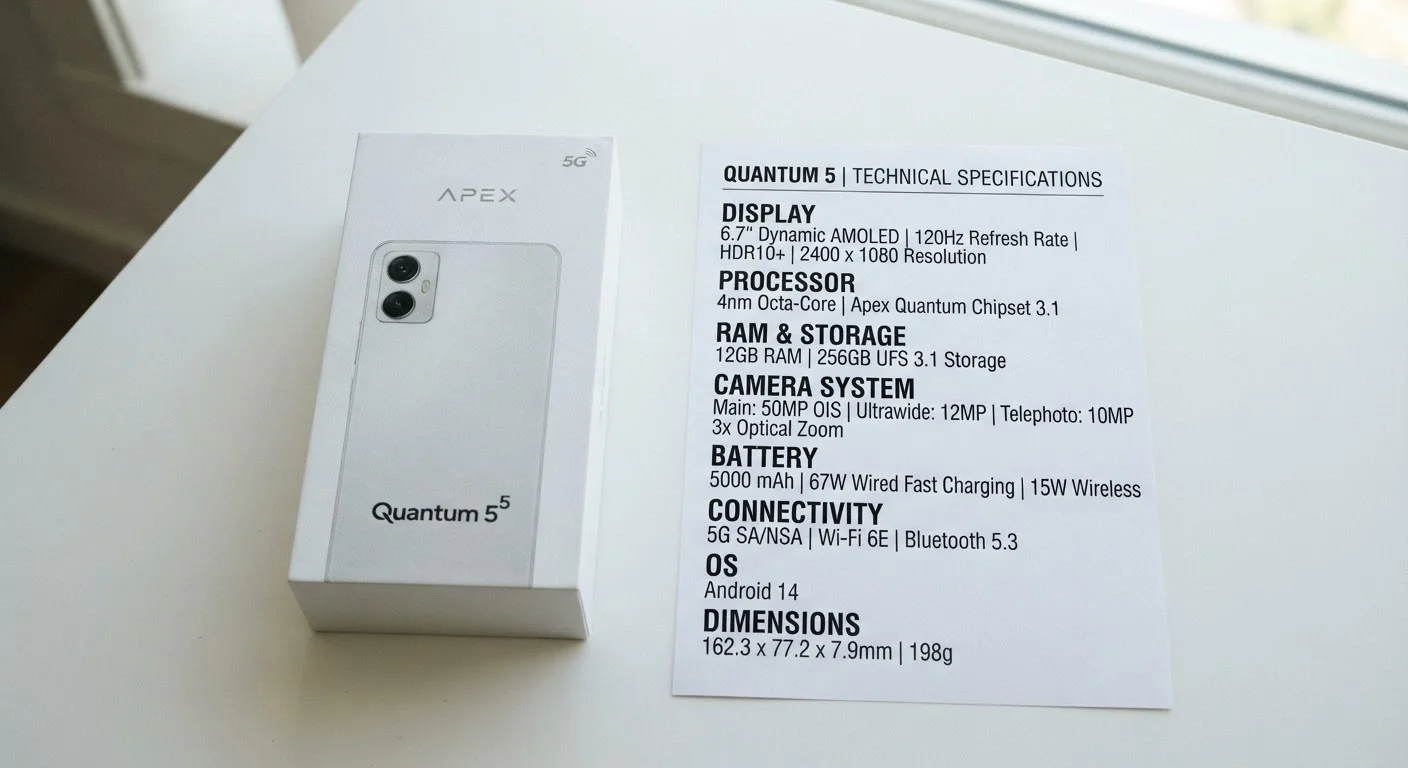
When a phone is advertised as lasting "up to 29 hours," that figure comes from a standardized internal test — not from someone browsing Instagram and streaming music on a lunch break. Most manufacturers follow protocols set by bodies like the GSMA or their own proprietary benchmarks, which typically involve minimal screen brightness, no active streaming, limited background app activity, and sometimes a single wireless band (like LTE rather than 5G). The result is a best-case number, not an average-case one.
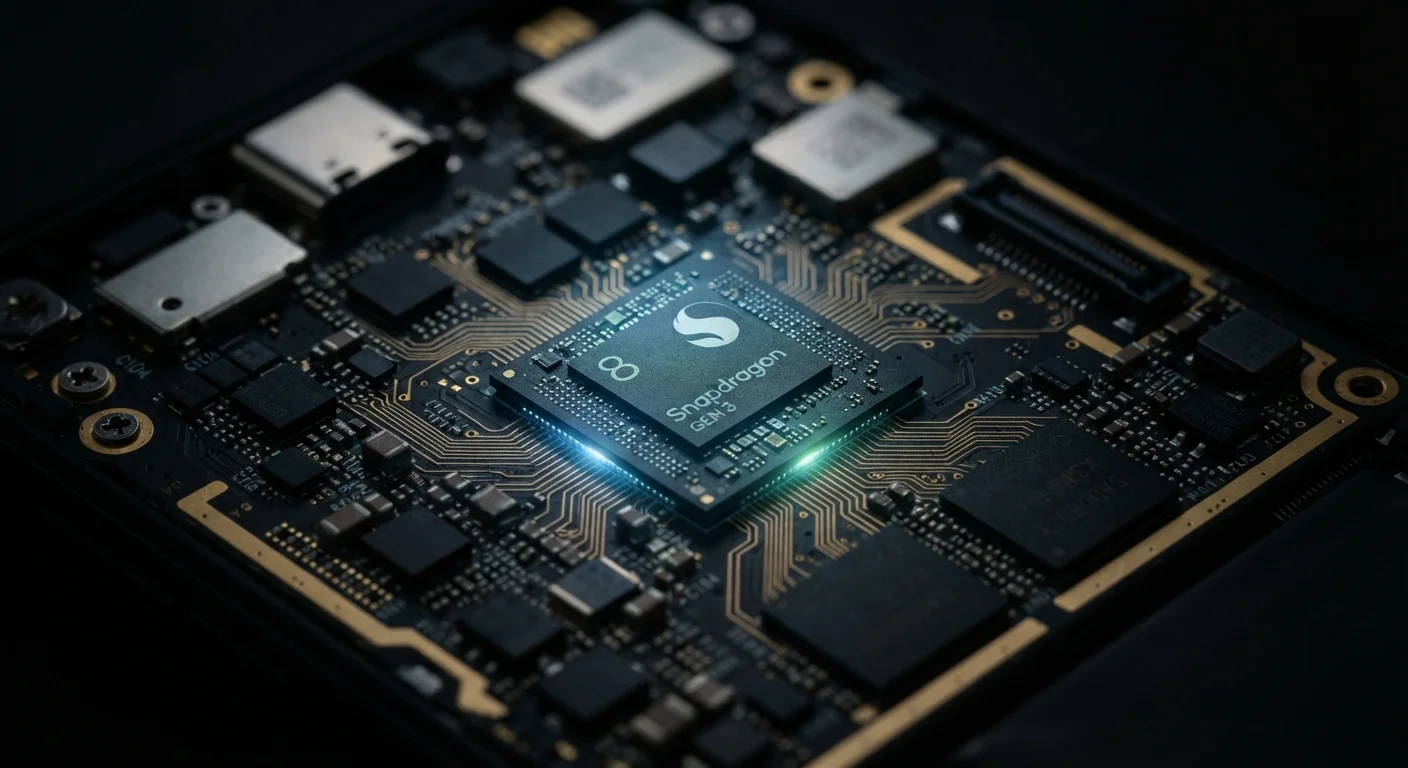
The mAh rating — milliampere-hours — is the most commonly cited battery spec. It measures the total electrical charge a battery can store. A 5,000 mAh battery holds more energy than a 3,500 mAh one, all else being equal. But "all else" is rarely equal. A larger battery paired with a power-hungry processor, a bright high-resolution display, or constant 5G searching can drain faster than a smaller battery in a more efficient system. For a deeper look at how the chip inside your phone affects power use, see how processor chips shape battery life.
20–40%
Gap between rated and real-world battery life
Independent consumer testing organizations consistently report active-use battery life running 20–40% below manufacturer-advertised figures for typical smartphone users.
~20%
Capacity loss after 500 charge cycles
Lithium-ion batteries typically retain around 80% of their original capacity after approximately 500 full charge cycles, according to general electrochemical research on li-ion cell degradation.
Common Myths — and What the Evidence Actually Shows
Battery life is one of the most misunderstood areas of smartphone specs. Consumers routinely make purchasing decisions based on numbers that don't translate directly to day-to-day experience. Below are the most persistent misconceptions, corrected.
Myth
A higher mAh rating always means longer battery life.
Fact
mAh measures stored capacity, but actual life depends on how efficiently the phone uses that energy.
A 6,000 mAh battery in a phone with a power-hungry chip and a bright, high-refresh-rate display can drain faster than a 4,500 mAh battery in a well-optimized device. The processor's efficiency, the display's power draw, and how aggressively the software manages background tasks all determine how quickly that stored charge is consumed. mAh is a useful starting point for comparison, but only when you're comparing similar devices in a similar class.
Myth
The battery life number on the box reflects how long the phone will last on a typical day.
Fact
Manufacturer ratings are generated under controlled, low-demand test conditions that most users will never replicate.
Standard battery tests are often conducted at reduced screen brightness (sometimes 50% or lower), with Wi-Fi or a single LTE band active, minimal background activity, and no streaming. Real-world use — social media, navigation, video calls, or music playback — involves far greater demand. Independent reviewers and consumer testing organizations consistently find real-world figures running 20–40% below advertised maximums for active users.
Myth
Turning off Wi-Fi saves battery when you're at home.
Fact
When a stable Wi-Fi signal is available, using Wi-Fi typically consumes less power than relying on cellular data.
The cellular radio — especially on 5G networks — is one of the more power-intensive components in a smartphone. When a strong Wi-Fi network is available, the phone offloads data traffic to a more efficient pathway, reducing how hard the cellular modem works. Disabling Wi-Fi forces the device to use cellular for all data, which generally increases power consumption rather than reducing it.
Myth
Closing all your background apps will significantly extend battery life.
Fact
Aggressively force-closing apps can sometimes increase battery drain by making the system reload apps from scratch each time.
Modern mobile operating systems — both iOS and Android — are designed to suspend background apps and manage memory efficiently without user intervention. Force-quitting apps removes them from memory entirely, so when you open them again, the processor does more work to reload them from storage. Occasional app closures for misbehaving apps can help, but mass force-quitting as a habit is generally counterproductive. Monitoring which apps consume the most background power through the battery usage settings is more effective.
Myth
Fast charging damages your battery and shortens its lifespan.
Fact
Fast charging is generally designed to operate safely within temperature and voltage limits that protect long-term battery health.
Most fast-charging implementations apply higher wattage primarily during the early phase of a charge cycle, when the battery can absorb energy quickly without excessive heat. The system typically throttles down as the battery approaches full capacity. While sustained high-heat charging over many cycles does contribute to degradation, the fast-charging protocols built into modern phones include thermal management specifically to mitigate this. Leaving a phone at 100% charge for extended periods or charging in very hot environments is generally considered more harmful than using fast charging under normal conditions.
What Actually Drains Your Battery Fastest
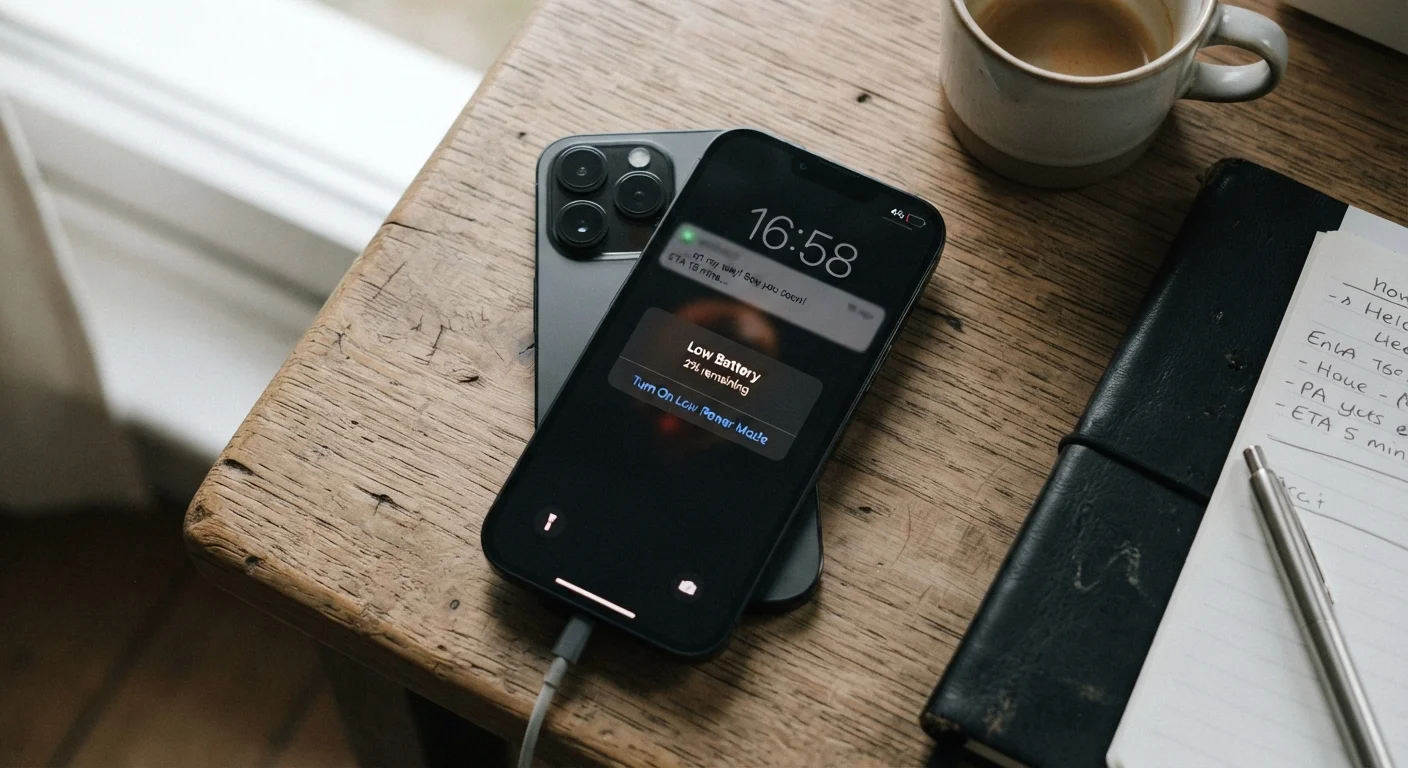
Real-world battery drain is driven by a handful of consistent culprits. Understanding them helps you calibrate expectations — and extend life once you own a device.
- Screen brightness and refresh rate: The display is typically the largest single power draw. Phones with 120Hz or 144Hz high-refresh-rate screens consume meaningfully more power than those locked at 60Hz, unless adaptive refresh rate technology is actively reducing it during static content.
- Cellular connectivity: Actively searching for or maintaining a 5G signal — especially Sub-6GHz or mmWave — demands substantially more power than a stable LTE connection. In low-signal areas, the radio works harder, compounding drain.
- Background app activity: Apps that refresh location data, sync email, or stream audio in the background collectively add up. The operating system's background refresh settings often matter more than users realize.
- Temperature extremes: Both heat and cold reduce the amount of charge a lithium-ion battery can effectively deliver in a given moment. Cold weather, in particular, can cause significant temporary capacity loss.
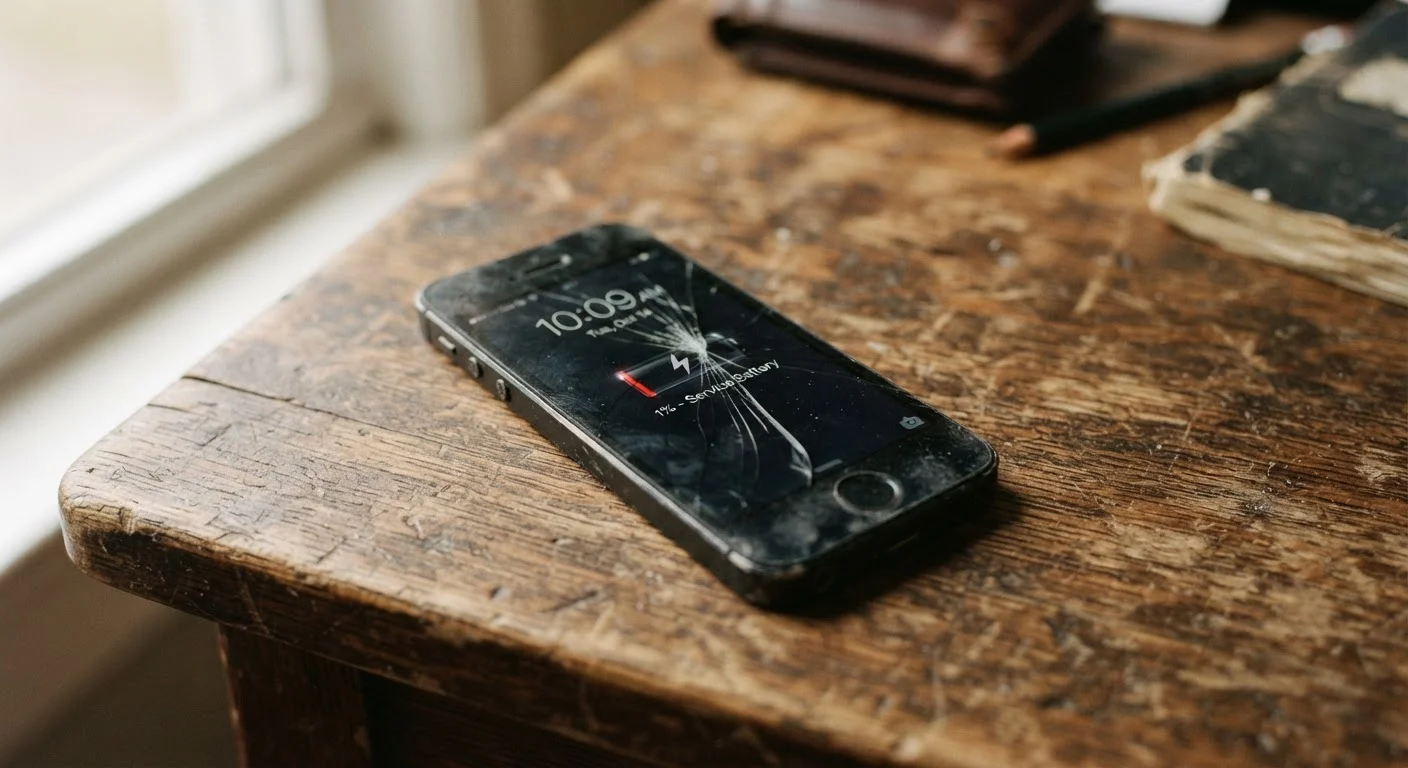
Battery health also degrades over time. Lithium-ion cells lose a portion of their maximum capacity with each charge cycle. A phone that comfortably lasted all day when new may struggle by the 18-month mark. Battery wear is one of the key reasons phones feel slower over time, a process explained in detail in a companion article.
Cold Weather Can Temporarily Slash Battery Life
Lithium-ion batteries deliver noticeably less usable charge in cold temperatures — sometimes dropping apparent capacity by 20% or more in freezing conditions. This effect is temporary and reverses when the device warms up, but it can catch users off guard in winter months. Keeping your phone in an inside pocket rather than an exposed bag can help moderate the temperature.
If you want to understand how other specs on the box translate to real performance, our smartphone specs decoder breaks down RAM, GHz, display nits, and more in plain language.