Software Updates: How Long Will Your Phone Stay Current?
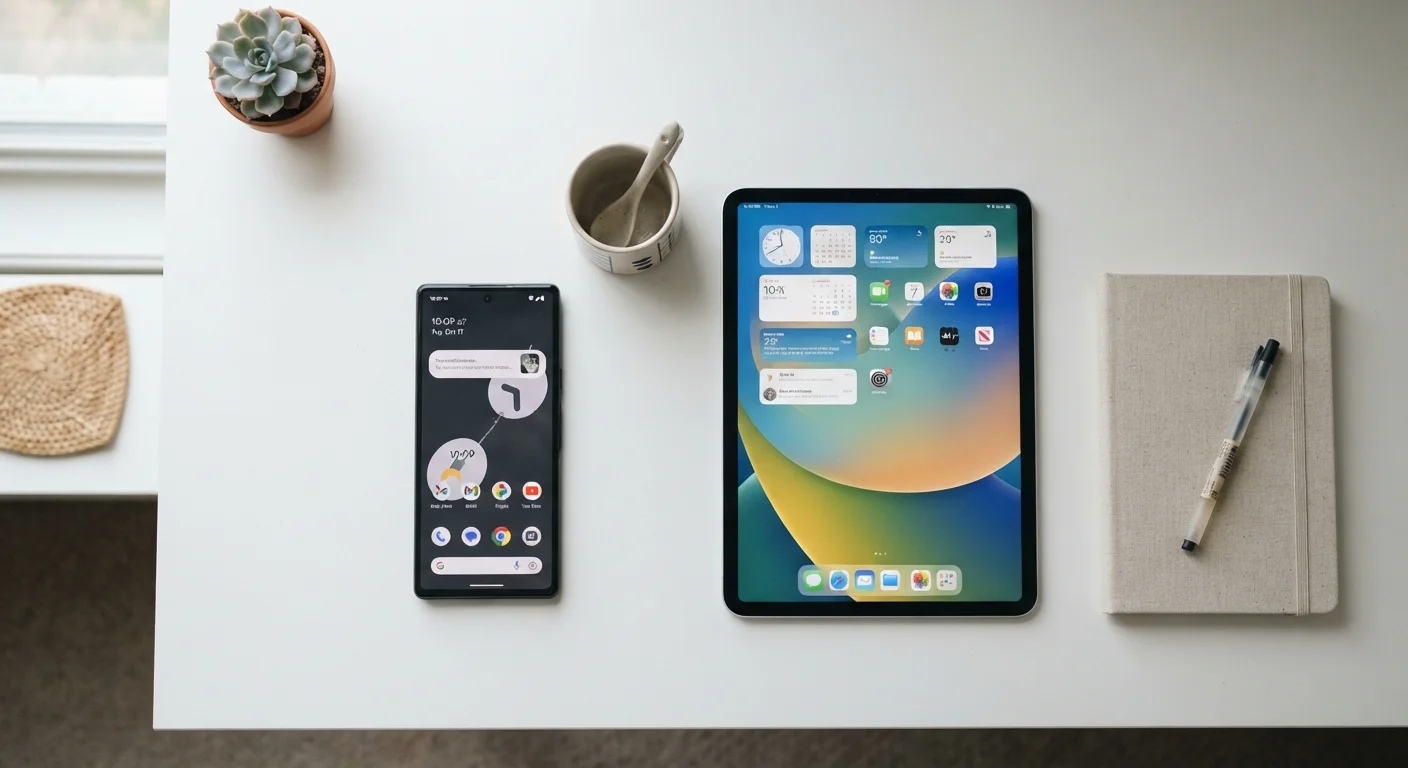
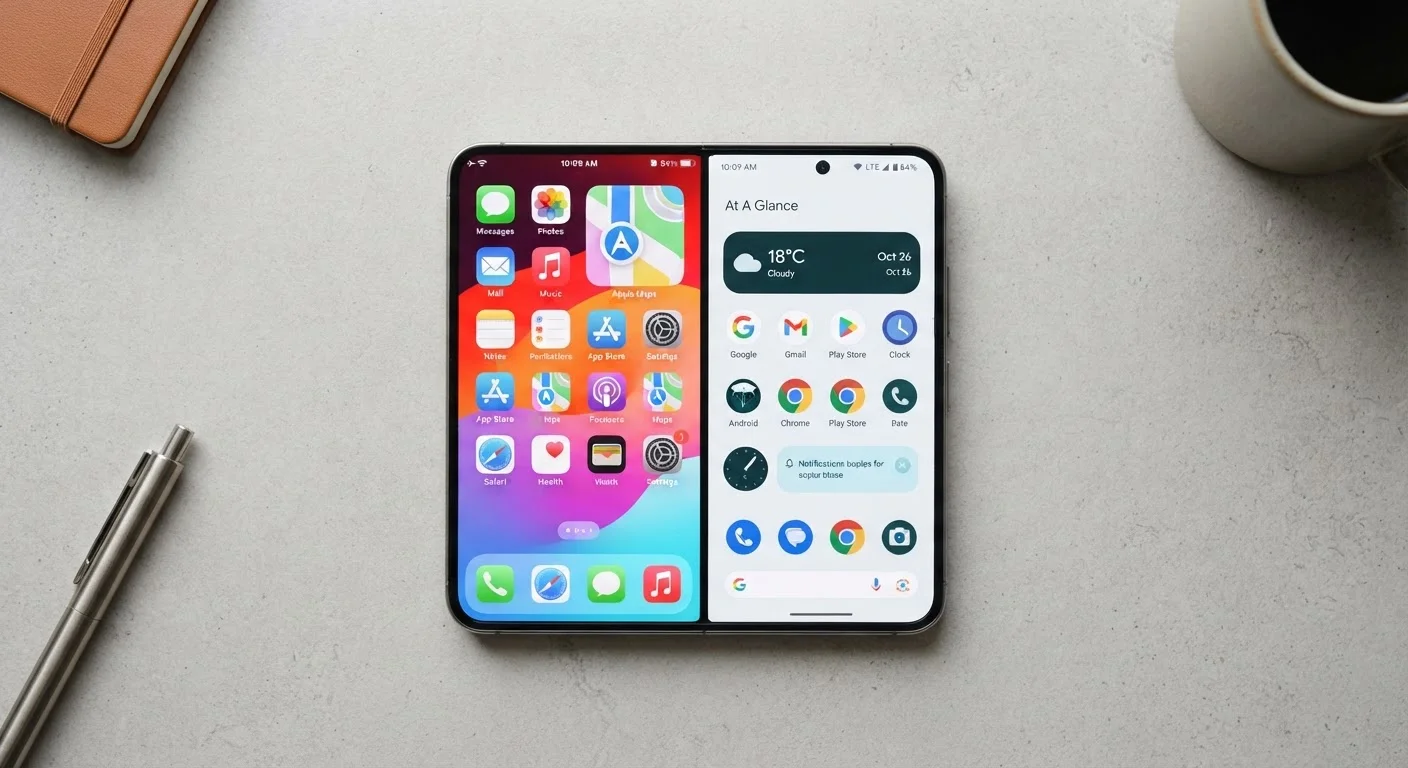
One of the most consequential differences between Android and iOS is how each platform handles software updates — and it has real implications for security and daily performance.
Apple controls both the hardware and software on iPhones, which means iOS updates roll out simultaneously to all supported devices. Apple has a strong track record of supporting devices for five to seven years after release. That's a meaningful advantage if you want to buy a phone and not worry about it going obsolete.
Android is more fragmented. Google itself now promises seven years of OS and security updates for its own Pixel phones. However, the update timeline varies significantly across Android manufacturers — some offer three years of OS updates, others more. If you're considering an Android phone, it's worth checking the manufacturer's stated support policy before purchasing. This is one of the factors covered in our smartphone upgrade checklist.
Check Support Timelines Before You Buy
When evaluating any Android phone, look up the manufacturer's official update commitment — it's usually listed in the product specs or support FAQ. A phone with only two or three years of guaranteed updates may be nearing the end of its supported life sooner than you expect. This matters both for security patches and access to new features.
Customization and Control: How Much Can You Actually Change?
iOS is designed around consistency. Apple controls what apps can do, how notifications work, and how the home screen behaves. That consistency reduces the learning curve and limits the ways things can go wrong — but it also limits your options.
Android operates on a different philosophy. You can set third-party apps as defaults for browsing, email, and messaging. You can install custom launchers that completely change how your home screen looks and functions. Widgets are more flexible. Sideloading apps (installing outside the official app store) is permitted with user consent, though it comes with security trade-offs worth understanding.
For most people, these differences show up in small daily moments: choosing your default browser, arranging your home screen, or deciding how aggressively notifications interrupt you. Android generally gives you more knobs to turn. Whether that's a feature or a burden depends on how much you enjoy configuring things.
| Android | iOS | |
|---|---|---|
| Software update length | Varies by manufacturer (3–7 years) | Typically 5–7 years across devices |
| Customization depth | High — launchers, defaults, widgets | Moderate — improving, but more restricted |
| Hardware variety | Wide range of brands and price points | Limited to Apple's own device lineup |
| App ecosystem | Google Play; sideloading allowed | App Store only; curated and reviewed |
| Privacy defaults | Granular controls; opt-in adjustments needed | Restrictive by default; ATT prompts |
| Cross-device integration | Strong with Google services and Windows PCs | Strong with Mac, iPad, Apple Watch |
App Ecosystems and Cross-Device Integration
Both platforms offer millions of apps, and the major apps most people use — social media, streaming, banking, navigation — are available on both. Where differences emerge is at the edges: niche productivity tools, creative apps, and certain games sometimes launch on one platform first or receive better optimization on one versus the other.
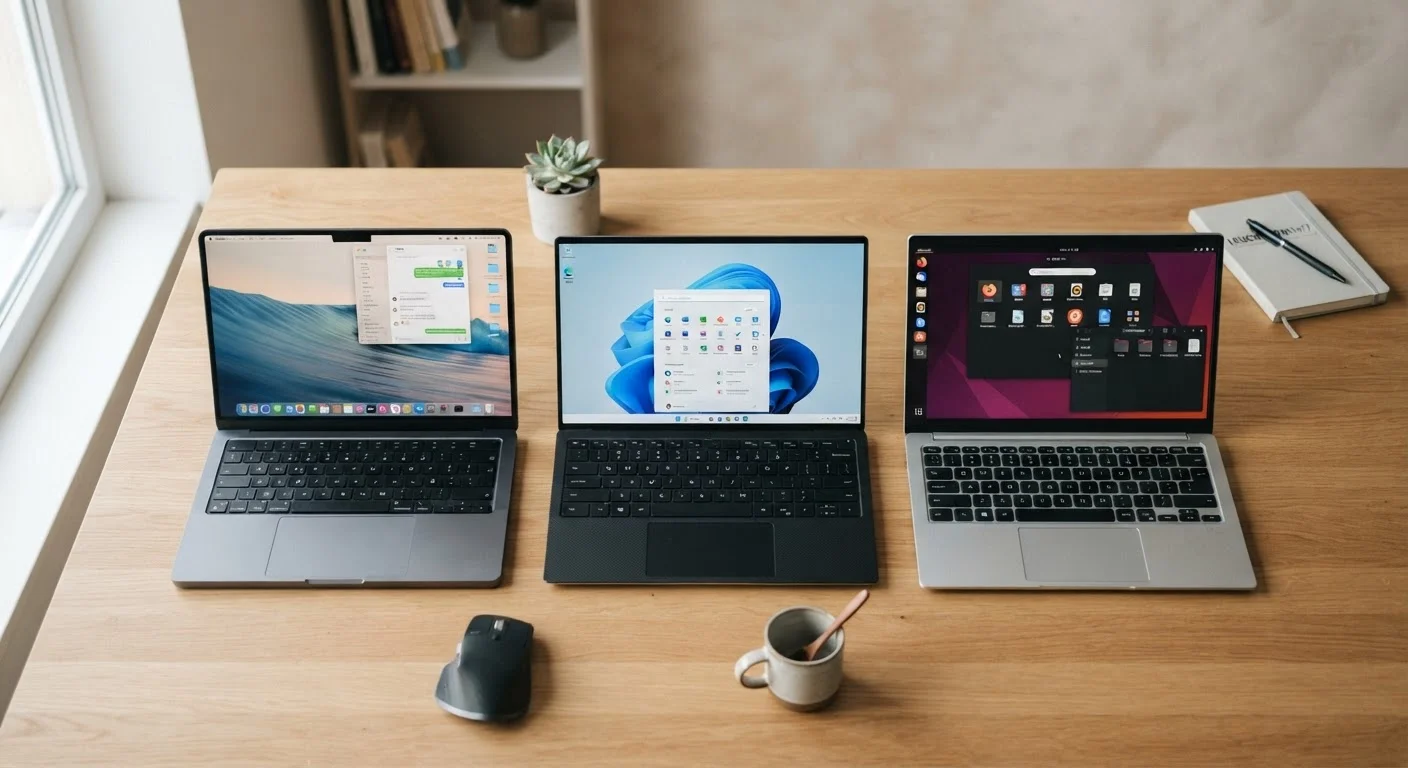
Integration with other devices is where platform choice becomes stickier. If you use a Mac, iPad, or Apple Watch, iOS's continuity features — like Handoff, AirDrop, and Universal Clipboard — create a genuinely seamless workflow. Android integrates well with Google services and, increasingly, with Windows PCs via tools like Phone Link. Neither ecosystem is closed off entirely, but switching costs are real once you're embedded.
For a broader look at how ecosystems shape device decisions across product categories, see our guide on Chromebook, Windows, and Mac ecosystems. If you're also weighing whether a phone even makes sense versus a tablet, this breakdown can help.
Privacy and Data: Understanding the Trade-Offs
Privacy has become a genuine battleground between the two platforms — and both have made meaningful improvements in recent years.
Apple has positioned privacy as a core product value. Features like App Tracking Transparency (which requires apps to ask permission before tracking you across other apps and websites) and on-device processing for certain Siri functions reflect this orientation. Apple's business model is primarily hardware and services, not advertising.
Google's business model is more advertising-dependent, which shapes Android's defaults — though Google has added significant privacy controls, including granular app permissions, auto-reset for unused app permissions, and the ability to share approximate rather than precise location. Many of these controls require knowing where to find them in settings.
Neither platform eliminates privacy concerns entirely. Both collect usage data under their respective terms. The practical difference is in defaults and transparency: iOS tends to restrict data collection by default, while Android tends to offer more granular controls for those willing to explore settings.
Default Settings Don't Tell the Whole Story
Privacy on both platforms depends heavily on how you configure your settings — and many people never revisit defaults after setup. On Android, periodically reviewing app permissions (especially location, microphone, and camera access) is worth the few minutes it takes. On iOS, checking which apps have requested tracking permission can surface unexpected data-sharing you may want to limit.
For those interested in how smart home devices interact with these ecosystems, see our overview of voice assistants versus dedicated smart home apps. You can also explore the end-to-end guide for everyday phone and tablet buyers for a fuller picture of what to consider before purchasing.