Why System Thinking Matters More Than Device Choice
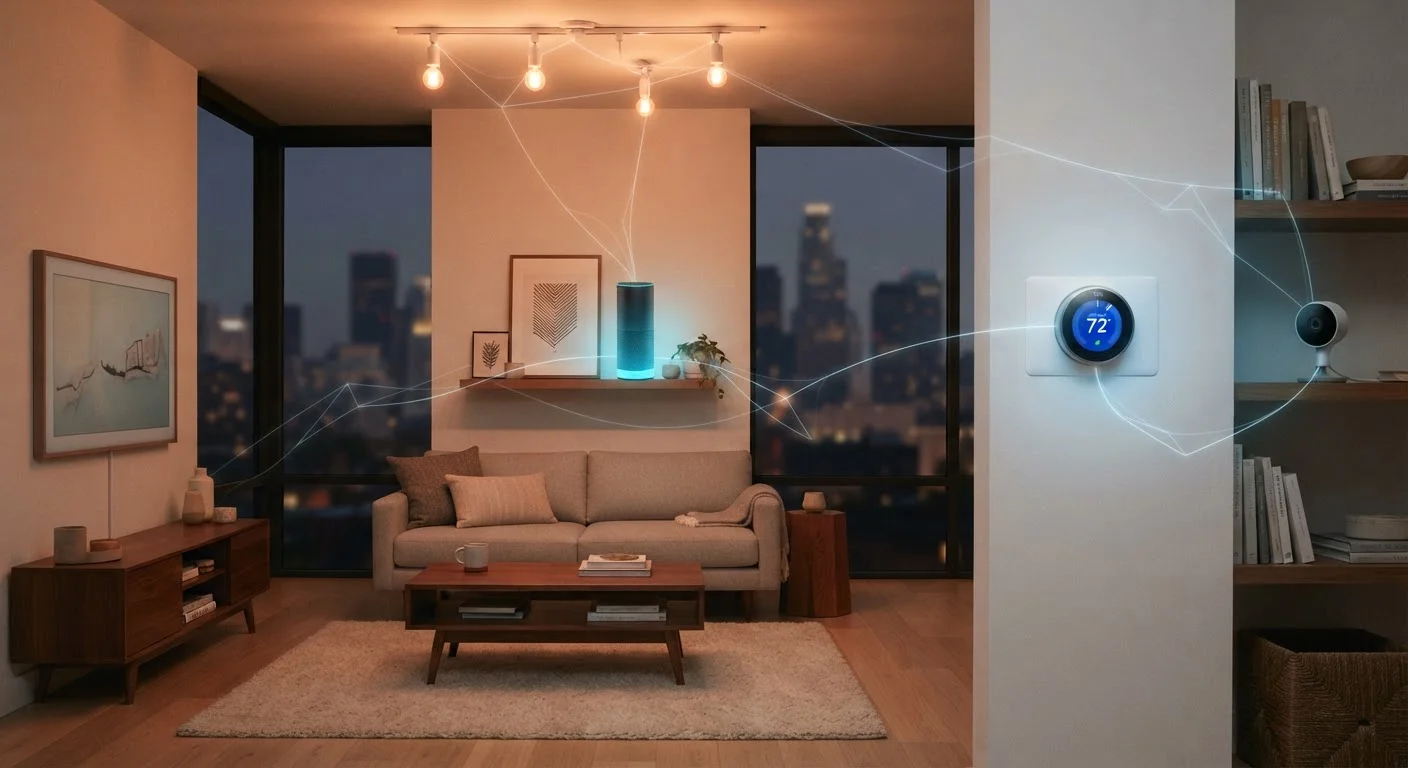
Most smart home frustration traces back to the same root cause: people buy devices before they have a system. A smart bulb here, a plug there, a thermostat that needs its own app — and suddenly you have five apps, three voice assistants, and nothing that talks to anything else.
A whole-system approach flips that sequence. You define how you want your home to behave, then choose devices that support that vision. This is not about spending more; it is about spending in the right order. Whether you are just starting out or expanding an existing setup, the principles are the same: ecosystem first, devices second, automations last.
If you are still at the very beginning, the first-timer's guide to building a connected setup walks through foundational decisions in plain terms before you commit to anything.
69%
U.S. households with at least one smart device
According to Parks Associates research, smart home device ownership has grown steadily across American households over the past several years.
3–5x
More apps managed by fragmented setups
Industry observers commonly note that homes built without ecosystem planning tend to rely on significantly more separate control apps than integrated setups.
600+
Matter-certified device types available
The Connectivity Standards Alliance reported rapid growth in Matter-certified product categories following the standard's initial release.
Choosing Your Control Hub or Ecosystem
Your hub — whether that is a physical device, a smartphone app, or a cloud platform — is the nervous center of your smart home. Three major ecosystems dominate the consumer market: Google Home, Amazon Alexa, and Apple HomeKit. Each has distinct strengths around voice control, device breadth, and privacy handling. The right one depends on the other devices already in your home, your comfort with data sharing, and which voice assistant you genuinely prefer to use.
Some households choose a hub-agnostic approach using platforms like Home Assistant, which runs locally on dedicated hardware. This offers greater privacy and customization but requires more technical comfort to configure and maintain.
Before purchasing any device, check whether it can be controlled locally — without an internet connection. Devices that require a cloud connection become inoperable if the manufacturer shuts down their servers.
Several smart home brands have discontinued cloud services, rendering devices non-functional. Local control is a key factor in long-term reliability.
When evaluating an ecosystem, test the companion app on your actual phone before committing. App quality varies significantly and directly affects your daily experience.
A capable ecosystem with a frustrating app creates daily friction that erodes the comfort benefits a smart home is meant to provide.
Once you pick an ecosystem, resist the urge to add devices outside it just because they are cheaper. A single incompatible device can break automations and create troubleshooting headaches that consume far more time than the savings were worth.
Connectivity Protocols: What They Are and Why They Matter
Smart devices communicate using wireless protocols — the language that lets a sensor tell your hub the door opened. The four you will encounter most often are Wi-Fi, Zigbee, Z-Wave, and Thread.
- Wi-Fi is ubiquitous and easy to set up, but many Wi-Fi devices on one network can strain your router.
- Zigbee and Z-Wave create mesh networks where each device extends the signal to others, reducing Wi-Fi congestion and improving reliability in larger homes.
- Thread is a newer mesh protocol designed with low power consumption in mind and is closely tied to the Matter standard.
The Matter standard — developed by a consortium of major technology companies — is designed to solve cross-brand compatibility at the protocol level. A Matter-certified device can, in principle, be controlled by any Matter-compatible hub. For a detailed explanation, see our full guide to the Matter standard.
Matter Does Not Solve Everything Yet
While Matter is a meaningful step toward cross-brand compatibility, not all existing devices will receive Matter updates, and some advanced features remain ecosystem-specific even on certified devices. Verify Matter support for any specific device before assuming it will work across all hubs. Check the manufacturer's current documentation rather than relying on purchase-time marketing claims.
Building Room by Room Without Locking Yourself In
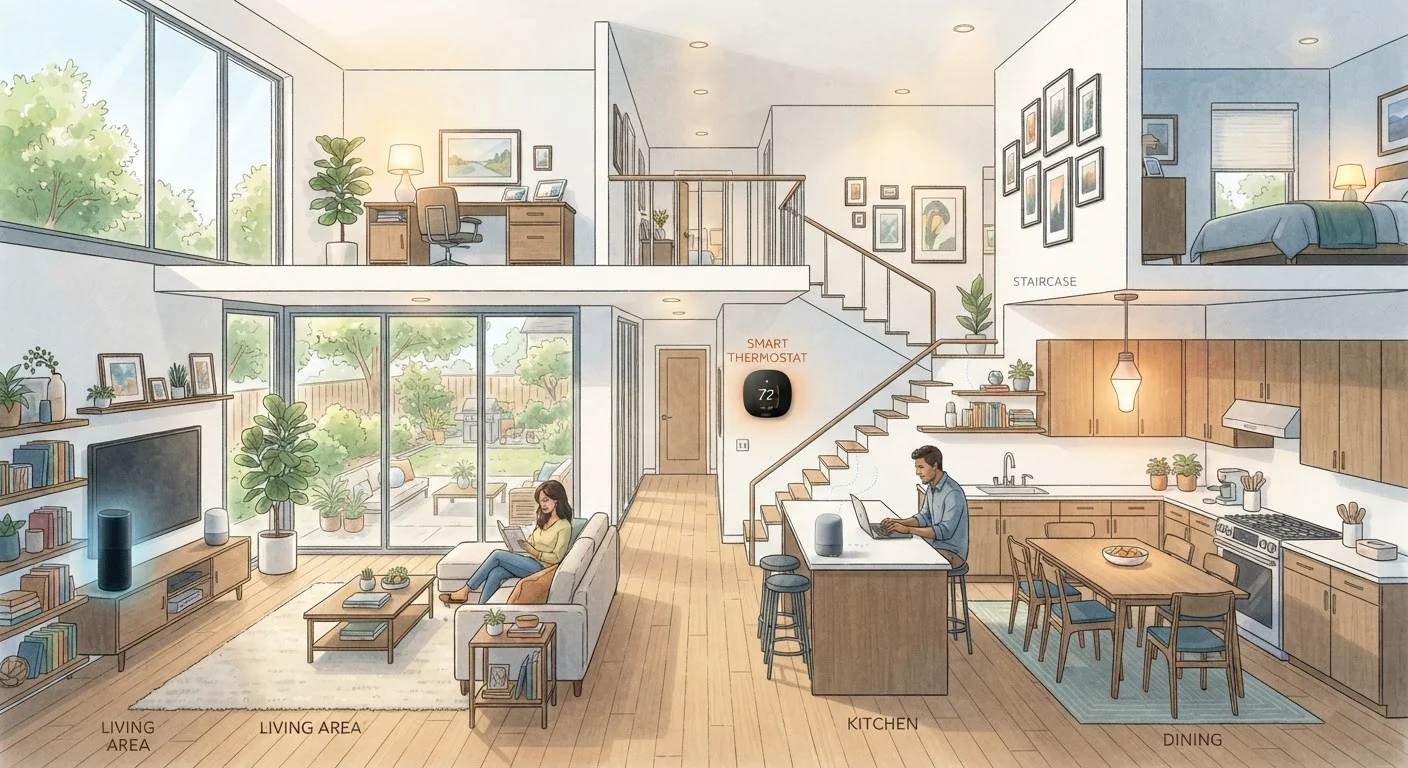
Expanding gradually by room — rather than outfitting the entire home at once — gives you time to learn what actually improves your life. Start with the space where automation delivers the clearest payoff: for most households, that is the living room or bedroom.
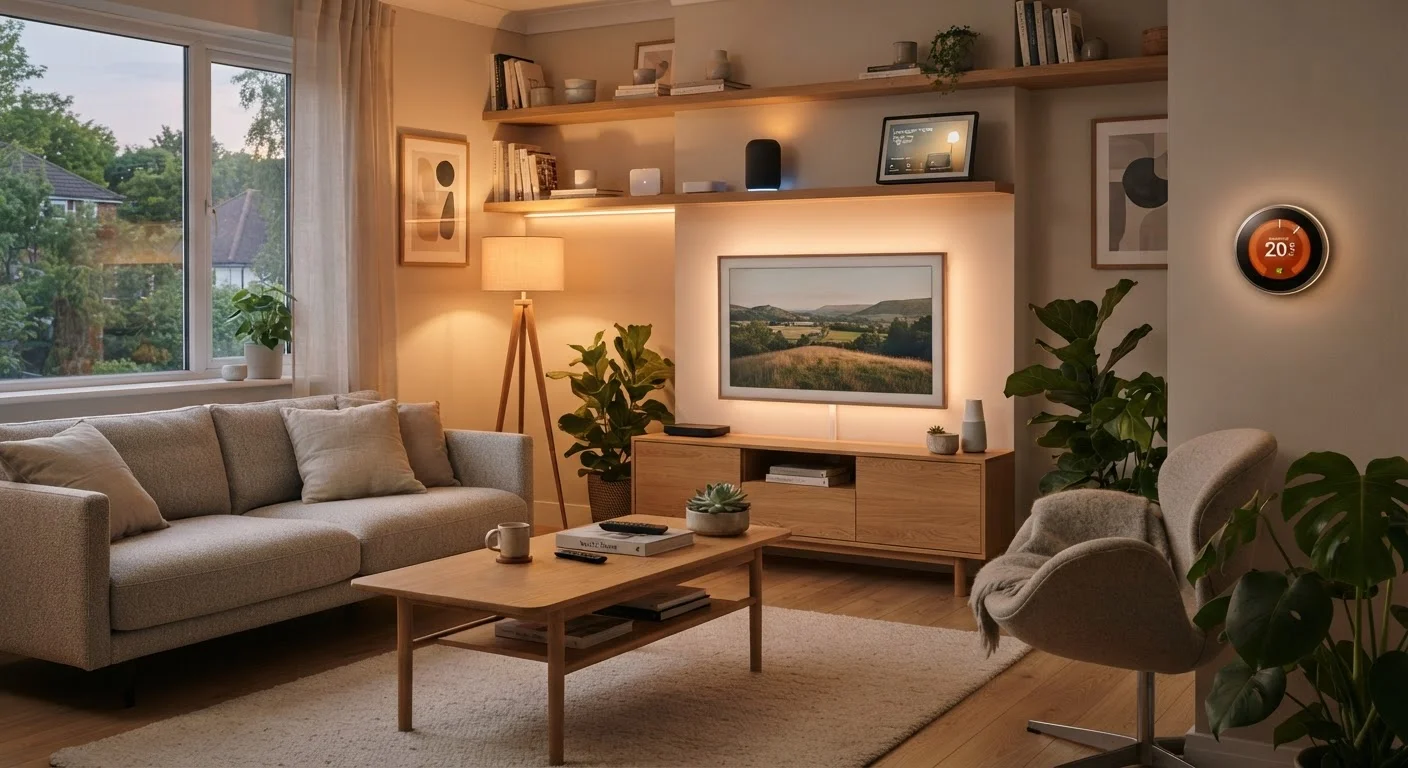
Lighting is typically the best first category. Smart lighting is low-risk, reversible, and immediately satisfying. Good layered lighting design also makes automated scenes more effective — for background on how to layer ambient, task, and accent sources, see our lighting design guide.
For a structured view of what device categories are available in each room and the problem each one solves, the room-by-room smart device reference is a practical companion to keep open while you plan.
Renters face a different set of constraints. If you cannot drill, rewire, or make permanent changes, focus on plug-in and battery-powered devices. The guide to smart homes for renters covers which categories work without landlord approval.
Routines and Automations That Actually Improve Daily Life
Automations are where a smart home earns its name. But most people set up far more automations than they use — and unused automations become maintenance burdens. Effective automations are built around real, consistent habits, not hypothetical convenience.
Start with three categories that deliver reliable value:
- Time-based lighting scenes — dimming lights in the evening, brightening them in the morning — work because they align with biology. Cooler, brighter light in the morning supports alertness; warmer, dimmer light at night signals wind-down.
- Arrival and departure routines — triggered by your phone's location — can adjust the thermostat, unlock specific lights, or activate a security camera without any manual input.
- Sensor-triggered responses — a motion sensor in a hallway turning on a low light at night, or a door sensor triggering an alert — solve specific friction points with very little complexity.
Build one automation, live with it for a week, then decide if it is worth keeping before adding the next.
Name Your Automations Clearly
Give every automation a descriptive name that explains its trigger and action — for example, 'Sunset: dim living room to 40%' rather than 'Automation 3'. When something stops working, clear names cut troubleshooting time dramatically. This habit also makes it easier to hand off setup knowledge to other household members.
Network Foundations: Setting Up for Long-Term Reliability
Every smart home device ultimately depends on your home network. A weak or overloaded router is the most common reason smart homes feel unreliable — lights that do not respond, automations that fire late, or devices that drop offline randomly.
Consider these network practices before you add more devices:
- Use a Wi-Fi router that supports the 2.4 GHz and 5 GHz bands separately. Most smart home sensors and switches use 2.4 GHz for range; streaming and speed-sensitive devices use 5 GHz.
- Create a dedicated SSID (network name) for your smart home devices. This improves security and makes troubleshooting much simpler.
- Mesh Wi-Fi systems work well in homes over 1,500 square feet or those with thick walls that block signals.
Maintaining network hygiene over time — including firmware updates for your router and devices — is what keeps a smart home running smoothly after the initial setup excitement fades. The guide to keeping a smart home running well covers the ongoing routines that prevent small problems from becoming system-wide failures.
Smart Home Security Is a Real Consideration
Connected devices expand your network's attack surface. Using strong, unique passwords for your router and smart home accounts, enabling two-factor authentication where available, and keeping firmware up to date are basic but important practices. Placing smart home devices on a separate network segment adds an additional layer of protection.
Planning for Growth Without Starting Over
The single biggest trap in smart home planning is choosing devices that work well today but cannot grow with your needs. Avoiding it comes down to three commitments: favor open standards (like Matter), document your setup as you build it, and revisit your ecosystem choice annually.
Document every device you add — model number, firmware version, and which hub or app controls it. This takes minutes to create and saves hours of troubleshooting later. A simple shared note or spreadsheet works fine.
If you find your current setup genuinely limiting — not just inconvenient — the guide to avoiding smart home restarts outlines which foundational decisions are truly hard to reverse and which can be changed without disruption.
A smart home should feel like it is quietly working in the background of your life — not demanding constant attention. With a system-first approach, that is exactly what it can become.
Electrical and Wiring Work Requires a Licensed Electrician
Some smart home upgrades — including in-wall smart switches and smart circuit breakers — involve working with your home's electrical system. This type of work is regulated in most U.S. jurisdictions, requires permits in many cases, and carries serious safety risks if done incorrectly. Always hire a licensed electrician for any work inside your electrical panel or within wall wiring, and verify local permit requirements before beginning.