Why This Glossary Exists
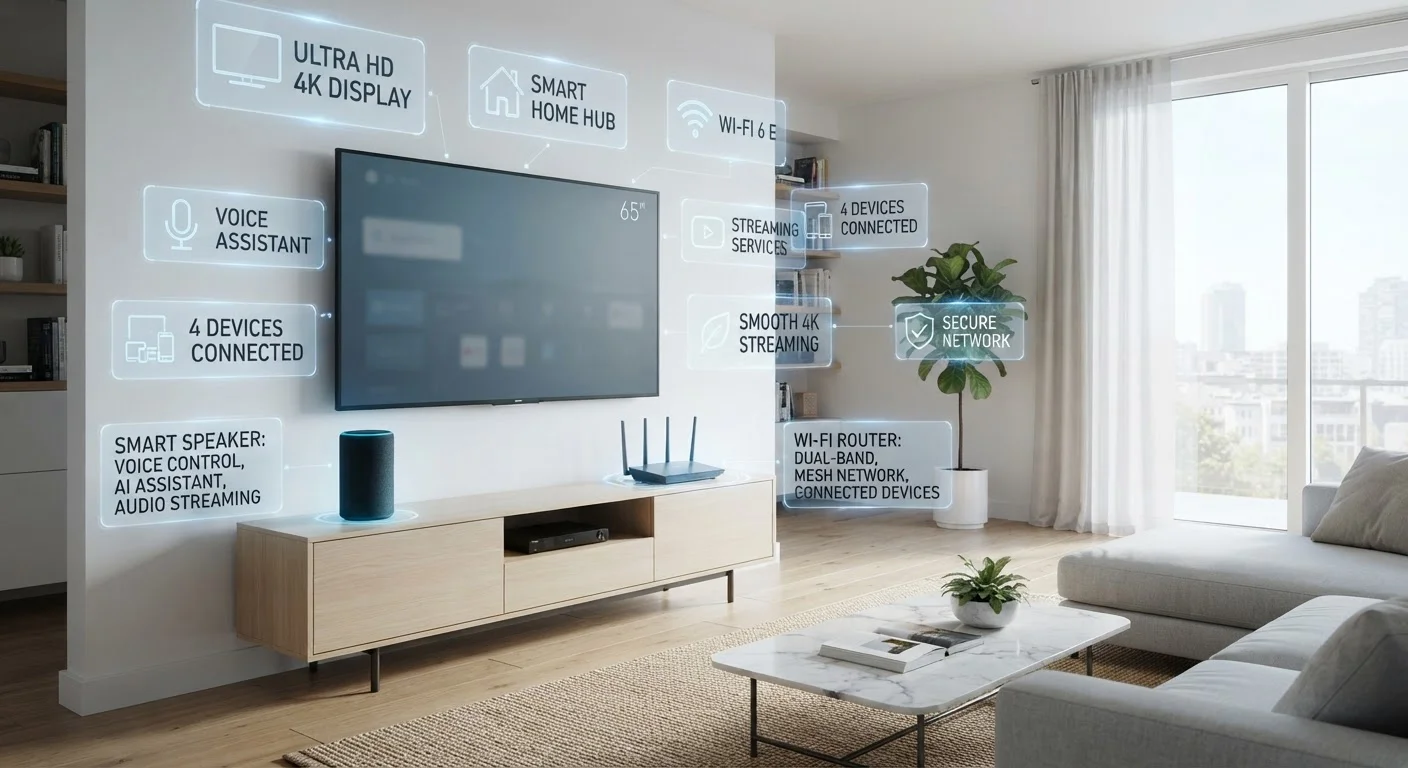
Product pages for TVs, routers, smart speakers, and streaming devices are dense with acronyms and technical shorthand. Whether you're comparing HDMI ports or trying to decide if a new gadget will work with your existing setup, unfamiliar terms slow you down and can lead to costly mismatches. This glossary cuts through the noise.
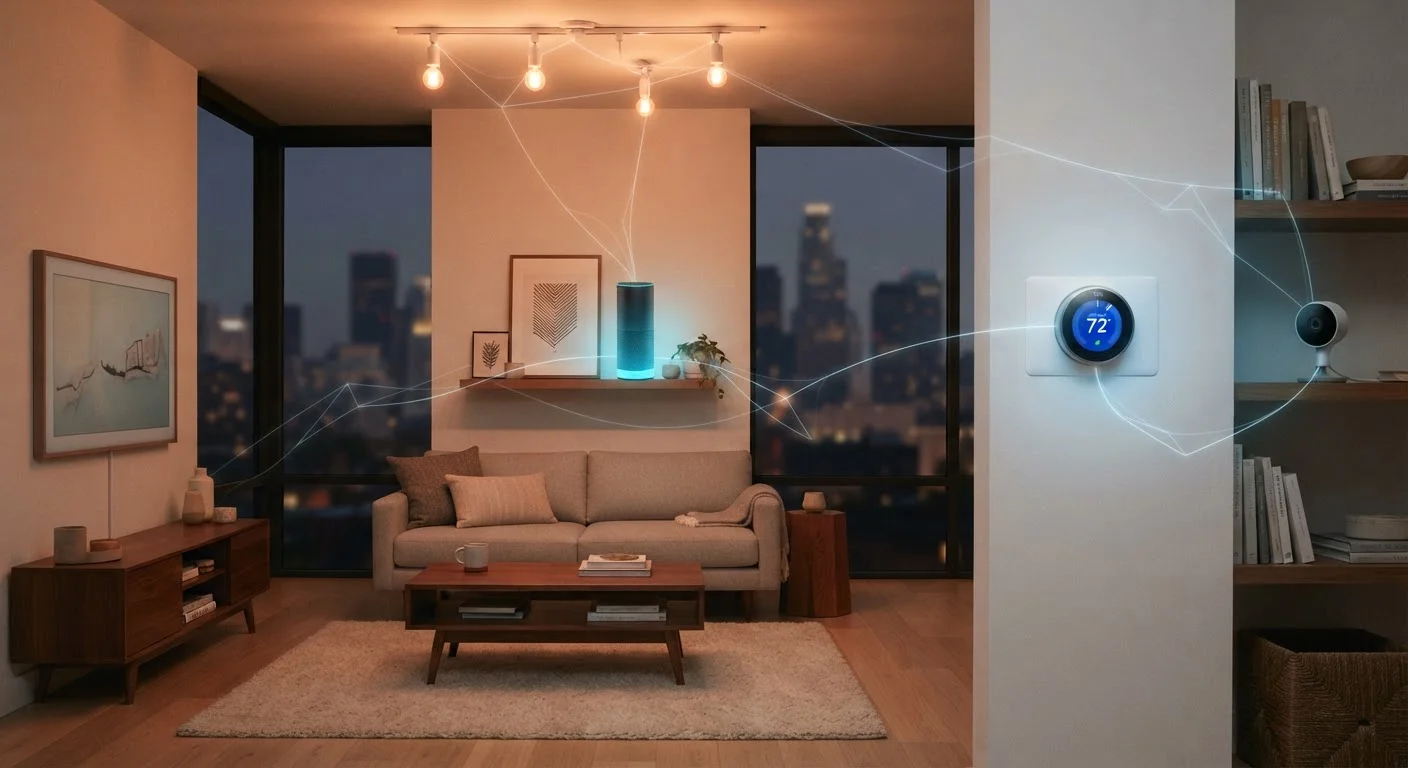
For a broader look at what connected home products actually do day-to-day, see what "smart home" actually means — it's a useful companion to this reference. The 40 definitions below are grouped by category so you can jump to what's relevant right now.
| Terms in this glossary | 40 (grouped by category) |
| Categories covered | Networking, Display & Audio, Smart Home & Automation |
| Who this is for | Everyday consumers shopping for home tech |
| Key emerging standard | Matter — cross-brand smart home compatibility (Connectivity Standards Alliance) |
Connectivity & Networking
These terms describe how devices talk to each other and to the internet.
Wi-Fi Band (2.4 GHz vs. 5 GHz)
The radio frequency a wireless device uses to communicate. The 2.4 GHz band covers longer distances but is more prone to interference; the 5 GHz band is faster but shorter-ranged. Dual-band routers broadcast both simultaneously.
Ethernet
A wired networking connection using a cable (typically RJ-45). Ethernet delivers more stable speeds than Wi-Fi and is preferred for gaming consoles, smart TVs, and desktop computers where the cable run is practical.
Mesh Network
A Wi-Fi system using multiple access points (called nodes) spread around the home. Unlike a single router, a mesh system creates one unified network name and hands devices off between nodes as you move, reducing dead zones.
Matter
An open connectivity standard developed by major tech companies to allow smart home devices from different brands to work together reliably. A Matter-certified device should work with any compatible hub or app, regardless of ecosystem.
Zigbee / Z-Wave
Low-power wireless protocols designed specifically for smart home devices. They create mesh networks among devices but require a compatible hub to connect to your Wi-Fi router. Range and battery efficiency are their primary advantages.
HDMI ARC / eARC
ARC (Audio Return Channel) and eARC (Enhanced ARC) are HDMI features that let a TV send audio back to a soundbar or receiver through the same cable that delivers video — eliminating the need for a separate audio cable. eARC supports higher-quality audio formats.
HDR (High Dynamic Range)
A display standard that expands the range between the darkest blacks and brightest highlights in an image. HDR10, Dolby Vision, and HLG are common HDR formats; not all displays support all formats.
Refresh Rate (Hz)
How many times per second a screen redraws its image, measured in hertz. A 60 Hz display refreshes 60 times per second; 120 Hz results in smoother motion, which is especially noticeable in sports and action content.
UPnP (Universal Plug and Play)
A networking protocol that lets devices discover each other and share services automatically without manual configuration. It's commonly used by smart TVs, game consoles, and media servers on a home network.
Latency
The delay between an input or signal being sent and a response being received. In smart home terms, low latency means a light switch responds almost instantly; in gaming or video calling, high latency causes perceptible lag.
Voice Assistant
A software-based system that interprets spoken commands to control devices, answer questions, or trigger routines. Common examples include Alexa, Google Assistant, and Siri — each tied to its own ecosystem of compatible devices.
Hub / Gateway
A central device that bridges smart home protocols (such as Zigbee or Z-Wave) to your home Wi-Fi network. Without a compatible hub, many smart devices cannot connect to the internet or be controlled remotely.
Understanding these networking fundamentals helps when you're troubleshooting a slow connection or deciding whether a new device needs a wired or wireless setup. For deeper reading on one emerging standard, see everything you need to know about Matter.
Display & Audio Standards
These terms appear on TV, soundbar, and projector listings and describe how picture and sound are delivered.
Not All HDMI Ports Are Created Equal
A TV may have four HDMI inputs, but only one of them might support ARC or eARC. Check which numbered port carries the ARC label before connecting a soundbar — it's usually printed directly on the port itself. Similarly, HDMI 2.1 supports higher bandwidths needed for 4K at 120 Hz, while older HDMI 2.0 ports cap out at 4K/60 Hz.
TV shopping in particular can feel like decoding a cipher. For a focused breakdown of panel technologies, decoding TV panel technology explains what OLED, QLED, and LED mean for real-world picture quality. For display terms on tablets and laptops, see the tablet terms glossary and the computer specs glossary.
4K
Most common TV resolution sold in the U.S.
4K (3840×2160 pixels) has become the standard resolution tier for new television purchases, according to industry retail data.
120 Hz
Refresh rate increasingly standard in mid-range TVs
Once reserved for premium panels, 120 Hz refresh rates have become a common feature even in mid-tier TV models in recent years.
2.4 GHz
Band used by most smart home devices
The majority of smart home sensors, bulbs, and plugs connect on 2.4 GHz due to its greater range and lower power requirements.
Smart Home & Automation
These terms describe how smart devices are controlled, grouped, and made to work together across brands and ecosystems.
Smart home vocabulary evolves quickly, and compatibility is still one of the biggest pain points consumers face. A room-by-room reference to smart home device categories can help you decide which device types make sense where before you commit to a platform. Explore more on the Smart Home Living hub.