What Makes a Home 'Smart'
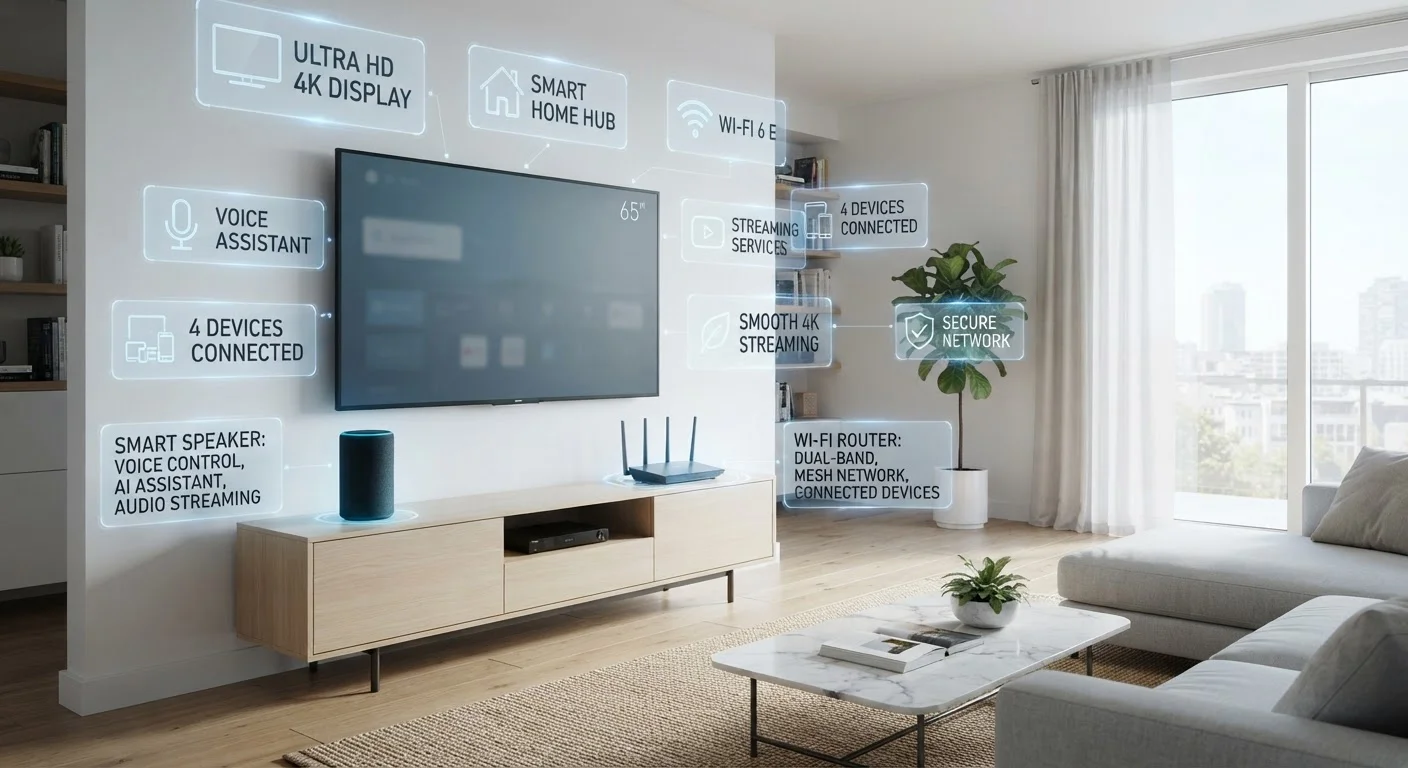
The term gets used loosely in marketing, but the core idea is specific: a smart home contains devices that connect to a network and can be controlled, monitored, or automated beyond their basic function. A standard light switch does one thing — it cuts or restores power. A smart switch does that and responds to a smartphone, a voice command, a schedule, or a signal from another device.
Connectivity is the threshold. Without it, a device is simply a gadget. With it, that device becomes part of a system that can respond to your habits, your schedule, or conditions in your home — like a thermostat that lowers the temperature when your door lock signals you've left for the day.
For a broader breakdown of the terminology you'll encounter while researching devices, the Home Tech Jargon Glossary is a useful plain-language reference.
Smart Doesn't Always Mean Automatic
A device labeled 'smart' simply means it has network connectivity and can be controlled digitally. It doesn't mean it will automatically learn your habits or set itself up without effort on your part. Features like machine learning or adaptive scheduling exist in some platforms but are not universal. Read the feature list carefully before assuming any level of automation is built in.
Remote Control vs. Automation: A Key Distinction
Many people set up smart devices and use them only for remote control — turning off a light from the couch, checking a camera while traveling. That's genuinely useful, but it's only half the picture. The larger value of a smart home comes from automation: programming devices to act without any input from you at all.
A few common examples:
- Lights that dim automatically at sunset based on your local time
- A thermostat that shifts to an energy-saving mode when your phone leaves a certain radius
- A morning routine that turns on lights and adjusts the thermostat at a set time
Automation removes friction from daily routines rather than simply replacing one form of manual control with another. Understanding this distinction helps set realistic expectations for what smart home technology can genuinely improve.
57%
U.S. adults who own at least one smart home device
According to Pew Research Center survey data, a majority of American adults now own at least one connected home device, with smart speakers and streaming devices leading adoption.
~30%
Smart home users who set up automations
Industry usage research consistently finds that a significant portion of smart device owners never move beyond manual app control to configure any automated routines.
What Smart Homes Don't Do
Marketing often implies that a smart home runs itself effortlessly. The reality is more nuanced. Smart home systems require:
- Reliable internet: Most devices depend on cloud services or local network access. An unstable connection causes failures.
- Regular maintenance: Firmware updates, app updates, and periodic troubleshooting are part of ownership — not optional extras.
- Compatible devices: Not all smart products work together. Choosing devices that share a platform or support a common protocol like Matter reduces integration headaches.
- Learning time: Effective automation takes setup and refinement. First attempts rarely work perfectly.
Smart devices also don't eliminate human judgment. A sensor-triggered routine that works well in summer might behave unexpectedly in winter. Routines need occasional review as your household's patterns change.
For practical guidance on keeping a system running reliably over time, see Keeping a Smart Home Running Well Over Time.
Audit Before You Expand
Before adding new devices, spend a few weeks observing how you actually use the ones you have. Routines that seemed useful on paper often go unused in practice. Identifying what you genuinely interact with — and what gets ignored — makes every subsequent purchase more deliberate and effective.
Where to Start — and How to Think About Growth
The most common mistake in building a smart home is buying too many devices too quickly, then discovering they don't work well together. A more effective approach is to start with one area where automation would genuinely improve your day — lighting, temperature, or entry — then build outward once you understand how that device fits into your routine.
Compatibility planning matters from the start. Devices within the same ecosystem (a platform like Google Home, Amazon Alexa, or Apple HomeKit) generally communicate well. Mixing ecosystems is possible but adds complexity. The emerging Matter standard is designed to reduce this friction, though not all devices support it yet.
If you're ready to think about a system that grows with you, Smart Home, Whole System walks through hub selection, compatibility planning, and long-term thinking in detail. You can also explore foundational ideas in the Home Tech hub and practical project framing in the Home Improvement section.