Why 'Compatible' Doesn't Always Mean What You Think
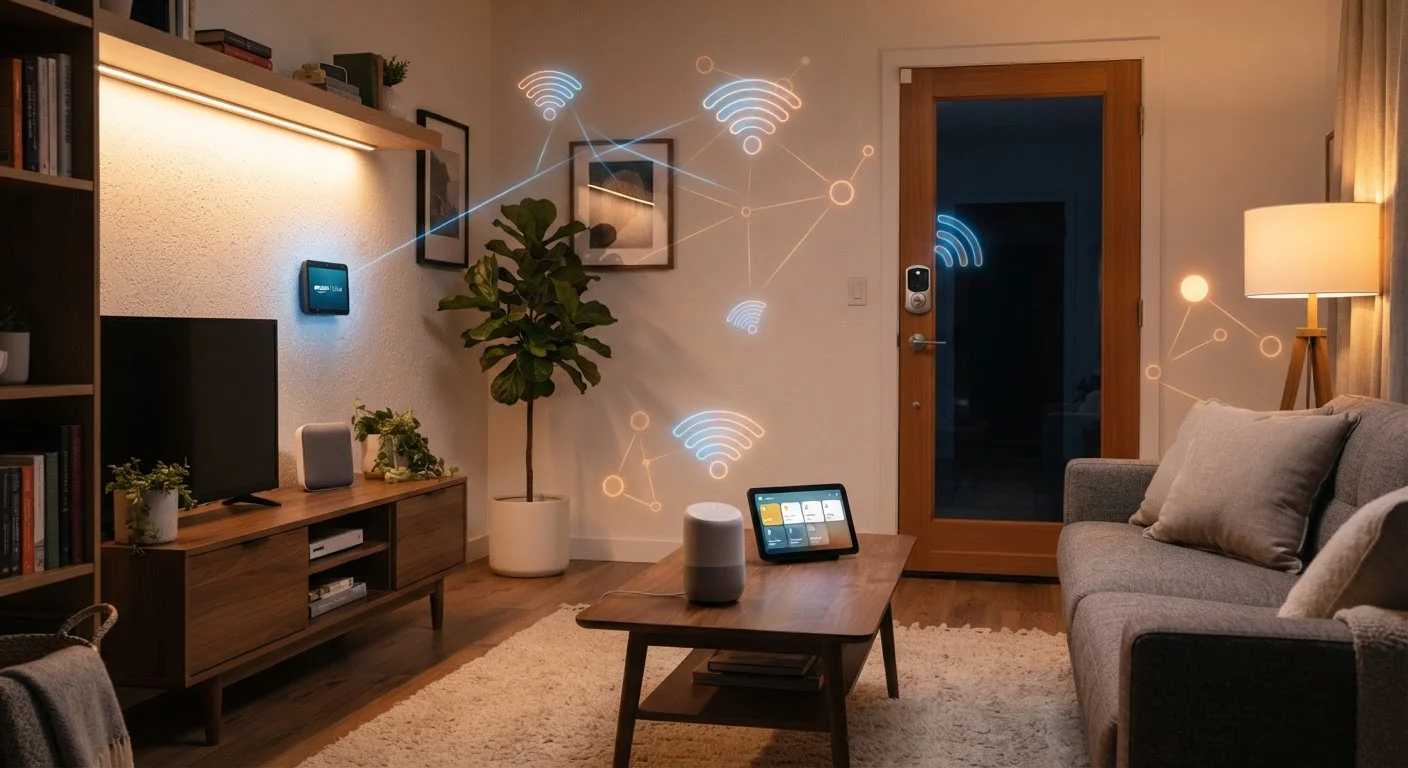
Walk into any electronics section and you'll see products labeled "works with Alexa" or "works with Google Home." That sounds like a promise of seamless integration — but it's more conditional than it appears. Compatibility depends on which protocol a device uses to communicate, which platform acts as its command center, and whether those two elements actually support the same language.
Think of it this way: a device that speaks Zigbee and a device that speaks Z-Wave are like two people fluent in different languages. They can live in the same house, but they won't coordinate unless something translates between them. That translator is usually a hub.
Before buying any smart device, it's worth understanding what smart home technology actually does — because the marketing rarely explains the underlying plumbing.
Ecosystems Extend Beyond Smart Home Devices
The ecosystem concept isn't unique to smart home tech — your phone's operating system creates a similar dynamic by shaping which apps and accessories work seamlessly together. Understanding how ecosystems function in one context often helps clarify the trade-offs in another. See how this plays out with laptop operating systems for a useful comparison.
The Three Layers Every Smart Home Ecosystem Has
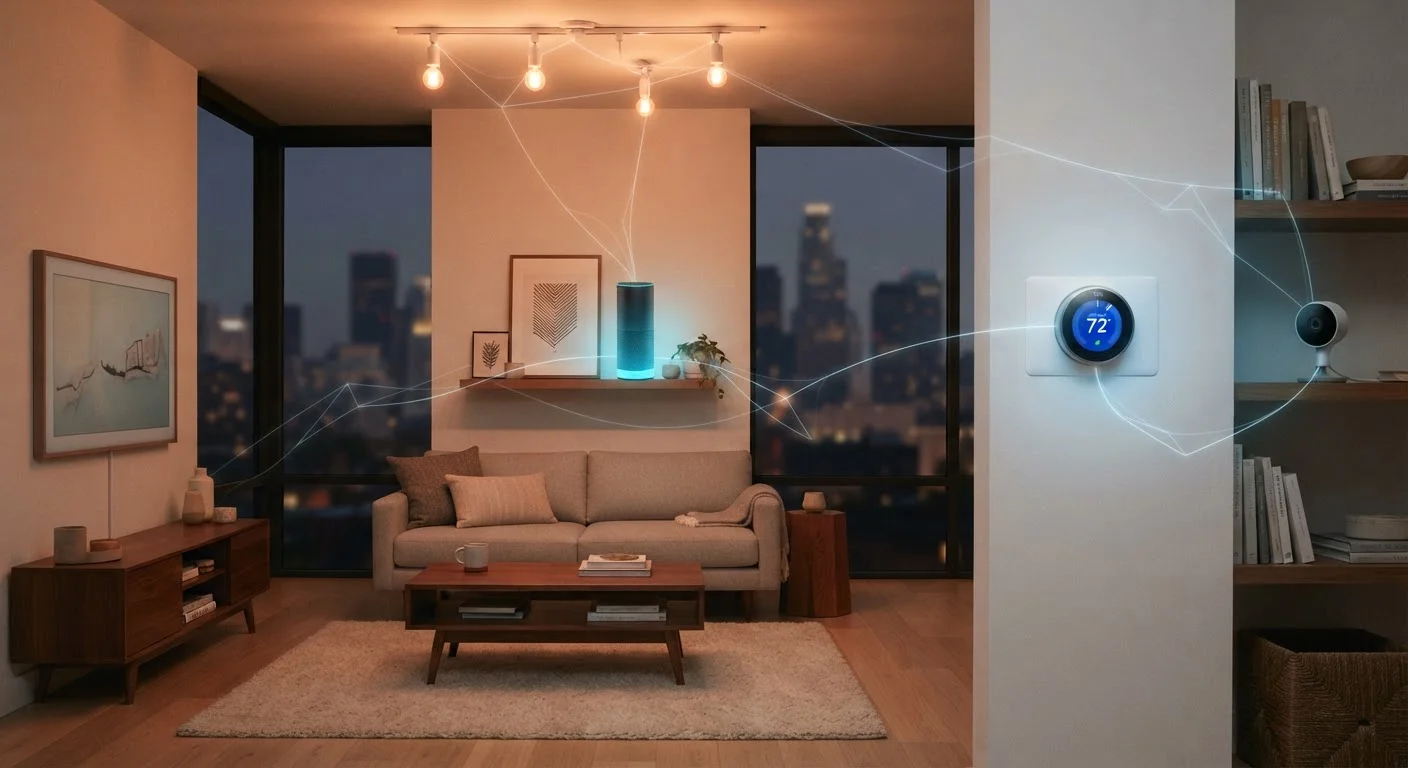
Every smart home setup — simple or complex — has three basic layers working together:
- The Protocol: The wireless standard that physically carries signals between devices. Common options include Wi-Fi, Zigbee, Z-Wave, Bluetooth, and Thread (used by Matter).
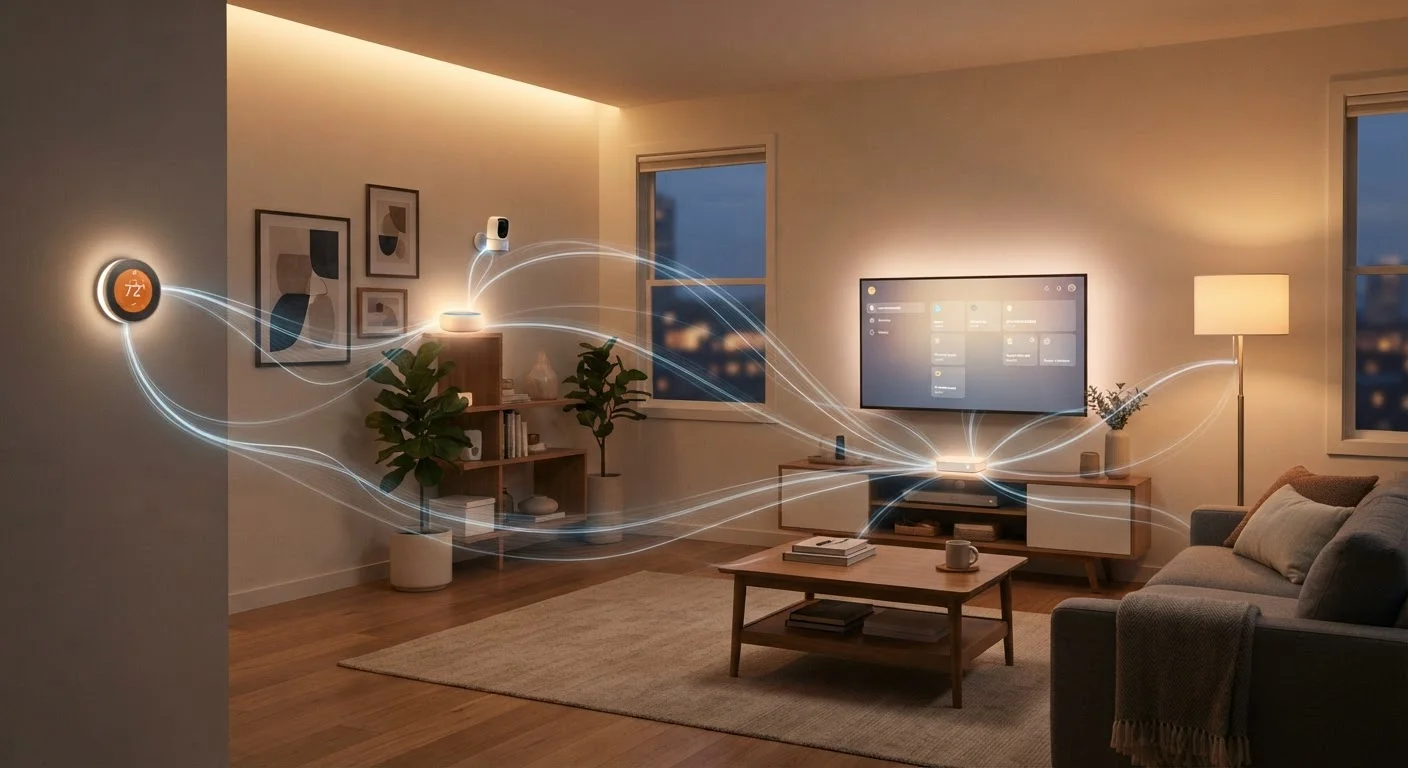
- The Hub or Controller: The coordinator that receives commands (from an app or voice assistant) and routes them to the right device. Some setups skip a dedicated hub by using a smart speaker or a Wi-Fi router with built-in smarts.
- The Devices: The lights, locks, sensors, thermostats, and cameras that do the actual work.
All three layers must be aligned for a device to function as intended. A Zigbee bulb paired with a Zigbee-capable hub that's registered in your preferred app is a working system. That same bulb without a compatible hub is an offline bulb.
3+
Major wireless protocols in common residential use
Wi-Fi, Zigbee, and Z-Wave each serve different use cases and require different infrastructure, making protocol awareness essential before purchase.
200+
Companies participating in the Matter standard
The Connectivity Standards Alliance, which governs Matter, includes over 200 member companies working toward cross-platform device compatibility.
~30m
Typical Zigbee indoor signal range
Zigbee's per-device range is relatively short indoors, but its mesh design means devices relay signals through each other, extending effective network coverage.
Protocols Compared: Wi-Fi, Zigbee, Z-Wave, and Matter
Each protocol has real trade-offs — there's no universally superior option.
- Wi-Fi is the simplest to set up (no separate hub needed) and works over your existing home network. The downside: it draws more power, which matters for battery-operated sensors, and a crowded Wi-Fi network can introduce lag or drop connections.
- Zigbee uses a low-power mesh network, meaning devices relay signals through each other — the more Zigbee devices you have, the stronger and more reliable the network tends to become. It requires a compatible hub, and different manufacturers' Zigbee implementations aren't always perfectly interoperable.
- Z-Wave also uses a mesh network and operates on a less congested radio frequency than Zigbee or Wi-Fi. Devices must pass a certification process, which improves cross-brand reliability — but the ecosystem of available devices is smaller.
- Matter is a newer standard built on existing protocols (Wi-Fi and Thread) and is backed by Apple, Google, Amazon, and Samsung. Its goal is to let devices work across platforms without the usual compatibility headaches. For a deeper look at how it compares, see Matter vs. Zigbee vs. Z-Wave.
Learn more about the Matter standard and what it means for devices you already own.
Check the Protocol Before You Buy
Before purchasing any smart device, confirm which protocol it uses and whether your existing hub or router supports that protocol. Most product listings include this under "Connectivity" or "Works With" in the specifications. When in doubt, the manufacturer's support page is more reliable than the product title alone.
Local Control vs. Cloud Dependency: A Hidden Risk
One distinction that rarely appears on product packaging is whether a device operates locally or depends on a manufacturer's cloud servers. Cloud-dependent devices route your commands through the internet — even if your phone and your light bulb are on the same home network. This introduces latency, privacy considerations, and a meaningful risk: if the company shuts down its servers, the device may stop working entirely.
Several smart home companies have discontinued cloud services, leaving customers with hardware that no longer functions as advertised. Local-control devices — those that process commands on your home network without contacting an external server — are more resilient to this outcome. When researching devices, look for mentions of local processing or compatibility with locally-run home automation platforms.
Common smart home myths often gloss over this risk, so it's worth examining before you commit to any platform.
Building a Coherent Setup Without Getting Locked In
The practical takeaway from all of this: start with a clear sense of which ecosystem or hub you want at the center of your setup, then choose devices that reliably support it. Sticking to one protocol where possible reduces troubleshooting and eliminates the need for bridging hardware.
If you want flexibility to mix devices across brands, prioritize Matter-certified products as they become more widely available, or invest in a multi-protocol hub that handles Zigbee, Z-Wave, and Wi-Fi from a single interface. Either approach reduces the risk of buying devices that won't communicate.
For a full walkthrough of how to plan a setup that can grow over time, see Smart Home, Whole System. And if you've wondered how smart home ecosystems compare to the platform lock-in you see in laptops, the same ecosystem logic applies to operating systems — choosing a platform shapes what you can and can't do long term.