The Real Difference Between Laptops and Desktops
At their core, laptops and desktops do the same job — they run software, connect to the internet, and handle everyday computing tasks. The difference lies in form, flexibility, and trade-offs, not in the fundamental technology.
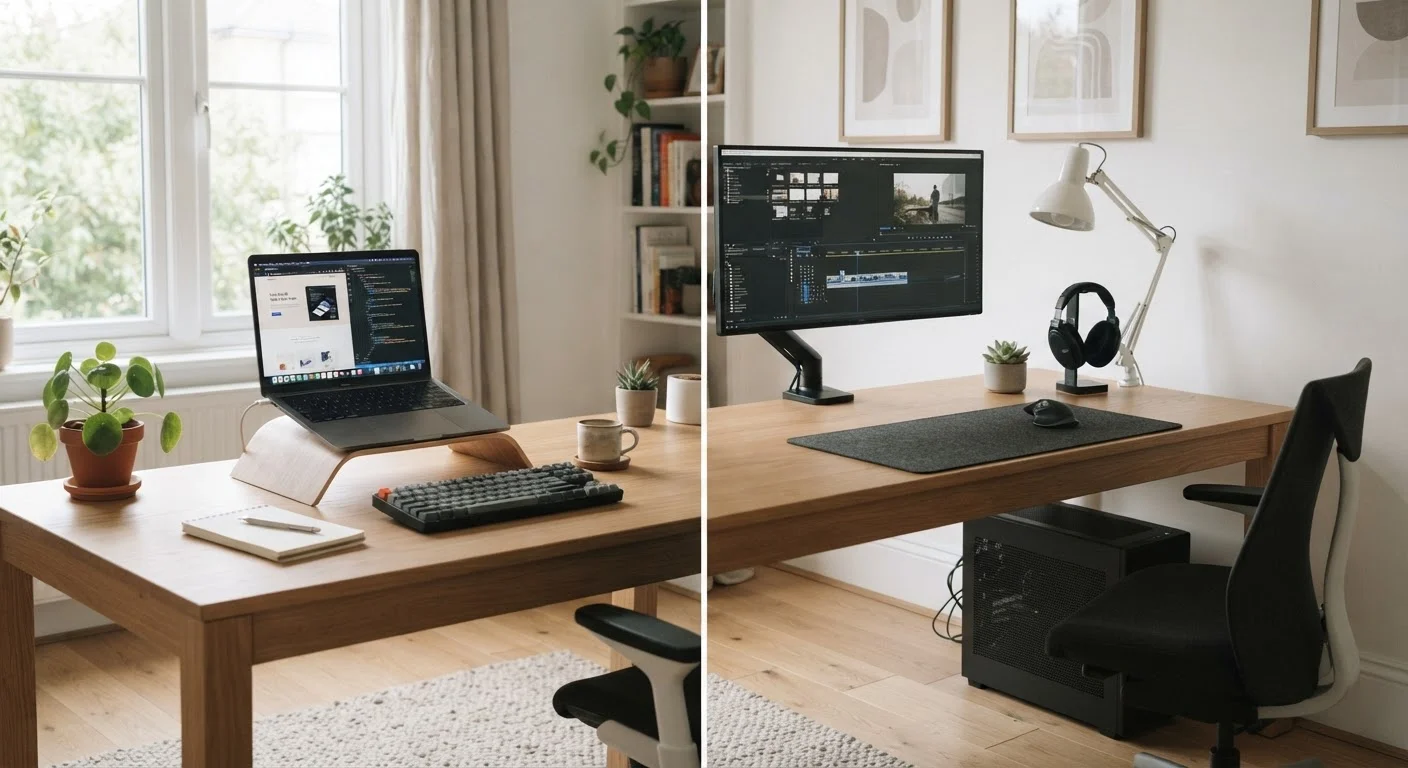
A laptop packages everything — screen, keyboard, trackpad, battery, and processor — into a single portable unit. A desktop separates these components: you get a tower (or compact box) for the computing hardware, plus a monitor, keyboard, and mouse purchased separately. That modularity is one of the desktop's quiet advantages, because it means you can swap out components as your needs change.
For a broader grounding in computer terminology and specs before diving into this comparison, see Laptops & Computers: The Complete Buyer's Education.
| Criterion | Laptop | Desktop |
|---|---|---|
| Portability | Fully portable, built-in battery | Stationary, requires power outlet |
| Performance per dollar | Moderate — compact components cost more | Higher — more powerful hardware at same price |
| Upgradeability | Limited; often fixed at purchase | High; RAM, storage, GPU swappable |
| Display flexibility | Built-in screen (10–17 inches typical) | Any monitor size or configuration |
| Setup complexity | Simple — everything included | Requires separate peripherals |
| Space required | Minimal; stores away easily | Dedicated desk space needed |
| Long-term lifespan | Battery limits usable life | Upgrades can extend life significantly |
Portability vs. Performance: What Actually Matters
Portability is the laptop's defining advantage — and it's a real one. If your computing happens across multiple locations, a laptop removes friction in a meaningful way. You don't need to set anything up; it's always ready when you are.
But portability comes with engineering constraints. To keep laptops thin and light, manufacturers use compact components that generate less heat — which also means they typically deliver less raw processing power than a desktop at a comparable price. That gap is narrowing, but it still matters for demanding tasks like video editing, software development, or high-resolution gaming.
Desktops, by contrast, can accommodate larger, more powerful hardware — bigger cooling systems, full-size graphics cards, and multiple storage drives. For users who spend hours at a fixed workstation, those performance gains translate into noticeably faster workflows. See how display choices factor into that experience in our guide on how screen resolution and display size shape the way you work.
~60%
Share of U.S. adults who own a laptop
Pew Research Center surveys consistently show laptops are the most common personal computing device among American adults.
2–4 years
Typical laptop battery useful life
Most lithium-ion laptop batteries show meaningful capacity degradation within two to four years of regular daily charging, according to battery research published by battery testing organizations.
30–50%
Typical performance premium for laptop vs. desktop at same price
Industry analysis of component pricing consistently shows desktop hardware delivers more processing and graphics performance per dollar than equivalent-priced laptop configurations.
Longevity, Upgrades, and Total Cost
One of the most overlooked factors in this decision is how long the machine will remain useful. Desktops have a clear edge here: most allow you to add RAM (memory), swap in a larger storage drive, or replace a graphics card years down the road. A laptop, by contrast, is largely fixed at the time of purchase — many modern thin laptops have components soldered directly to the board, making upgrades impossible.
Laptop batteries also degrade over time. After several years of regular charging, most batteries hold noticeably less charge than when new. This doesn't make laptops a poor choice, but it's worth factoring into long-term planning. Our article on keeping your laptop running well for years covers habits that can slow that degradation.
If upfront cost is a concern, a refurbished desktop can offer solid performance at a lower price. The whole picture on refurbished computers gives an honest look at what to watch for. And if you're leaning toward a budget laptop, don't miss what no one tells you about buying a cheap laptop before you commit.
Operating System Works on Both
Whether you choose a laptop or desktop, you'll still need to pick an operating system — Windows, macOS, or Chrome OS. That choice shapes what software you can run and how the device behaves day to day. Our guide on Chromebook, Windows, or Mac walks through the key differences between the three main ecosystems.
Matching the Machine to Your Actual Life
The most useful question isn't "which is better?" — it's "which fits how I actually live and work?" Most everyday tasks — email, video calls, web browsing, streaming, light document work — run comfortably on either. The choice becomes clearer once you audit your habits honestly.
Do you move between rooms, work from cafés, or travel regularly? A laptop is almost certainly the right call. Do you have a dedicated home office, run resource-heavy software, or want a setup that grows with you over several years? A desktop is worth the trade-off in mobility.
Students and remote workers often find laptops indispensable for flexibility, while creative professionals and power users frequently choose a desktop as their primary machine — sometimes paired with a basic laptop for travel. Our guide on computers for every household role breaks down what specs actually matter by use case. If you're also weighing whether a tablet could serve some of your computing needs, phone or tablet: which one actually fits your life offers a useful parallel comparison.
Once you've made your choice, our checklist on what to check before you set up a new computer will help you start off on the right foot.