Why One-Size-Fits-All Buying Advice Leads You Astray
Walk into any tech conversation and you will hear the same generic advice: get the most RAM you can afford, buy the latest processor, never go below a certain storage size. While none of that is wrong exactly, it often leads everyday buyers to spend money on capabilities they will never use — or, worse, to overlook the specs that would actually improve their experience.
The more useful starting point is the household role the computer needs to fill. A student hauling a machine across campus has almost nothing in common with a remote worker anchored to a home office desk, and neither profile matches the casual user who opens a laptop twice a week to check email. Each scenario has a different set of genuine priorities — and understanding those priorities is what this guide is designed to help with.
If you are approaching this from scratch, our complete buyer's education on laptops and computers covers the full landscape before you start comparing models.
Think in Workflows, Not Spec Numbers
Before comparing processors or storage sizes, write down what you will actually do on the computer on a typical day — and how often. That list will reveal your real requirements more reliably than any spec sheet. Most everyday tasks need far less computing power than manufacturers' marketing suggests.
Matching the Machine to the Role
Students: Portability and Battery Life Come First
For most students — whether in high school, college, or a trade program — the daily reality involves carrying a computer between classes, coffee shops, and dorms. That makes weight and battery endurance the most practical priorities, not raw processing power.
A machine weighing under four pounds with a battery life of at least eight hours covers the vast majority of student tasks: word processing, research, video streaming, and video calls. Storage needs are more modest than people assume; many students keep files in cloud services and don't need more than 256 GB of local storage to get started.
Where it matters: if a student's coursework involves video editing, 3D modeling, or software development, the calculus shifts — more RAM (16 GB rather than 8 GB) and a dedicated graphics processor become genuinely useful rather than optional extras.
For most students, battery life and portability matter far more than processor speed.
Remote Workers: Display Quality and Connectivity Are Non-Negotiable
Remote workers spend hours in video meetings, reading dense documents, and switching rapidly between applications. This makes display quality — resolution, brightness, and color accuracy — one of the most underrated specs to evaluate. A sharper, well-lit screen reduces eye strain over a full workday in ways that no amount of RAM can compensate for.
Equally important is connectivity. A machine with a solid mix of USB-A, USB-C, and HDMI ports reduces the need for bulky adapters. Built-in ethernet capability or reliable Wi-Fi 6 support helps maintain stable video call quality, which directly affects perceived professionalism.
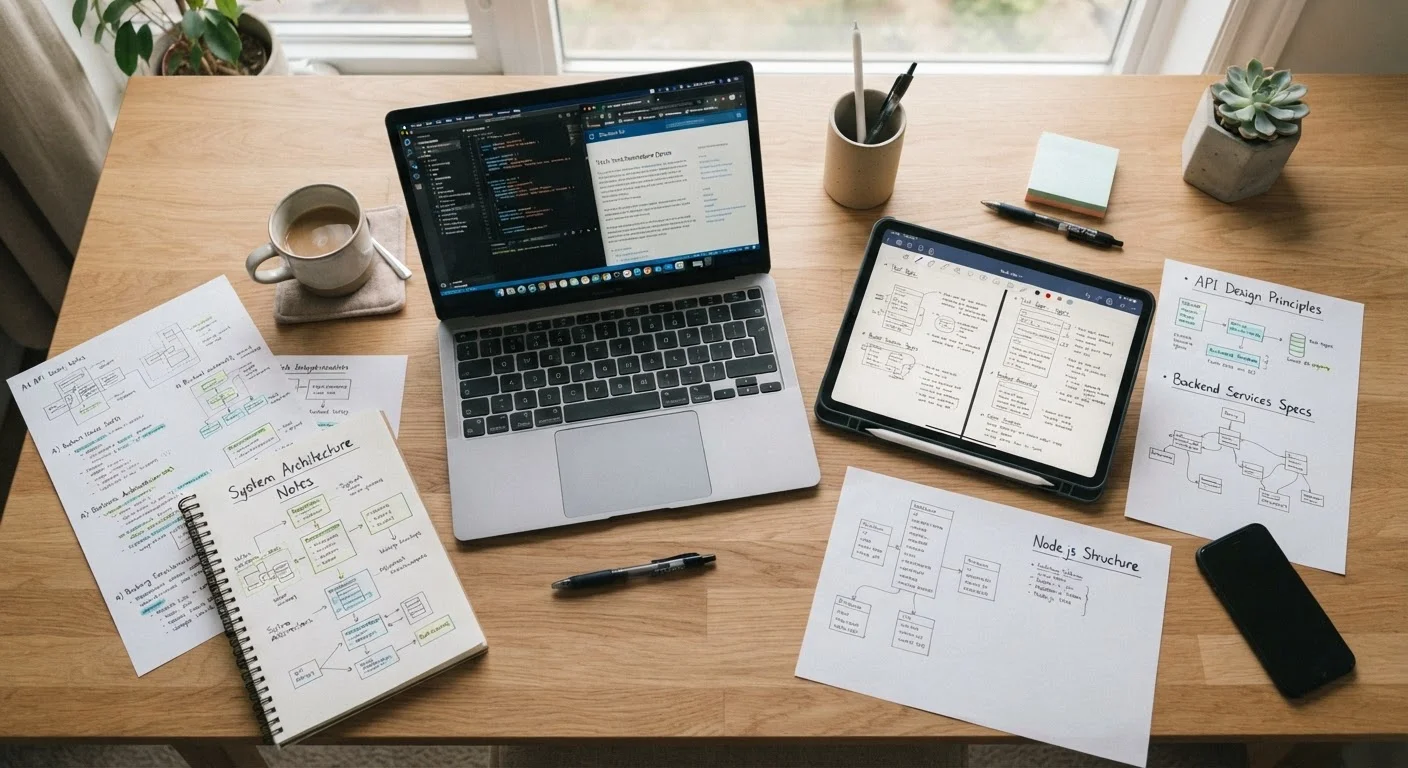
For processing load, remote workers running multiple browser tabs, communication apps, and cloud-based productivity software benefit most from at least 16 GB of RAM and a solid-state drive (SSD) — a storage technology that loads programs significantly faster than older spinning hard drives. If video editing or data analysis is part of the job, those minimums should be treated as a floor, not a ceiling.
Display quality and port selection matter as much as processing power for remote professionals.
Casual Users: Reliability Over Raw Power
Casual users — those who primarily browse the web, stream video, manage email, and video call family — are the group most likely to overspend based on marketing language. A mid-range processor, 8 GB of RAM, and an SSD is more than sufficient for these tasks and will remain so for several years with routine software updates.
What casual users should prioritize instead: ease of setup, a comfortable keyboard, and a display size that suits their environment. Someone using a computer primarily at a desk in the living room may prefer a larger screen; someone using it occasionally on the couch may want something lighter.
Operating system comfort also matters here. Switching from a decades-long Windows habit to a different platform introduces a learning curve that can make an otherwise capable machine feel frustrating. Familiarity has real value that never appears in a spec sheet.
Casual users need reliability and ease of use — not the highest specs on the shelf.
Shared Household Computers: Plan for the Heaviest User
When one machine serves multiple household members — a student doing homework, a parent working remotely, and a younger child watching educational videos — the right approach is to spec for the most demanding use case. A machine that handles a remote worker's multitasking load will handle a child's video streaming without a second thought. The reverse is rarely true.
User accounts on modern operating systems allow each person to keep their files, preferences, and browser history separate without needing different hardware. This is a practical solution that households often overlook when debating whether to buy multiple devices.
One genuine limitation: if two people need the computer simultaneously for demanding tasks — say, a video call and video editing running at the same time — a single machine simply cannot serve both. In those cases, a second, modest device (even a tablet or a basic refurbished laptop) may be a more practical solution than upgrading to a single high-end machine.
For shared household computers, always spec for the most demanding user in the home.
Creative Hobbyists: Know Which Specs Actually Drive Performance
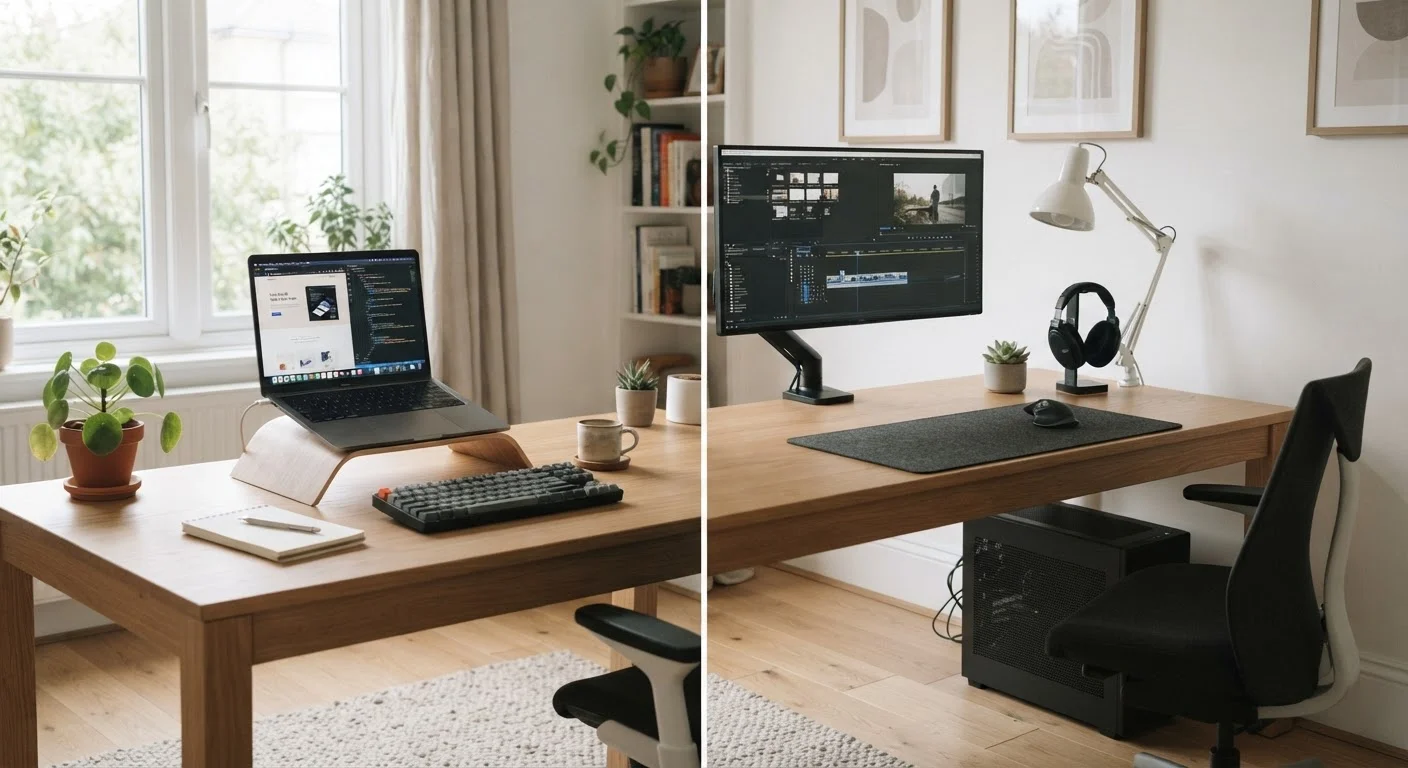
Hobbyist photographers, amateur video editors, and home music producers often find themselves caught between mainstream consumer machines and expensive professional workstations. The good news: understanding which specs drive performance for specific creative tasks can help avoid both underpowering and overspending.
Photo editing in standard software is far less demanding than most people assume — a modern mid-range processor and 16 GB of RAM handles it comfortably. Video editing is more demanding, particularly when working with high-resolution footage; here, both a capable processor and a dedicated graphics card (GPU) meaningfully shorten the time it takes to preview and export footage. Music production depends heavily on RAM and fast storage rather than GPU power, since audio processing works differently than visual rendering.
Understanding these distinctions — rather than chasing the highest overall spec number — is what separates a well-matched purchase from an expensive mismatch. Our computer specs glossary breaks down exactly what each term means in plain language.
Creative hobbyists benefit from knowing which specific specs matter for their chosen medium.
Form Factor Is Also a Real Decision
Desktop computers generally offer more power per dollar and are easier to upgrade over time, while laptops trade some of that for portability. If you are still working through the laptop-versus-desktop question for your household, see our guide to choosing between a laptop and desktop before narrowing down specs. The form factor decision should come before the spec comparison.
Before You Buy: A Few Final Checks
Once you have a clear sense of which use-case profile fits your household — or which combination of them applies — a few practical steps help ensure the purchase holds up over time. First, consider longevity: a machine that barely meets your needs today may feel sluggish in two or three years as software becomes more demanding. A modest upgrade in RAM or storage at purchase can add meaningful years to a computer's useful life.
Second, do not overlook the setup process. Even a well-chosen machine can feel frustrating if security settings, backups, and software updates are not configured from the start. Our new computer setup checklist walks through everything worth addressing before you start relying on it daily.
Finally, if budget is a meaningful constraint, refurbished machines from reputable sources can represent genuine value — though they come with trade-offs worth understanding before committing. Our honest look at refurbished computers covers both sides of that decision.