Why Resolution Alone Doesn't Tell the Whole Story
Marketers love big numbers, and display specs are no exception. A laptop advertised as "4K" sounds impressive — but 4K on a 13-inch screen and 4K on a 27-inch monitor are very different experiences. What actually determines sharpness is pixel density, measured in pixels per inch (PPI).
A 1920×1080 (Full HD) display on a 24-inch monitor sits around 92 PPI — adequate for desktop use at arm's length. The same resolution on a 15-inch laptop lands closer to 147 PPI, which looks noticeably crisper. The screen didn't change; the size did.
For most users, anything above roughly 200 PPI appears sharp enough that the human eye stops perceiving individual pixels at normal viewing distances. Going higher than that is not harmful, but it may not deliver visible benefits either — and it can reduce battery life on laptops.
~220 PPI
PPI threshold where pixels become indistinguishable
Vision science research suggests that at typical arm's-length viewing distances, pixel density above roughly 220 PPI offers no perceptible sharpness gain for the average eye.
82 PPI
Pixel density of a 27-inch Full HD monitor
A 1920×1080 display on a 27-inch panel produces approximately 82 pixels per inch — noticeably lower than the same resolution on a 15-inch laptop screen.
How Screen Size Shapes Your Workflow
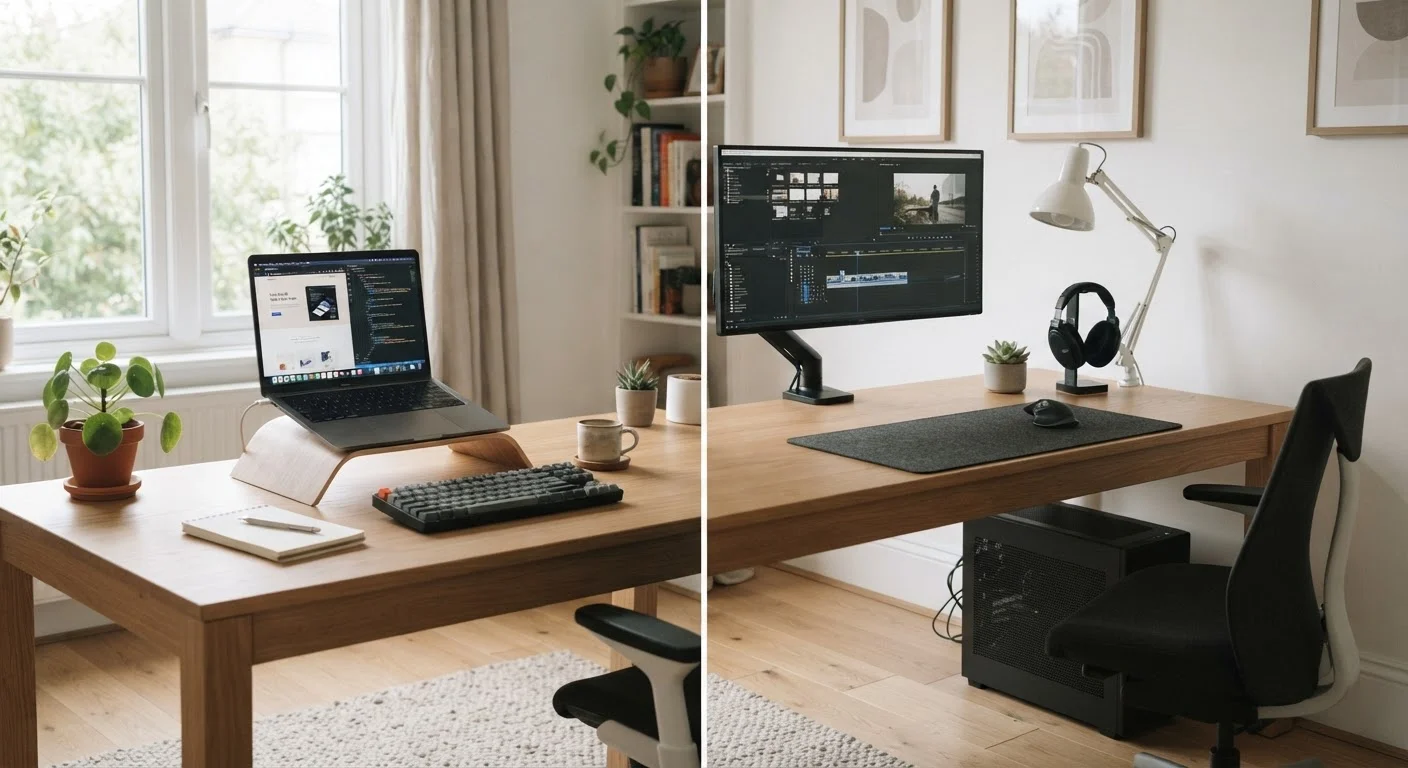
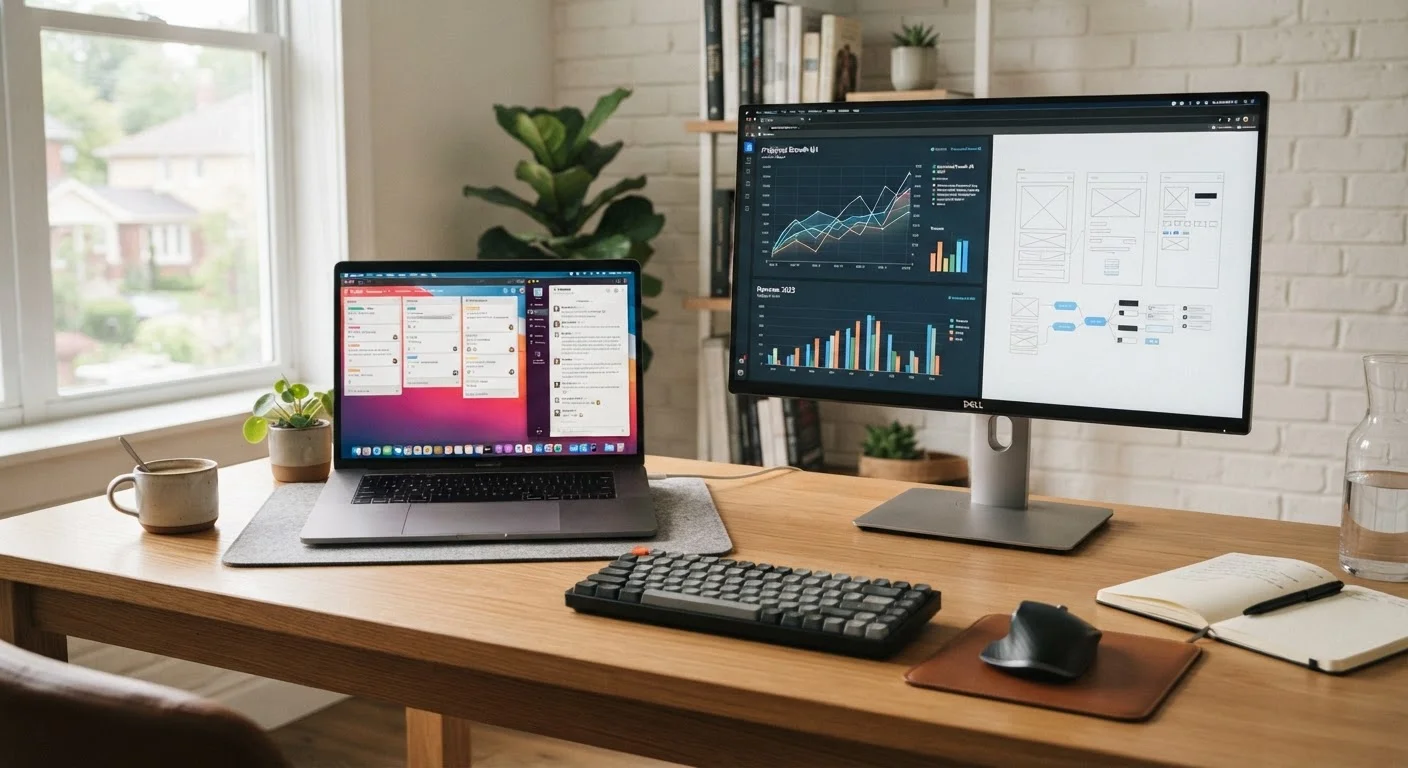
More screen real estate means more windows open side by side, less scrolling, and fewer app switches. Professionals who work with spreadsheets, code editors, or design tools often cite display size as the single most productivity-relevant hardware factor.
But size comes with trade-offs. Larger screens are heavier, consume more power, and reduce portability. A 17-inch laptop that stays on a desk most of the time makes sense; the same machine carried through airports quickly becomes a burden.
If you're weighing a laptop against a desktop setup, the screen size conversation looks quite different. See our laptop vs. desktop guide for a fuller breakdown of how display decisions fit into that choice.
Try Before You Commit When Possible
Display quality is subjective. If you can, view the screen in person before deciding — look at how text renders at your typical viewing distance and whether the brightness feels comfortable indoors. Glossy versus matte coatings also affect perceived sharpness and glare, and those are hard to judge from a spec sheet alone.
Panel Type: The Variable Most People Overlook
Resolution and size get the headlines, but panel technology shapes how comfortable a display is to use daily. Three types dominate the consumer market:
- IPS (In-Plane Switching): Accurate colors, wide viewing angles, and good brightness. A reliable all-purpose choice for work and general use.
- OLED (Organic LED): Deep blacks, vibrant colors, and high contrast. Excellent for creative work and media. Carries some long-term burn-in risk with static content.
- TN (Twisted Nematic): Fast response times and lower cost, but narrower viewing angles and less accurate color. More common in budget and gaming displays.
For a deeper look at display terminology across devices, the tablet specs glossary covers many terms that apply equally to laptops and monitors.
Making a Decision That Fits Your Actual Habits
The practical question isn't "which specs are highest?" It's "what will I actually notice while using this device?" A few guiding principles help cut through the noise:
- Match resolution to screen size. At 13–14 inches, Full HD or 2K is typically sufficient. At 15–17 inches, 2K starts to shine. External monitors at 24 inches or larger benefit meaningfully from 4K.
- Consider viewing distance. Desktop monitors are used from farther away than laptops. A 1080p monitor at 27 inches looks fine from two feet away; up close, the difference between resolutions becomes more apparent.
- Account for scaling. Very high-resolution displays require the operating system to scale the interface up. This usually works well, but some older apps can look blurry at non-native scaling levels.
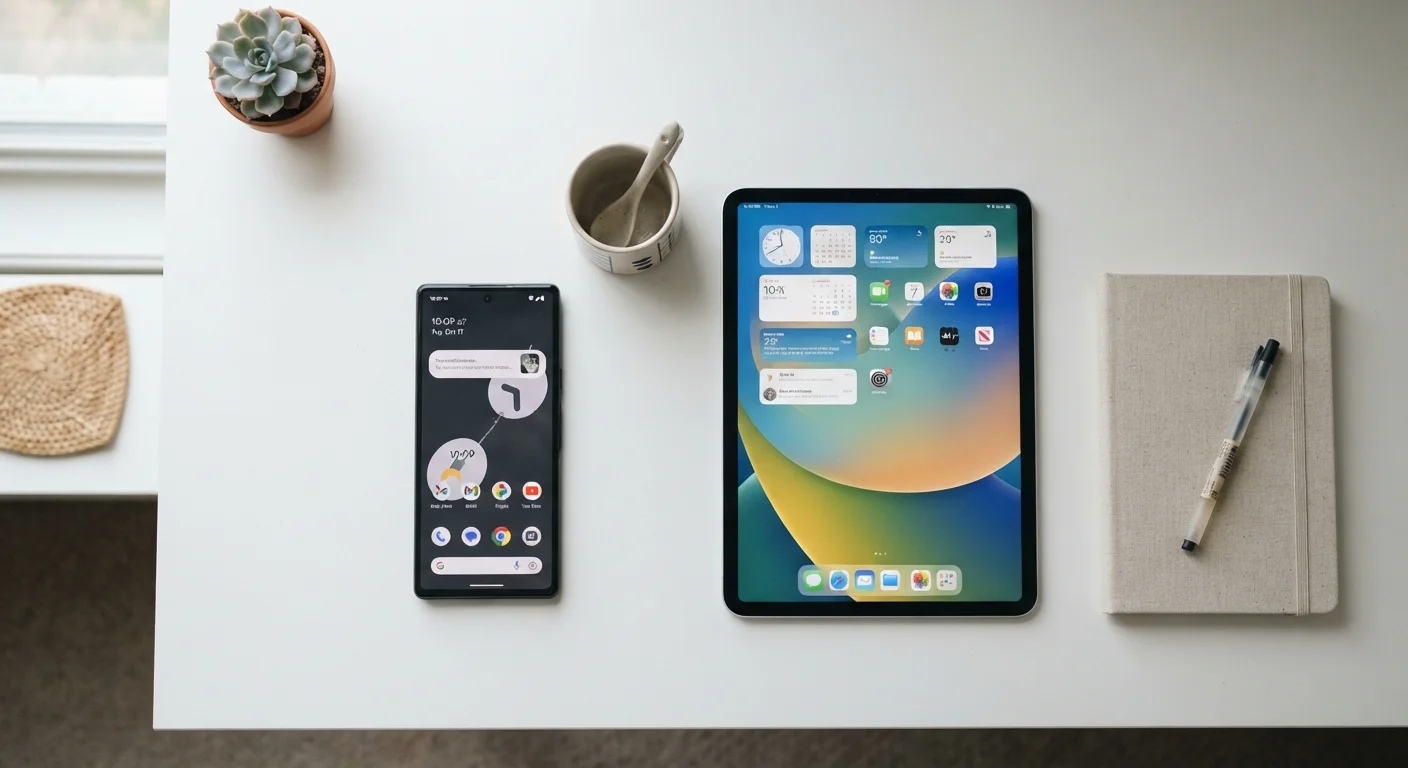
If you're trying to decide between a tablet and a phone for portable screen use, the phone vs. tablet comparison walks through how screen size factors into that specific decision.
For related questions about resolution across TV screens, our TV buying checklist covers the same concepts applied to living room viewing. And if you want to dig into what resolution research actually supports for eye health and visual experience, see what screen resolution really does to your eyes.