Why Smart Home Tech Works for Renters
The assumption that smart home technology is only for homeowners is one of the most persistent myths in this space. As our breakdown of home automation myths explains, meaningful automation doesn't require ownership — it requires the right device choices. The rental market has quietly become one of the fastest-growing segments of smart home adoption, precisely because so many modern devices are designed to be removable, wireless, and deposit-safe.
What renters genuinely need to plan around isn't technology limitations — it's three practical constraints: no permanent alterations, limited budgets, and the possibility of moving. Every device and routine in this guide is chosen with those three realities in mind.
What you will need
If you're completely new to smart home concepts, the first smart home setup guide provides useful foundational context before you dive into the steps below.
What You'll Need
Renter-friendly smart home setups rely on a short list of portable, non-invasive hardware. Nothing here requires tools beyond your hands.
Smart plug / outlet adapter
Turns any standard lamp or appliance into a remotely controlled or scheduled device — no wiring required.
Smart LED bulbs
Replace standard bulbs to add dimming, color temperature control, and scheduling without touching fixtures.
Smart speaker or compact hub
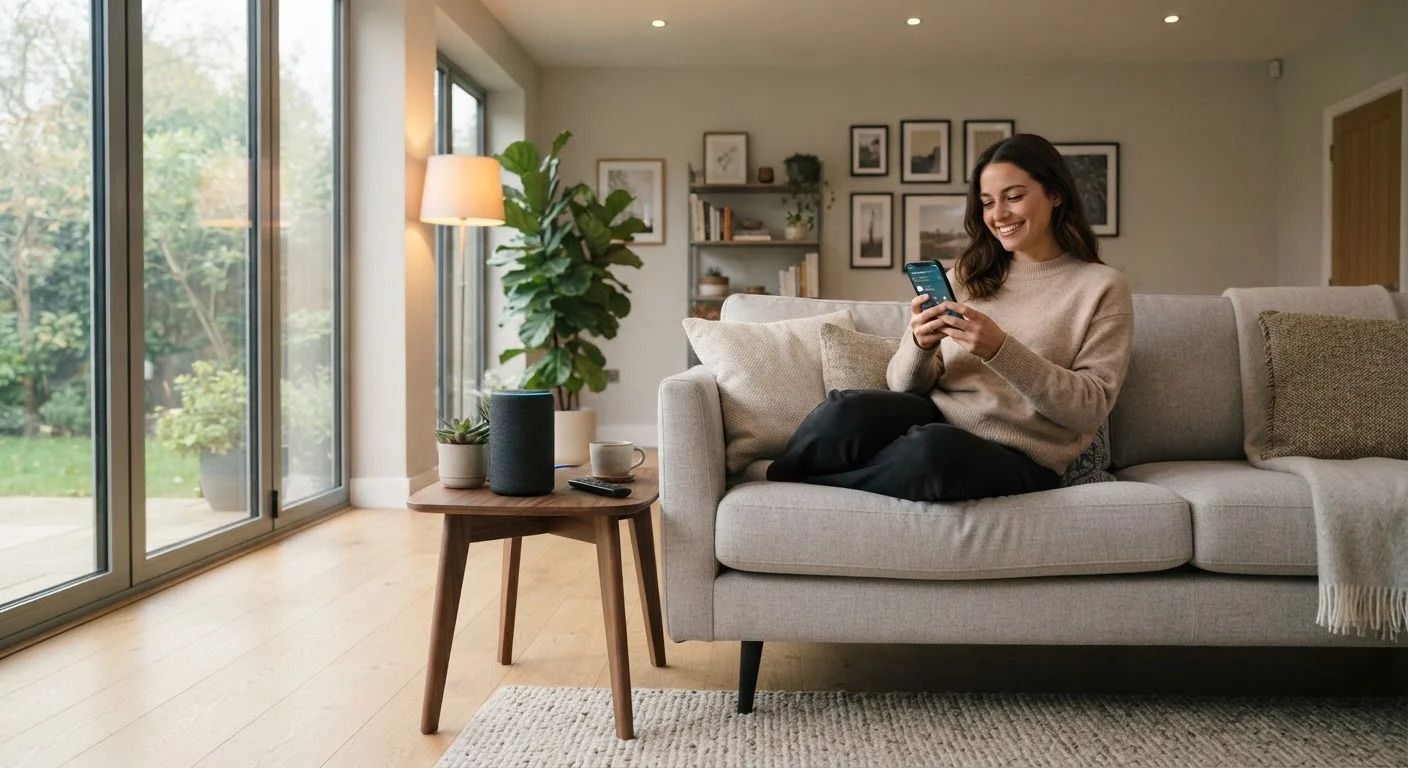
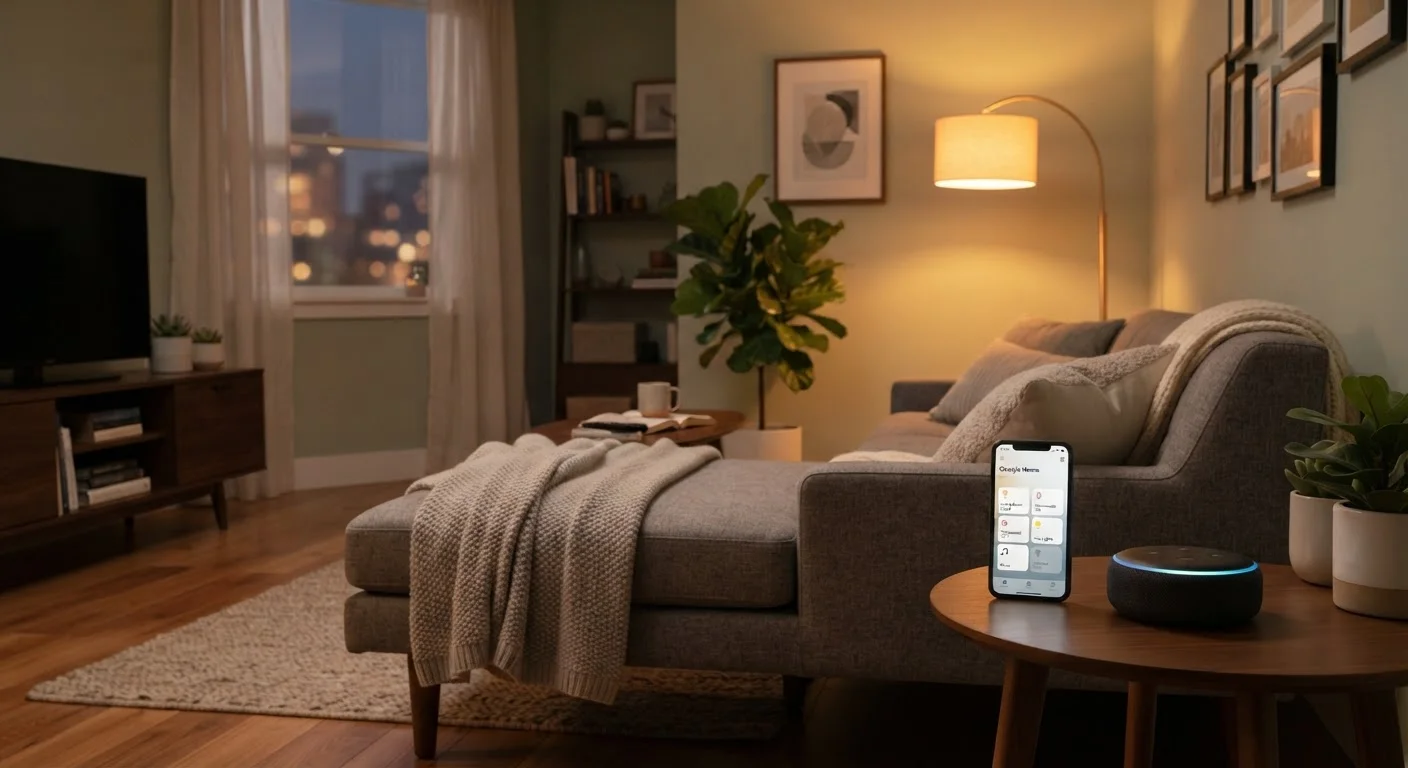
Acts as the central voice control and automation trigger point for your devices.
Battery-powered motion sensor
Triggers lights or alerts based on movement without requiring any wiring or wall mounting with screws.
Contact sensor (door/window)
Attaches with adhesive to monitor when doors or windows open, enabling security or automation routines.
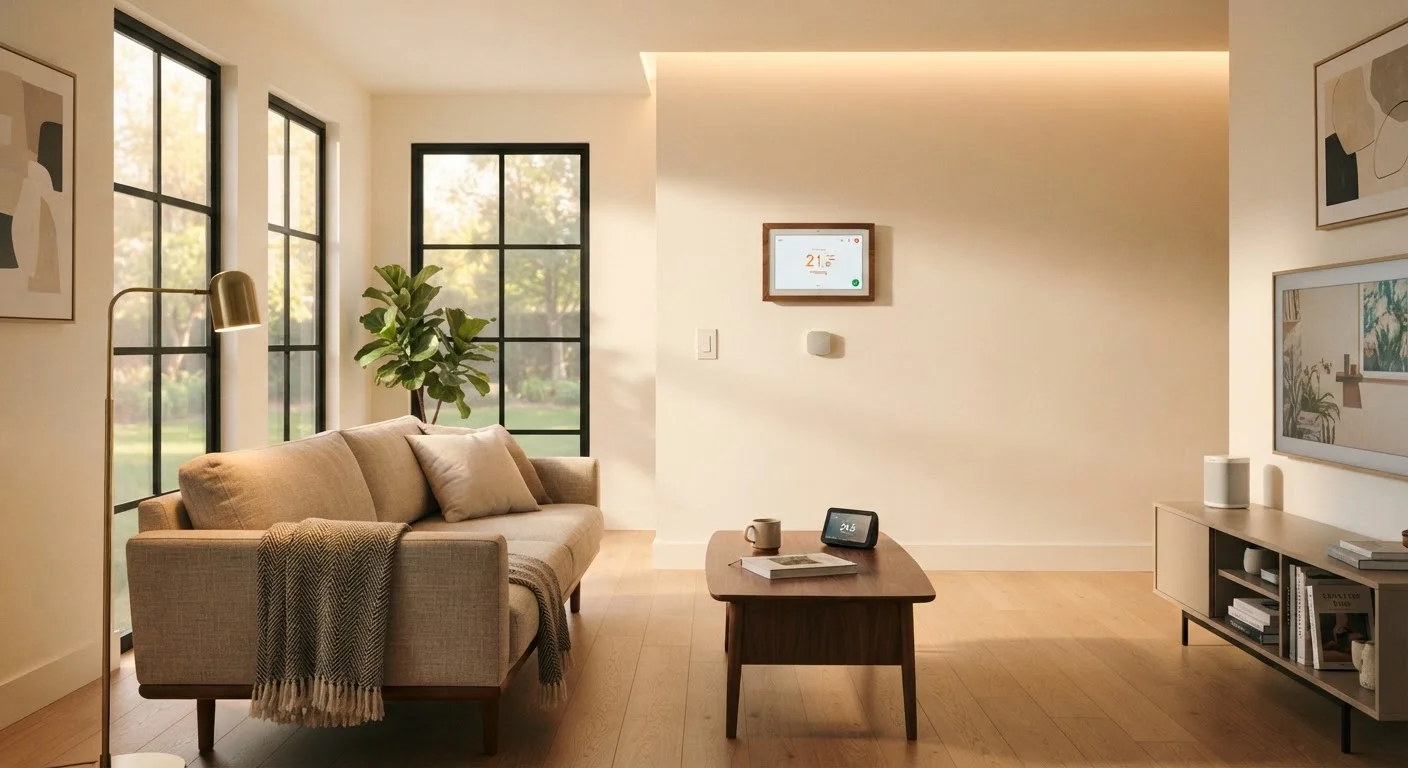
Smart thermostat (plug-in or adapter style)
Provides scheduling and remote control of heating and cooling — check lease and unit type before purchasing.
One category intentionally left off this list: smart light switches. Most require removing the existing wall switch and connecting to wiring — work that typically requires landlord permission and, depending on your state or municipality, a licensed electrician. The comfort gains don't outweigh the lease risk for most renters. Smart bulbs controlled through a hub or app achieve similar results without touching the wall.
Step-by-Step: Building Your Renter Setup
Review your lease for alteration restrictions
Before purchasing any devices, read your lease carefully. Most standard leases prohibit permanent alterations — drilling into walls, replacing hardwired fixtures, or modifying electrical panels. However, they typically say nothing about plug-in accessories, adhesive mounts, or swapping out standard bulbs. Understanding exactly where your boundaries are prevents deposit disputes later.
Choose one ecosystem and commit to it
Mixing incompatible platforms is the most common — and most expensive — smart home mistake renters make. Pick one voice platform or hub ecosystem before buying your first device and use it as your compatibility filter for everything that follows. This also makes moving out easier: all your devices work together in your next home, too.
Start with smart plugs and bulbs
These two device types deliver the broadest comfort improvement per dollar spent. Smart plugs require zero installation — they slide into existing outlets. Smart bulbs screw into existing sockets. Both are fully portable when you move. Prioritize rooms where you spend the most time: the living room for ambiance and the bedroom for sleep-friendly lighting schedules.
Add sensors using adhesive mounts only
Motion sensors and door/window contact sensors dramatically expand what your system can automate — lights that turn on when you enter a room, alerts when a door opens unexpectedly. Nearly all modern sensors include adhesive backing strong enough to hold securely without damaging painted walls or trim. Press firmly, wait 24 hours before relying on the mount, and remove carefully with dental floss or an adhesive remover when you leave.
Set up two or three core automation routines
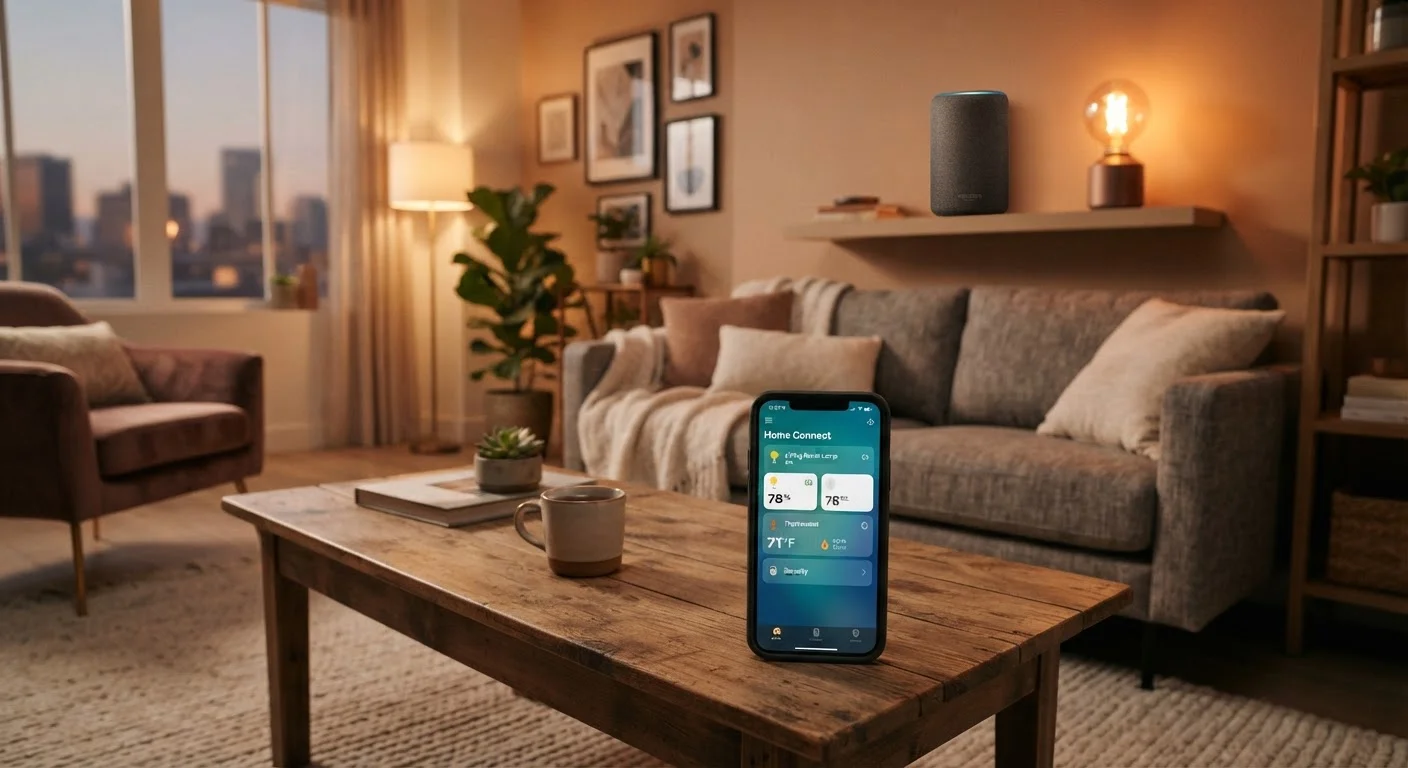
A smart home earns its value through routines, not individual devices. Three routines cover most of a renter's daily comfort needs: a morning routine that gradually brightens lights and adjusts the thermostat before your alarm; an away routine that turns off everything non-essential when you leave; and a sleep routine that dims lights and sets a comfortable overnight temperature. Configure these in your hub app before adding more devices.
Plan for portability before you buy anything else
Every device you add should pass a simple test: Can I pack this in a box and plug it in somewhere else? If a device requires professional installation, wall cutting, or hardwired connections, it almost certainly isn't renter-appropriate. This filter keeps your setup portable and your costs recoverable when you move.
Move-Out Checklist for Smart Devices
When you leave, restore every original fixture: re-install any bulbs you replaced, remove all adhesive sensors with proper technique, and unplug everything. Take photos after restoration to document the condition. This habit protects your deposit regardless of how long you've lived in the space.
Once your core routines are running smoothly, you can expand thoughtfully. For a broader view of how a more permanent setup differs from what renters should build, see our end-to-end smart home planning guide — it's useful for understanding where renter setups intentionally diverge from ownership-based ones.
Common Pitfalls and How to Avoid Them
Even within renter-safe guidelines, a few patterns consistently lead to wasted money or landlord friction.
- Over-buying before testing: Start with two or three devices and live with them for a month. Your actual usage patterns will reveal which additions are worthwhile and which seemed useful in theory.
- Ignoring Wi-Fi dead zones: Smart devices need a reliable signal. A dead zone in your bedroom means your bedroom bulbs will behave unreliably. A plug-in Wi-Fi extender (also renter-safe) often solves this before it becomes a frustration.
- Buying into too many ecosystems: As our smart home myths guide details, the promise of universal compatibility is frequently overstated. Stick with one platform.
Smart Thermostats Require Extra Caution
Some rental units have thermostats that appear swappable but are actually hardwired or part of a building-managed HVAC system. Replacing them without landlord approval can void warranties, disrupt neighboring units, or violate your lease. Always ask your landlord in writing before attempting any thermostat change.
The Home Tech hub has additional guides on specific device categories if you want to go deeper on any single component of your setup.