How Each Approach Works
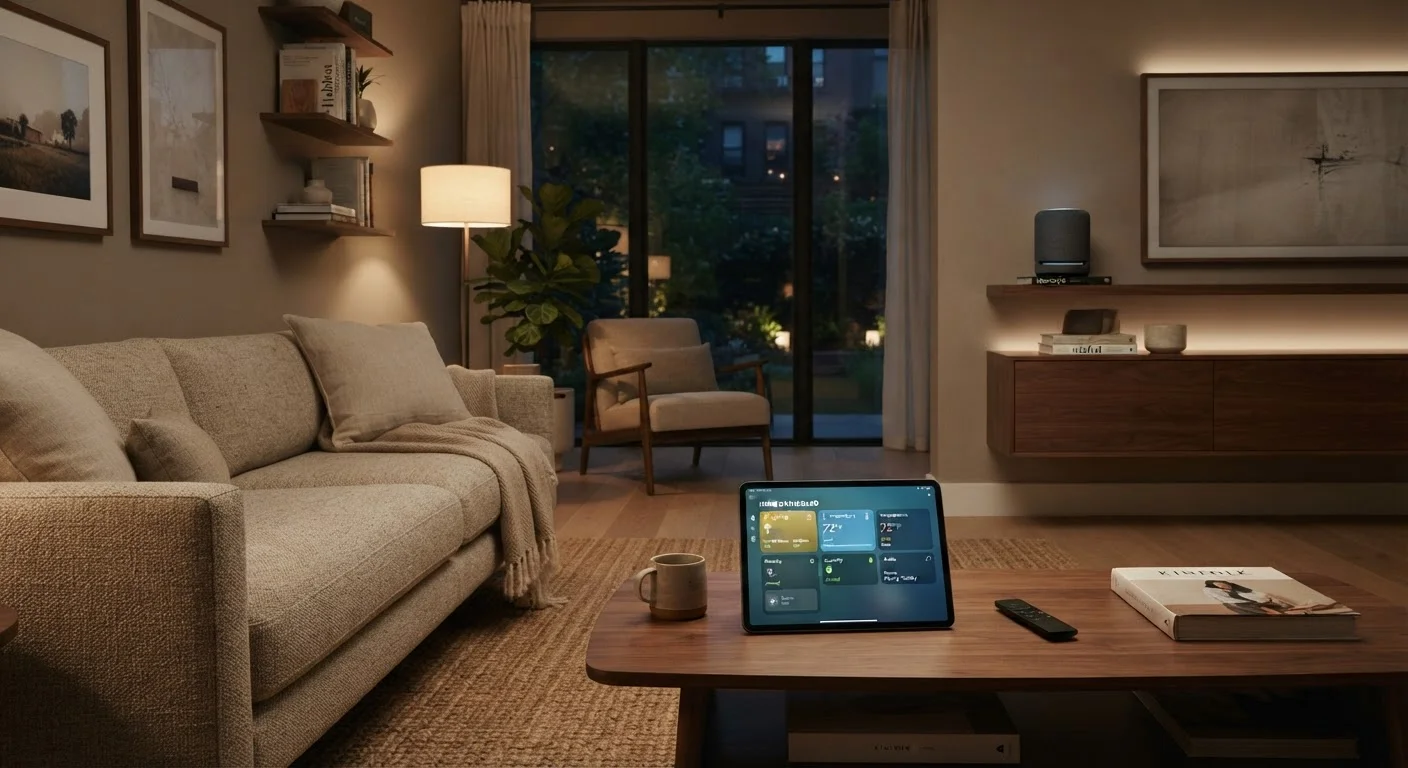
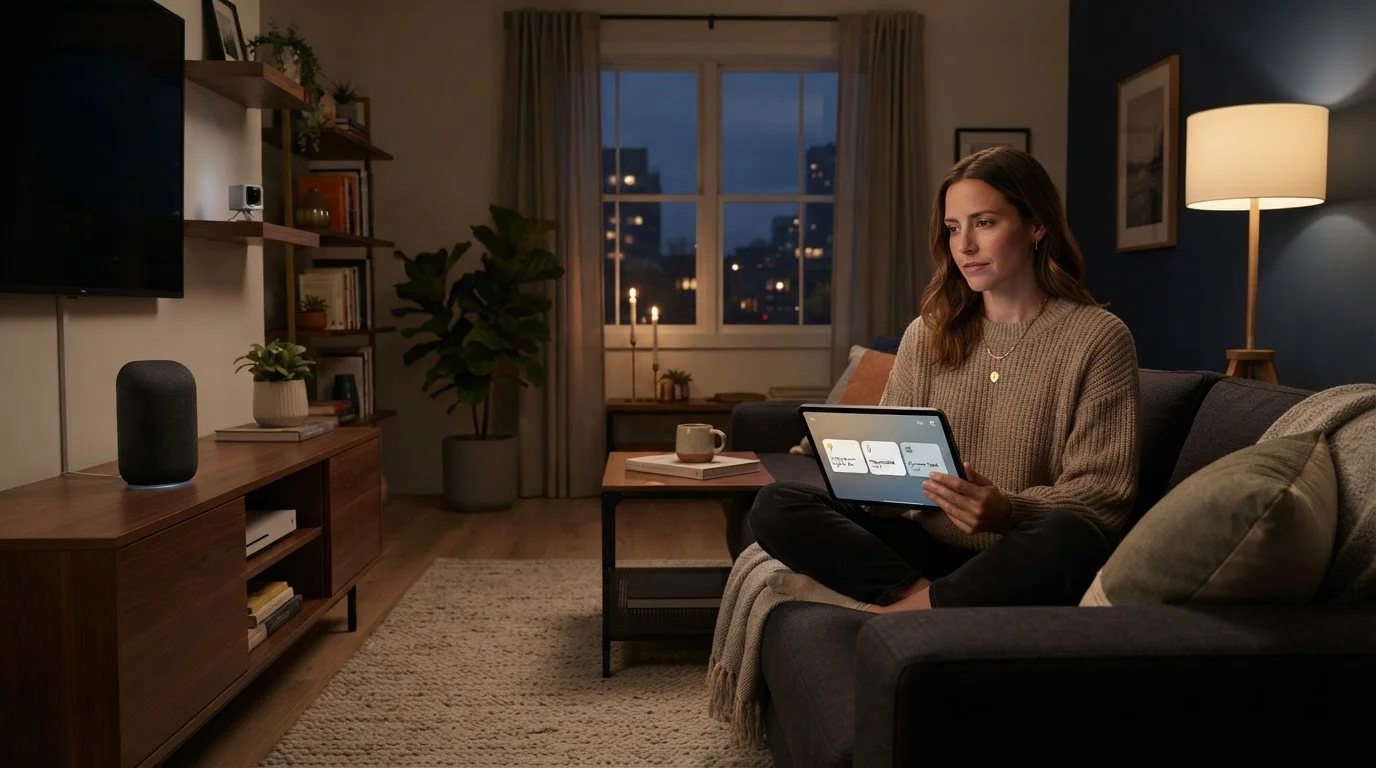
Before comparing them, it helps to understand what each method actually does. Voice assistants — the kind built into smart speakers or integrated into phones — listen for a wake word, interpret your spoken request, and send a command to your device through the cloud or a local hub. Dedicated apps, by contrast, are software interfaces you open on a phone or tablet to tap, toggle, and schedule your devices directly.
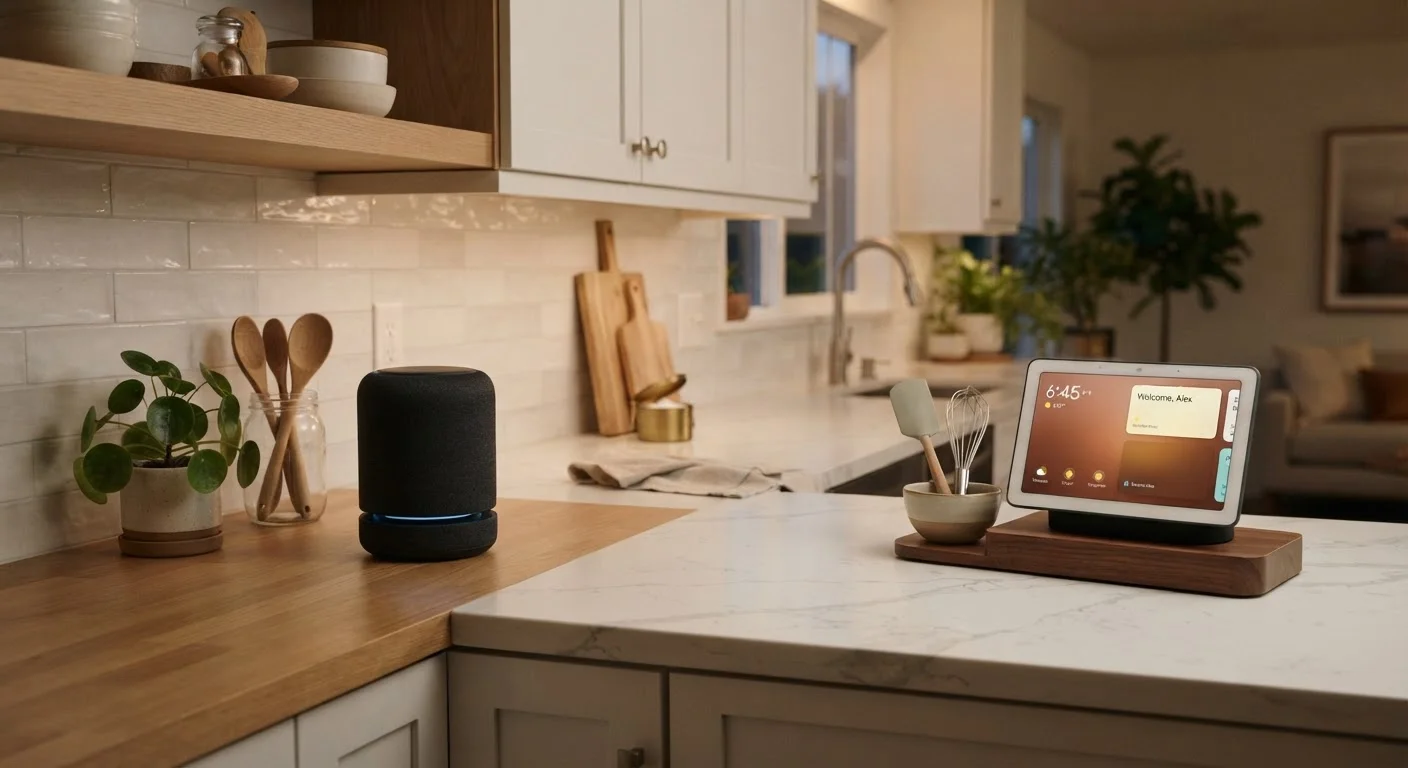
Both approaches communicate with your smart home devices, but they take very different paths to get there. Understanding how smart home technology actually works is a useful starting point if you're newer to the ecosystem. For a deeper look at the hardware that typically anchors voice control, see our comparison of smart speakers vs. smart displays.
| Criterion | Voice Assistants | Dedicated Apps |
|---|---|---|
| Ease of use in the moment | Hands-free, spoken commands | Requires phone and intentional tap |
| Automation complexity | Basic routines via voice | Multi-condition, detailed automation |
| Device status visibility | Limited — audio feedback only | Full visual dashboard |
| Household accessibility | Shared device, no app needed | Each person needs account/device |
| Privacy considerations | Always-on microphone present | No ambient audio collection |
| Reliability in noisy environments | Can struggle with noise or accents | Unaffected by ambient sound |
| Troubleshooting support | Minimal — limited feedback | Device logs, status, and controls |
Where Voice Assistants Genuinely Help
Voice control shines in moments of convenience. Asking a assistant to dim the lights, lock the front door, or lower the thermostat while your hands are full is a genuinely useful quality-of-life improvement. Routines — pre-programmed command chains triggered by a single phrase — can execute several actions at once, like turning off all lights, setting the alarm, and lowering the heat at bedtime.
Voice assistants also lower the barrier for household members who are less comfortable with apps. A child or elderly family member may find it far easier to speak a command than to navigate a software interface. Shared devices in common spaces mean no one needs their own login or smartphone to participate.
~35%
U.S. adults using smart speakers
Pew Research Center survey data indicates roughly one in three American adults uses a smart speaker in the home.
72%
Smart home users preferring app control for setup
Industry research consistently finds that users turn to dedicated apps when initially configuring devices and building automations.
The trade-offs are real, though. Voice recognition can misfire in noisy environments or with accented speech. Commands require consistent wording — slight variations can confuse the system. And the always-on microphone that makes this possible raises legitimate privacy questions worth reading about: our article on the smart home privacy conversation most people skip covers this in detail.
Where Dedicated Apps Have the Edge
Dedicated apps give you visibility and precision that voice simply can't match. A well-designed app shows every device's current state — whether a bulb is on, what temperature the thermostat is set to, whether a sensor last triggered. You can build multi-condition automations: turn the porch light on at sunset only when motion is detected and the front door is locked, for example. That kind of logic isn't easy to configure by voice.
Apps also make troubleshooting easier. When a device stops responding, you can see its connectivity status, check its firmware version, or remove and re-add it — all within the interface. For anyone managing a growing smart home, this visibility is practical, not optional. If you're just getting started, our guide to setting up your first smart home without starting over walks through which decisions matter most early on.
Compatibility Matters More Than Control Method
The bigger constraint in many smart homes isn't whether you prefer voice or apps — it's whether your devices speak the same protocol. Standards like Matter are making cross-platform compatibility more common, but it's still worth confirming that your devices work with your chosen voice platform and app before purchasing. Check the manufacturer's compatibility list, not just the box marketing.
The main friction with apps is that they require a device in hand and a moment of intentional focus. In fast-moving situations — arms full of groceries, waking up half-asleep — that friction is real.
Building a Setup That Uses Both Well
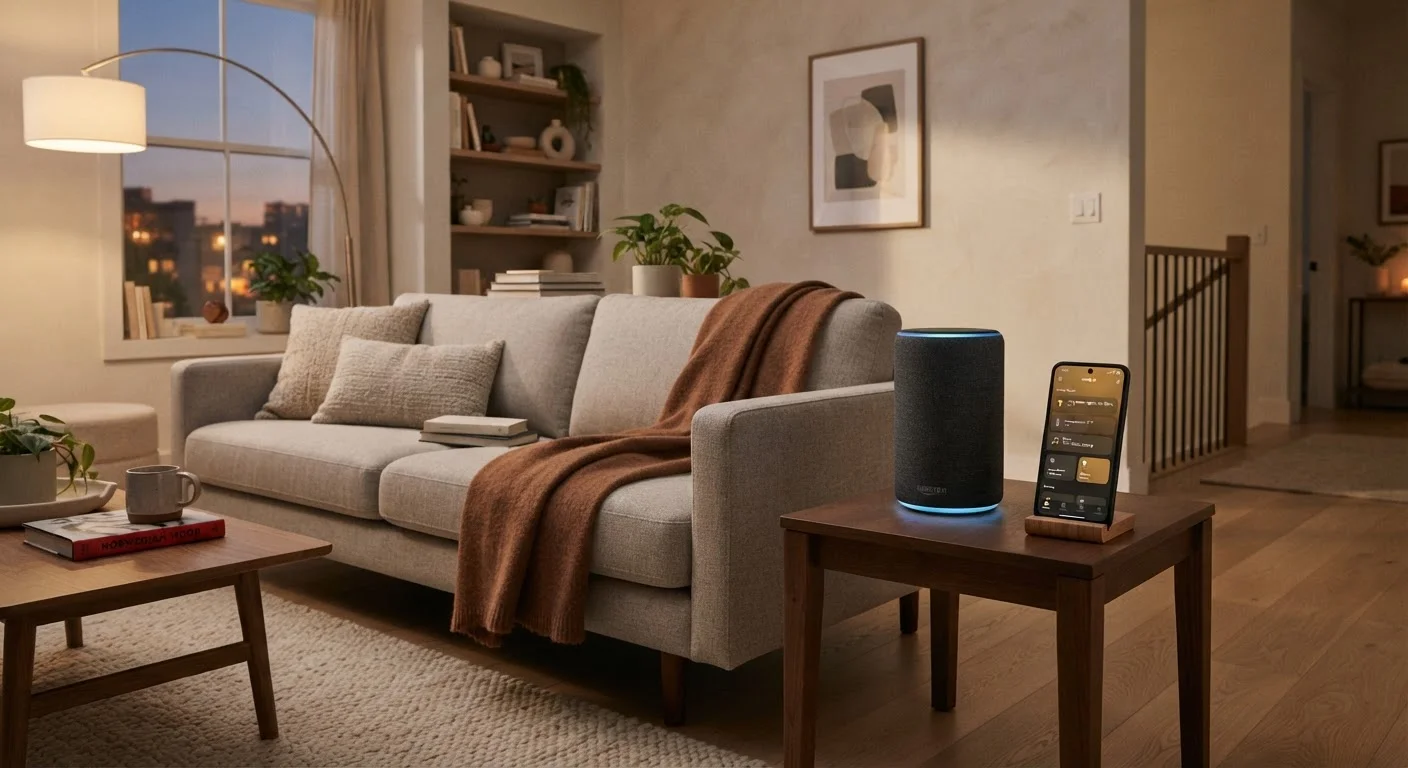
The most practical smart home setups don't treat this as an either-or question. Most households benefit from layering both: use voice for the quick, repeated commands that happen naturally throughout the day, and rely on apps to build the underlying automations and check in when something isn't working right.
A reasonable starting point is to identify your three to five most common daily interactions — adjusting lighting, checking the thermostat, locking up at night — and set those up as voice shortcuts. Then use your app to build automations that handle anything time-based or conditional without requiring you to ask at all. The goal is to reduce the number of deliberate interactions needed, regardless of the interface. The home tech hub has additional resources on choosing and configuring devices across categories.
Whatever control method you use, keeping an eye on the data your devices collect is worthwhile. See our piece on the privacy trade-offs of smart home devices for a grounded look at what information these systems gather and how to limit it.