What Each Device Actually Does
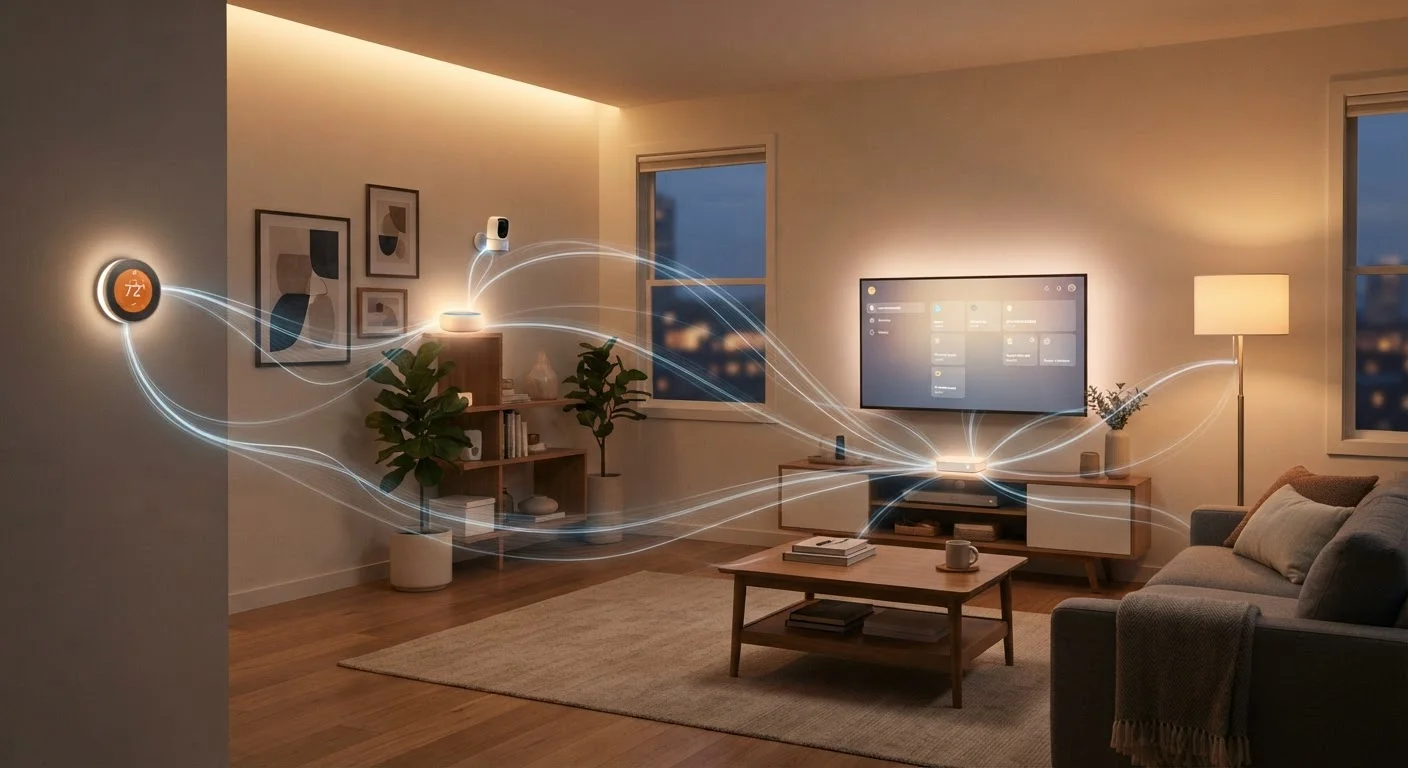
Both smart speakers and smart displays connect to a voice assistant — such as Amazon Alexa or Google Assistant — and can serve as a central hub for controlling lights, thermostats, locks, and other connected devices. The difference is the interface.
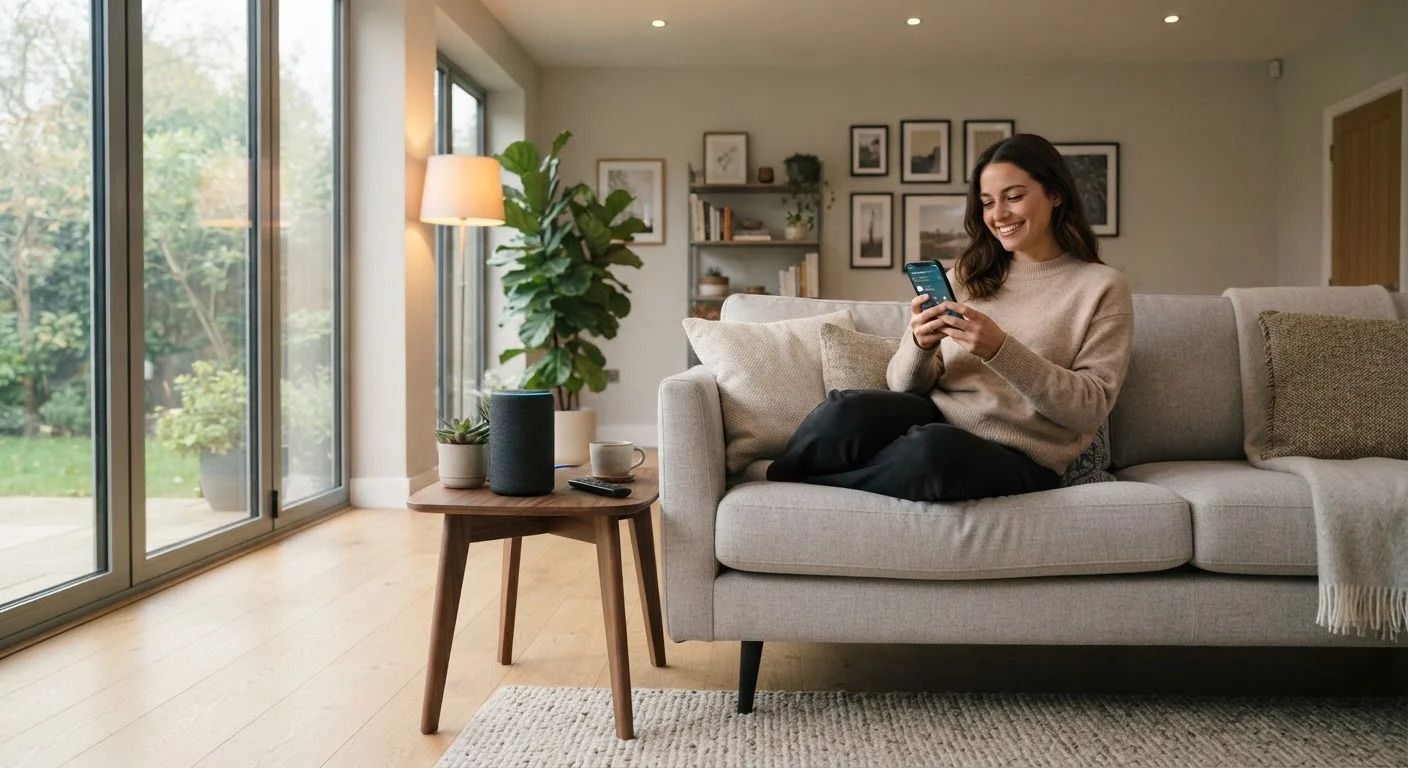
A smart speaker is essentially a microphone array paired with a quality speaker. You talk to it; it talks back. That simplicity is a genuine advantage: the interaction is frictionless, the footprint is small, and there's nothing to look at when the room needs to stay calm — think bedrooms or home offices.
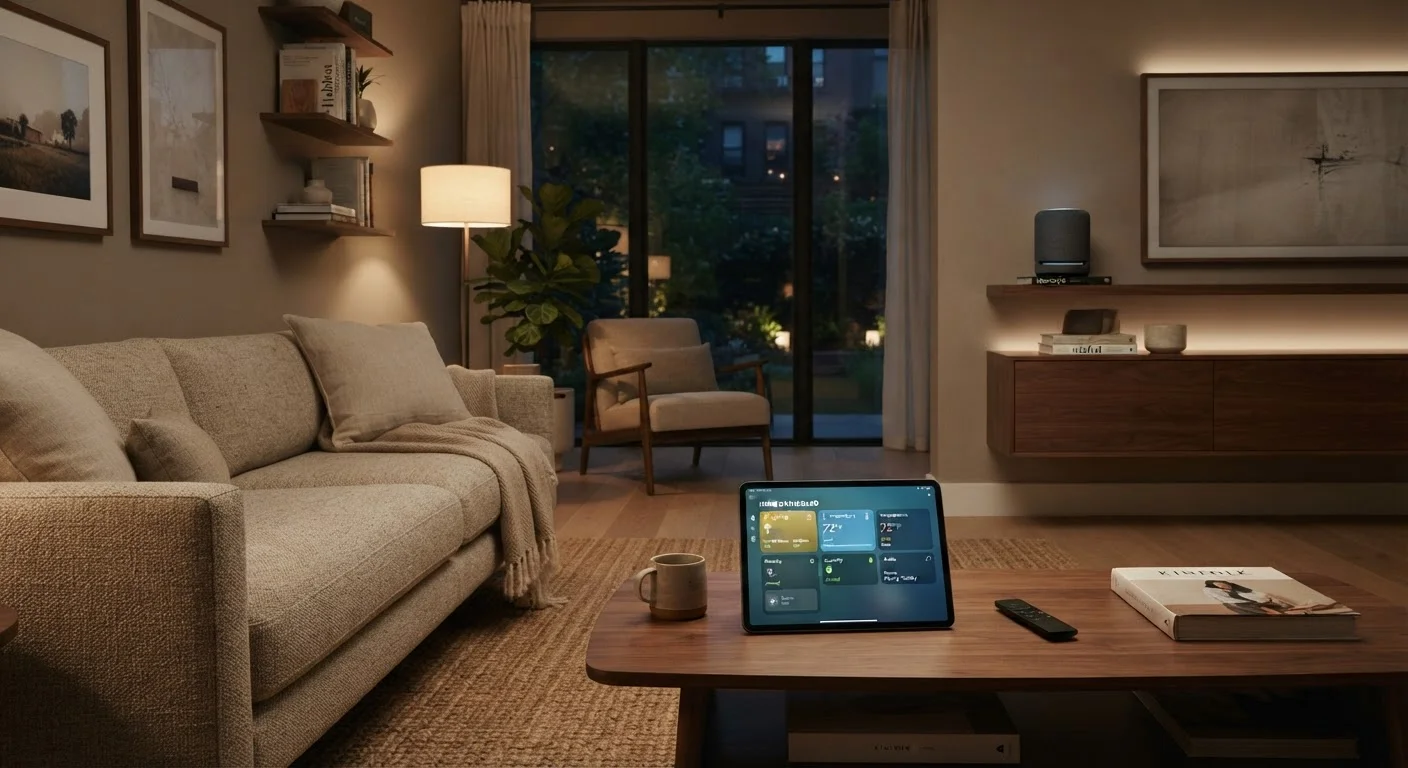
A smart display adds a touchscreen, which opens up a meaningful range of additional capabilities. You can pull up a live camera feed, follow a video recipe, make a video call, or glance at your smart home dashboard without saying a word. That visual layer changes how you interact with the device — and whether it earns its larger footprint.
Understanding the full picture of how these devices fit into a connected home is easier once you know how smart home platforms work. Our explainer on smart home ecosystems covers how devices communicate across protocols like Matter and Zigbee.
Head-to-Head: Key Differences at a Glance
The table below compares the two form factors across the dimensions that most affect everyday use. Neither is universally superior — the right choice depends on where you place the device and what you expect it to do.
| Criterion | Smart Speaker | Smart Display |
|---|---|---|
| Interface | Voice and audio only | Voice, touch, and visual |
| Typical footprint | Compact, cylindrical or puck-shaped | Larger, requires flat surface facing user |
| Camera feed viewing | Not supported | Supported natively |
| Video calling | Audio only | Full video and audio |
| Recipe / content display | Read aloud only | Visual step-by-step display |
| General price range | Lower | Higher |
| Best room fit | Bedroom, office, bathroom | Kitchen, living room, entryway |
| Sleep-friendly | Yes (no screen light) | Requires deliberate light management |
One important nuance: both device types are only as capable as the ecosystem they sit within. A smart display won't magically integrate devices that aren't compatible with your chosen platform. For a grounded look at what smart home technology can and can't do, see what smart home actually means.
Where Placement Changes Everything
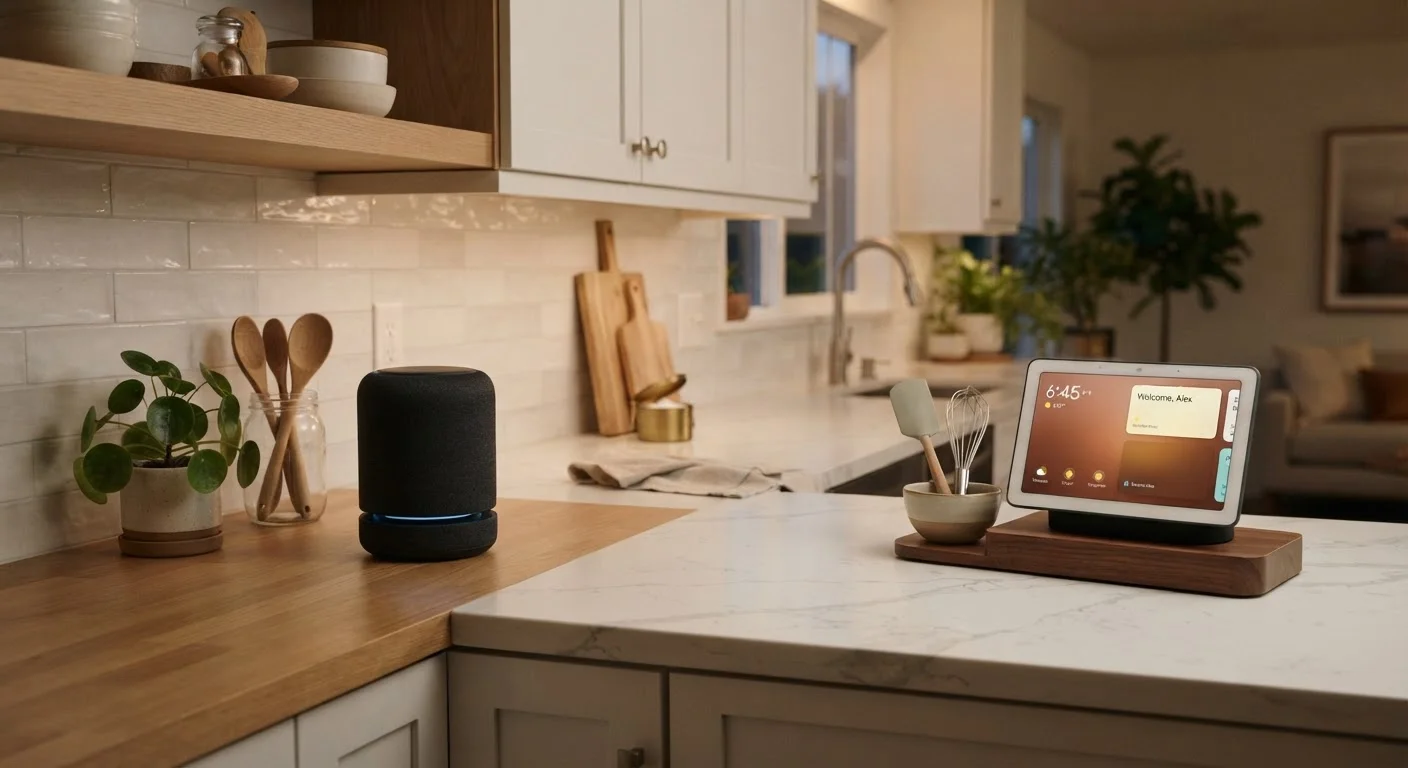
Room context is the most underrated factor in this decision. A smart display placed in a kitchen makes intuitive sense: you can glance at a recipe, check who rang the doorbell, or start a video call without touching your phone. In a bedroom, that same screen can disrupt sleep — ambient light from a display isn't ideal in a space designed for rest.
Smart speakers, by contrast, blend into almost any room. Their circular or cylindrical shapes are unobtrusive, and because there's no screen emitting light, they don't impose visually. They're particularly well-suited to rooms where audio is the primary need: a home office for music and reminders, a guest room for basic controls, or a bathroom shelf for weather updates and timers.
35%
U.S. adults with a smart speaker at home
According to Pew Research Center data, roughly one-third of American adults reported owning a smart speaker as of a recent survey period.
Kitchen
Most common room for smart display placement
Industry usage surveys consistently identify the kitchen as the top placement for smart displays, driven by recipe and camera use cases.
Multi-room setups often benefit from a hybrid approach: one smart display in a central common area paired with smaller smart speakers in peripheral rooms. This gives you visual control where it matters most without overcomplicating quieter spaces.
If you're still working out which devices belong in your home and in what order, the guide to setting up your first smart home is a practical starting point.
Voice Control vs. Touch: Which Interface Wins?
The interface question matters more than it might seem. Voice control is fast when it works — but it requires clear speech, proximity to the microphone, and a command the assistant reliably understands. In noisy households or for users who find voice commands awkward, a touchscreen offers a more forgiving fallback.
Smart displays also make it easier to confirm that a command worked. When you ask a speaker to turn off the living room lights, you're trusting audio feedback. A display can show you a visual confirmation, or let you tap a dashboard directly — useful for anyone who wants to double-check device states without issuing follow-up commands.
That said, voice remains the faster path for hands-free moments: cooking, exercising, or any time your hands aren't free. Neither interface is strictly superior; they're complementary. If you want a deeper look at when voice commands outperform app-based controls, see our comparison of voice assistants vs. dedicated apps.
For those thinking longer-term, a hub decision is one of the most foundational choices in a smart home setup. The end-to-end planning guide covers how to select a hub that scales as your setup grows.