The Real Reasons Your Phone Feels Slower
Most people notice it gradually: apps take a beat longer to open, the keyboard lags behind typing, and scrolling that once felt silky now stutters. It's easy to assume the manufacturer engineered this — but the actual causes are more straightforward and, in some cases, more fixable than that.
Phone slowdowns typically come from three overlapping sources working together: battery wear, growing software demands, and storage pressure. Rarely is any single factor solely to blame. Understanding each one separately makes it much easier to diagnose what's happening on your specific device.
~500
Charge cycles before notable battery capacity loss
Battery manufacturers and researchers generally cite 500 full charge cycles as the point where lithium-ion cells commonly drop to around 80% of original capacity.
3–5 years
Typical functional lifespan of a modern smartphone
Consumer technology analysts broadly estimate that current smartphones remain usably functional for three to five years under average conditions.
10–15%
Recommended minimum free storage for smooth operation
Device performance guidance from multiple sources suggests keeping at least 10–15% of storage free helps prevent file-system lag.
Battery Aging: The Hidden Performance Factor
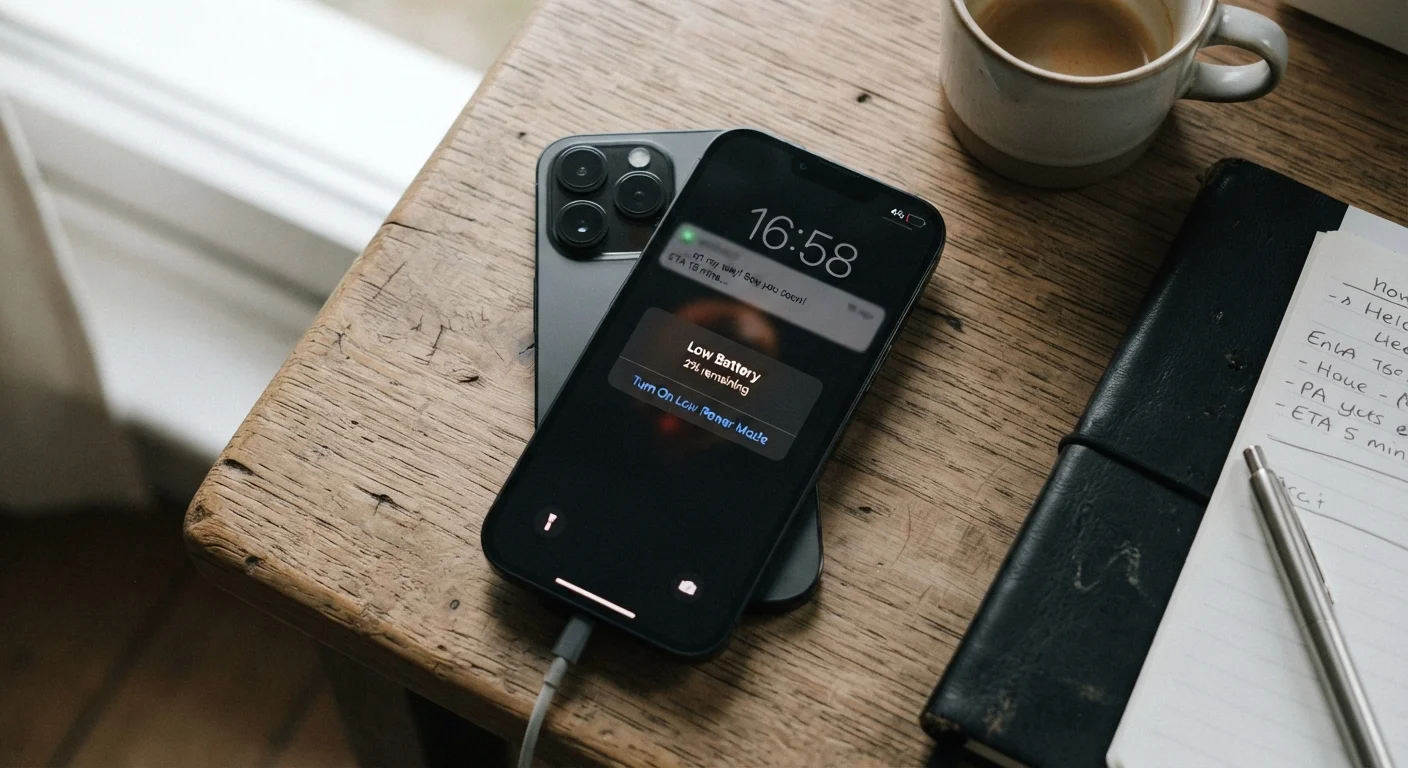
Lithium-ion batteries — the type used in virtually every modern smartphone — degrade with each charge cycle. A charge cycle means fully depleting and recharging the battery once. Over hundreds of cycles, the battery's ability to hold a full charge diminishes, and its ability to deliver sudden bursts of power decreases as well.
This matters because processors need reliable power bursts to handle demanding tasks. When a battery can no longer supply those bursts reliably, the phone's operating system may automatically reduce the processor's maximum speed — a protection mechanism designed to prevent sudden, unexpected shutdowns. The result feels exactly like a slower phone, even though the processor itself is unchanged.
Both major mobile operating systems include tools to check battery health, typically expressed as a percentage of original capacity. For a deeper look at how battery ratings translate to real-world use, see how manufacturers measure battery life.
Check Battery Health Before Anything Else
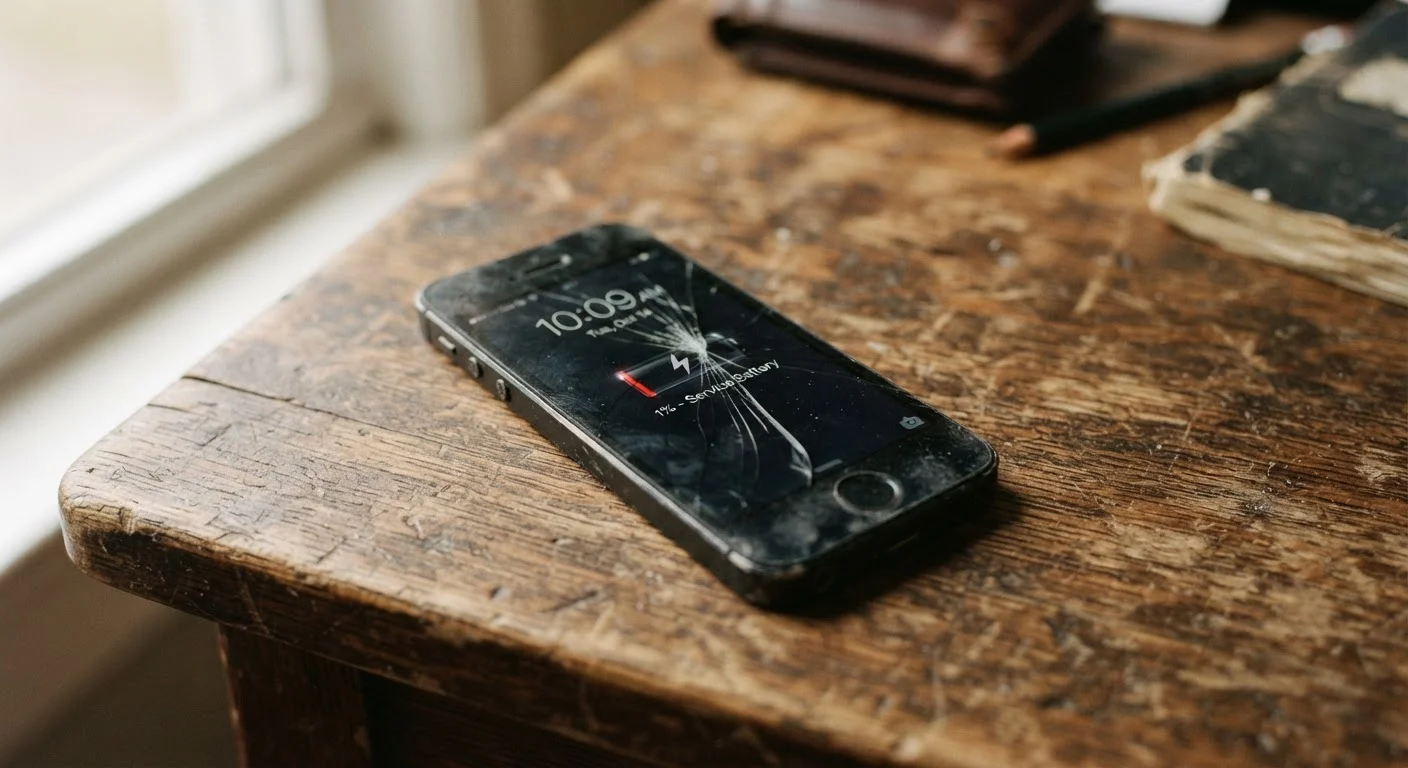
Both iOS and Android offer built-in battery health indicators in the Settings menu. If your battery health reads below 80%, that alone may explain most of your slowdown symptoms. A battery replacement is often significantly less expensive than a new phone and can extend a device's useful life by a year or more.
Software Updates and the Expanding Demands of New Apps
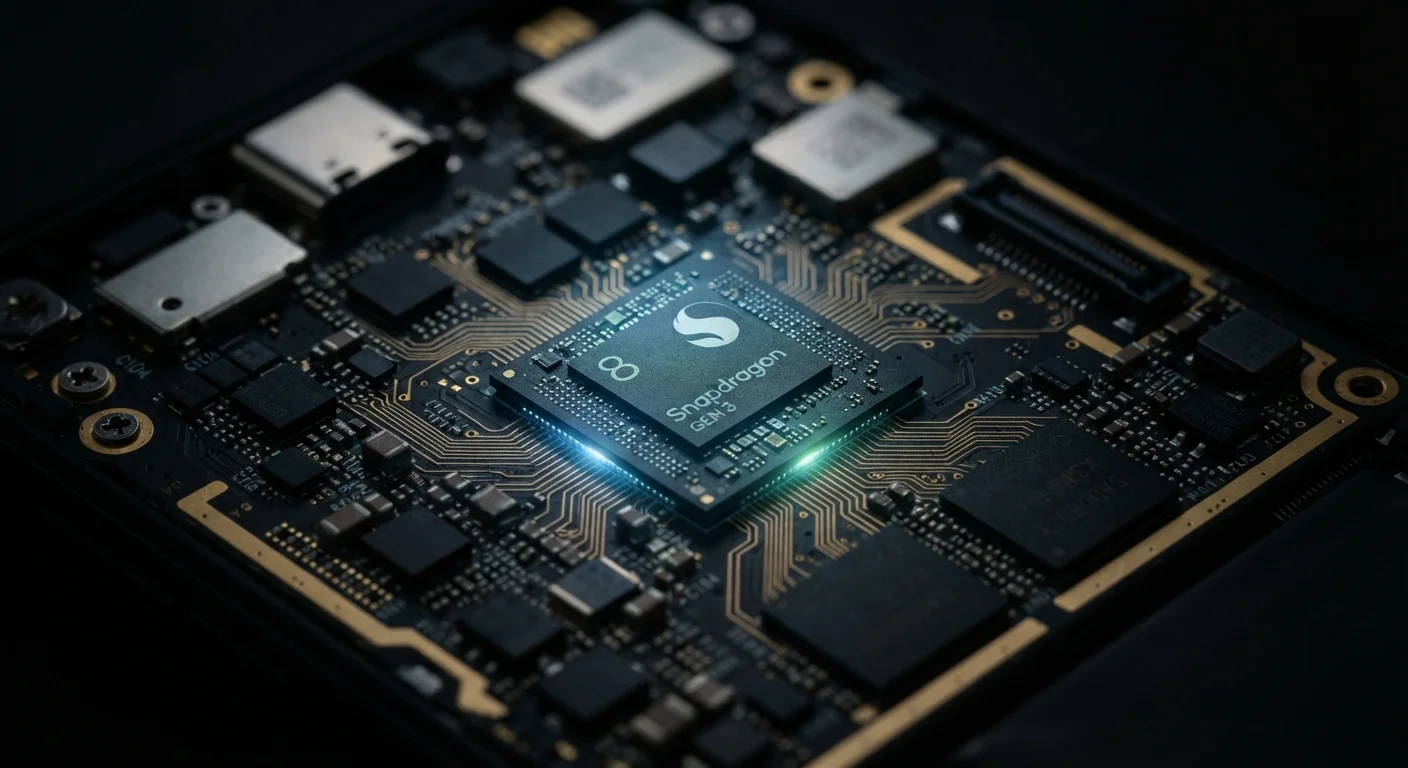
Software is not static. Every major operating system update introduces new features, visual effects, and background processes — and those additions are engineered with current hardware in mind, not the phone you bought three years ago. The processor inside your phone, described in more detail in our piece on how processor chips shape real-world phone performance, was designed to a specific performance ceiling. As apps and the OS grow more complex, that ceiling gets tested more frequently.
This doesn't mean updates are bad — they carry critical security fixes and are generally worth installing. But it does explain why a phone that handled last year's apps smoothly may struggle with this year's equivalents. Apps themselves also tend to grow in complexity over time, even when the core function stays the same.
Security Updates vs. Feature Updates
Not all software updates are equal in their performance impact. Security patches tend to be lightweight and rarely affect speed. Major OS version upgrades introduce far more new features and background processes, which place greater demand on older hardware. Knowing the difference can help you decide when an update is essential versus when to monitor its impact carefully.
Storage Pressure: When Full Is Too Full
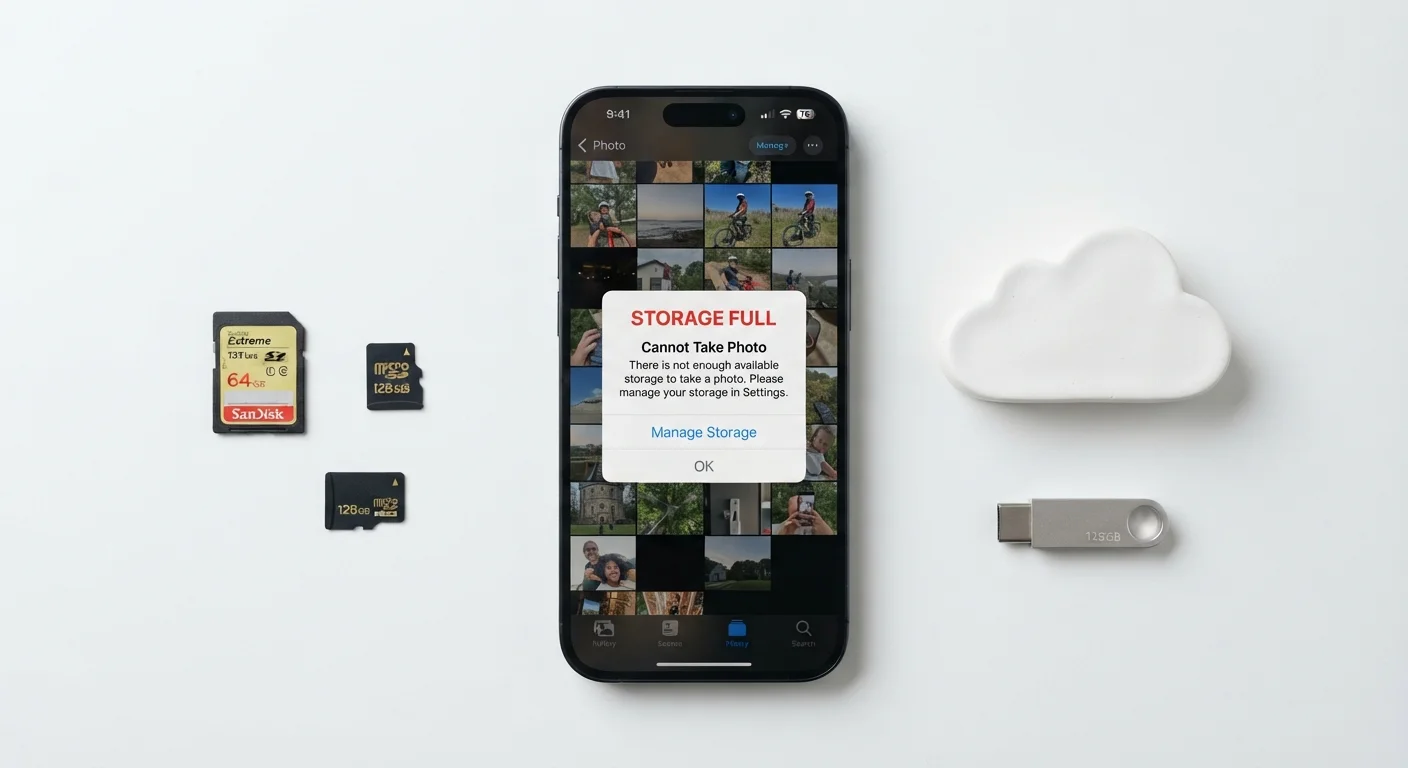
Phones use available storage space as a kind of working room — a place to cache data, store temporary files, and manage the constant read-write operations apps perform. When that space gets tight, the phone's file system has to work harder to find room, consolidate fragments, and manage operations it would otherwise handle effortlessly.
The practical result is lag: slower app launches, delayed photo saves, and sometimes outright crashes. A commonly cited threshold is that keeping at least 10–15% of total storage free helps maintain smooth operation, though this can vary by device. For a detailed look at how storage fills up and what to do about it, see our guide on storage sizes and what happens when your phone runs out of space.
What You Can Do — and When Upgrading Makes Sense
Before assuming a new phone is the answer, a few targeted steps often recover noticeable performance. Checking battery health and replacing a degraded battery is frequently the highest-impact fix. Auditing storage and offloading photos, unused apps, and cached data can meaningfully reduce system pressure. Restarting the phone regularly clears background processes that accumulate over time.
That said, there is a point where hardware age genuinely limits what software can do. When a manufacturer ends security update support for a device, that is a practical signal — not just a marketing one — that the hardware has reached the end of its supported life. If you're weighing whether to maintain your current phone or move on, the smartphone upgrade checklist covers the key factors worth working through before committing.