Smartphone vs. Tablet: Choosing the Right Form Factor
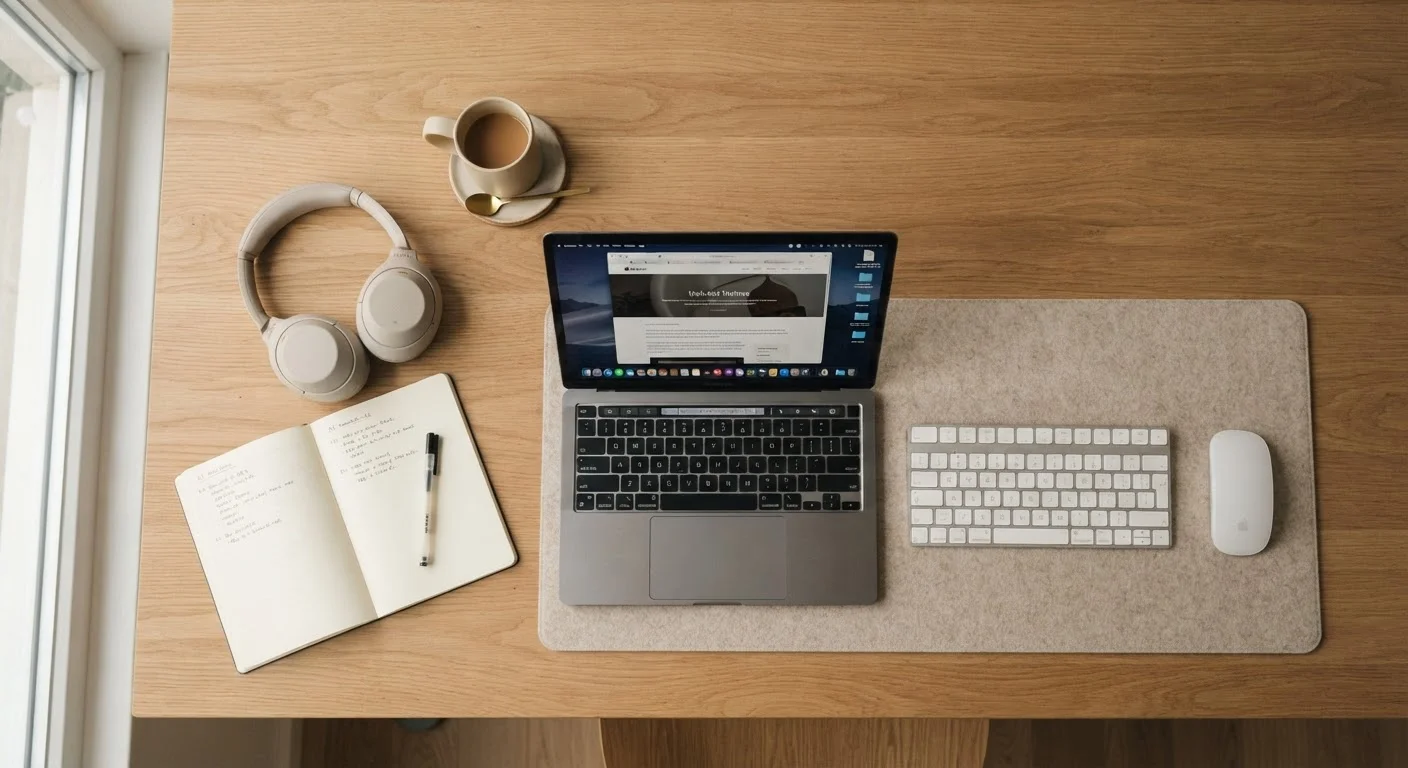
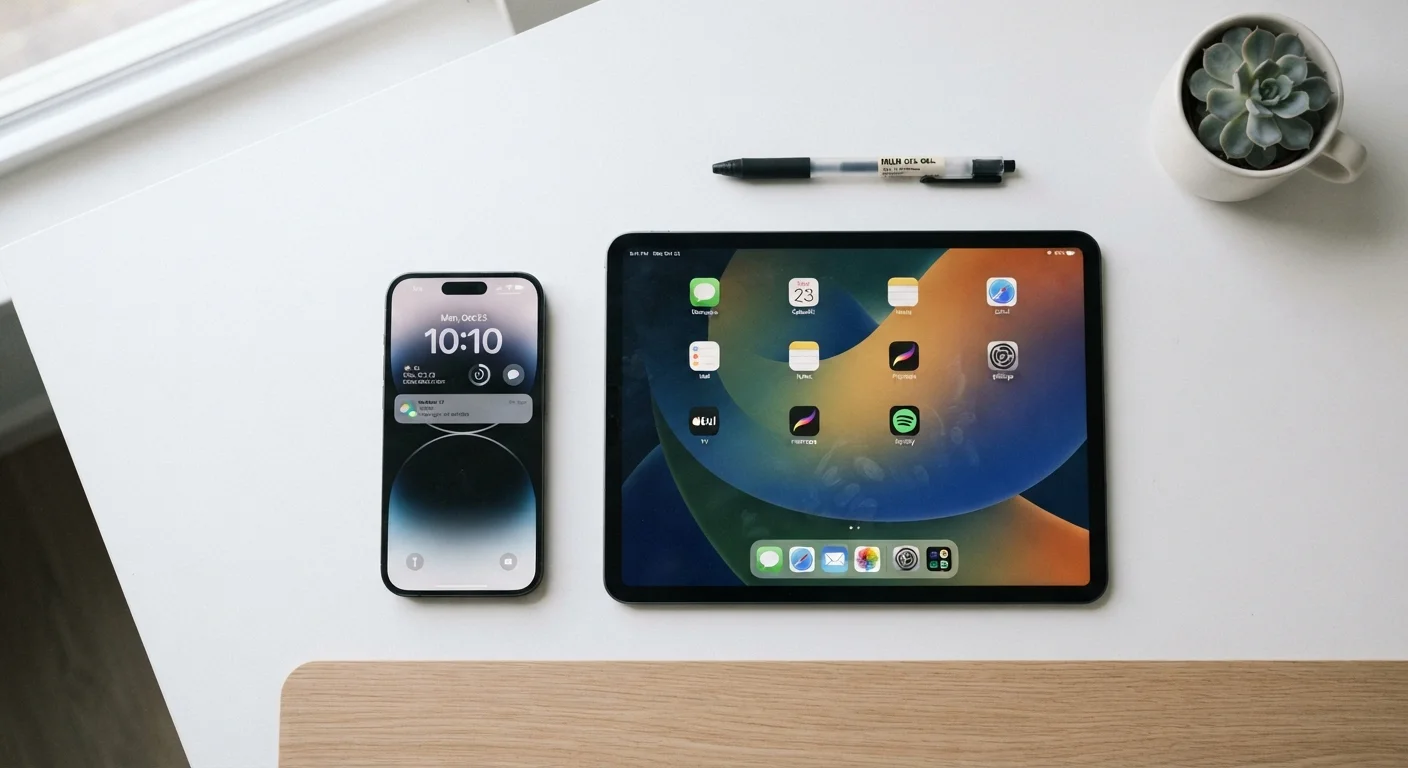
The most fundamental question isn't which device is better — it's which device fits how you actually live. Smartphones are communication hubs: calls, texts, payments, and pocket-sized access to everything. Tablets excel at media consumption, reading, video calls, and light productivity tasks where a larger screen adds real value.
If your daily routine involves commuting, frequent calls, and on-the-go messaging, a smartphone handles almost everything you need. If you find yourself squinting at streaming video, reading long documents, or sketching notes, a tablet earns its keep at home or the office. Many households find both devices useful for different members or different tasks — but that's a lifestyle decision, not a technical one.
Try Before You Commit to a Form Factor
If you're unsure whether a tablet adds value to your life, borrow one from a friend or use a display model extensively before purchasing. Many buyers discover that a tablet primarily duplicates what their phone already does, while others find it immediately indispensable for reading or media. Real hands-on time reveals more than any comparison article.
Specs That Actually Matter in Daily Use
Spec sheets are designed to impress, not to inform. Here's what actually affects your experience:
- Processor (CPU/SoC): The chip determines how smoothly your device handles multitasking, app launches, and camera processing. A mid-range chip from a recent generation often outperforms an older flagship in practical use.
- RAM: More RAM means more apps stay open in the background without reloading. For general use, 6–8 GB is a reasonable threshold. Heavy multitaskers or power users benefit from more.
- Storage: Consider what you'll actually store. If you rely on cloud services for photos and music, 128 GB is usually sufficient. If you prefer local storage of large files or offline media, go higher.
- Display: Resolution matters less than refresh rate and brightness in real-world conditions. A higher refresh rate (90Hz or 120Hz) makes scrolling and animations noticeably smoother.
- Battery capacity: Raw milliamp-hour (mAh) numbers only tell part of the story — software optimization and screen size both affect real-world battery life significantly.
6–8 GB
RAM suitable for general smartphone use
Device makers and independent reviewers consistently identify this range as sufficient for everyday multitasking without performance bottlenecks.
120Hz
Display refresh rate for noticeably smoother scrolling
Consumer technology publications widely note that 90Hz–120Hz panels produce a perceptible difference in everyday scrolling and animation fluidity.
4–7 years
Typical software support window (varies by manufacturer)
Manufacturer update commitments vary widely; some now offer extended security and OS update windows to compete on device longevity.
Operating Systems: What You're Really Signing Up For
Android and iOS are the two dominant mobile operating systems, and choosing between them shapes your entire experience — not just which apps you can access, but how the device integrates with your other technology.
iOS is tightly controlled by one manufacturer and tends to deliver consistent performance across supported devices, with a reputation for smooth software updates. Android is available across a wide range of hardware at various price points, offering more customization options and greater flexibility in file management and default app choices.
If you already own other devices in a particular ecosystem — a smartwatch, wireless earbuds, a smart TV, or a laptop — consider how well a new phone or tablet integrates with that setup. Switching ecosystems carries real switching costs in terms of app purchases, accessories, and learned habits.
Before switching platforms, audit which apps you've paid for — many paid apps or in-app purchases don't transfer between iOS and Android, representing a real hidden cost of switching.
Platform lock-in through app purchases is frequently underestimated. Knowing your paid app inventory helps you make an honest cost comparison before committing to a new ecosystem.
Ask for the end-of-support date, not just the current software version. A device shipping with the latest OS today may stop receiving updates in two years.
Security patches are what keep a device safe over time. A device that stops receiving patches becomes a liability, particularly for users who store financial or health data on it.
Software Support and Longevity
One of the most overlooked purchase criteria is how long a device will receive software and security updates. A device that stops receiving updates doesn't immediately break, but it becomes increasingly vulnerable to security threats and gradually incompatible with newer apps.
Before purchasing, check the manufacturer's stated update policy. Some manufacturers commit to multiple years of OS updates and even longer security patch windows. Others offer shorter support windows, which means a device may feel outdated — or become risky to use — sooner than expected.
Software Updates Are a Security Issue, Not Just a Feature
A device without active security patches is exposed to known vulnerabilities that cybercriminals actively exploit. This is especially critical for devices used for banking, email, or storing personal documents. Check the manufacturer's published update commitment — not just current reviews — before purchasing any smartphone or tablet you plan to rely on for more than two years.
For tablets used by children or seniors, longer support timelines are especially worth prioritizing, since these devices are often kept in use for many years without being upgraded frequently.
Connectivity and Ecosystem Considerations
Modern smartphones and tablets increasingly support 5G connectivity and Wi-Fi 6 (or Wi-Fi 6E), both of which offer faster speeds and better performance in crowded network environments compared to their predecessors. These standards are worth considering as future-proofing investments, particularly for devices you plan to keep for several years.
Beyond network speed, think about how your device connects to the rest of your home. For readers building out a smart home setup, exploring how mobile devices integrate with home automation is a natural next step — our Smart Home Living hub covers those connections in depth.
Also consider port compatibility: USB-C has become the dominant standard on Android devices and newer tablets, enabling faster charging and broader accessory support. Some tablets now support stylus input or keyboard attachments, which meaningfully expands what they can do for productivity tasks.
How to Evaluate Before You Buy
Rather than starting with a product, start with a use-case list. Write down the five things you do most on your current device. Then identify which specs and features directly support those tasks. This prevents you from paying a premium for capabilities you'll never use — like a flagship camera system if you primarily use your phone for messaging and maps.
Where possible, handle devices in person before purchasing. Screen size, weight, and how a device feels in one hand are preferences that no spec sheet captures. Reading independent reviews that test real-world battery life, camera performance in low light, and app load times will give you a far more accurate picture than a manufacturer's marketing materials.
If your household also needs a laptop or desktop, consider how a phone or tablet fits into that broader device picture. Our Laptops & Computers buyer's education guide walks through the equivalent decisions for larger computing devices, so you can evaluate the full picture before committing. You can also explore broader home tech guides for context on how mobile devices fit into a connected household.
This article is for informational and educational purposes only. Product specifications, update policies, and connectivity standards vary by manufacturer and region. Verify details directly with manufacturers before making a purchase decision.