The Gap Between Numbers and Experience
When shopping for a computer or smartphone, it's tempting to treat the spec sheet as a performance scoreboard. Larger numbers suggest better results, so the logic goes. In practice, that assumption breaks down quickly.
Processor clock speed — measured in gigahertz (GHz) — describes how many cycles a chip completes per second. But it says nothing about how efficiently each cycle is used, how well the chip handles multiple simultaneous tasks, or whether the cooling system can sustain that speed for more than a few seconds before the processor automatically slows itself down to avoid overheating. This last phenomenon, called thermal throttling, is one of the most common reasons a high-spec device underdelivers.
Similarly, a high core count benefits workloads that can be split across many cores — like video rendering or scientific computing — but has little impact on tasks that run on a single thread, such as loading a webpage or opening a spreadsheet. For most everyday users, software responsiveness and storage speed shape the experience far more than core count.
“Benchmarks are a useful shorthand, but the machine that wins on paper doesn't always win at the desk. Real performance is an emergent property of how all the components — and the software — work together.”
— Tech & Gadgets Editorial Team, Editorial analysis of consumer hardware performance research
The Components That Actually Shape Daily Feel
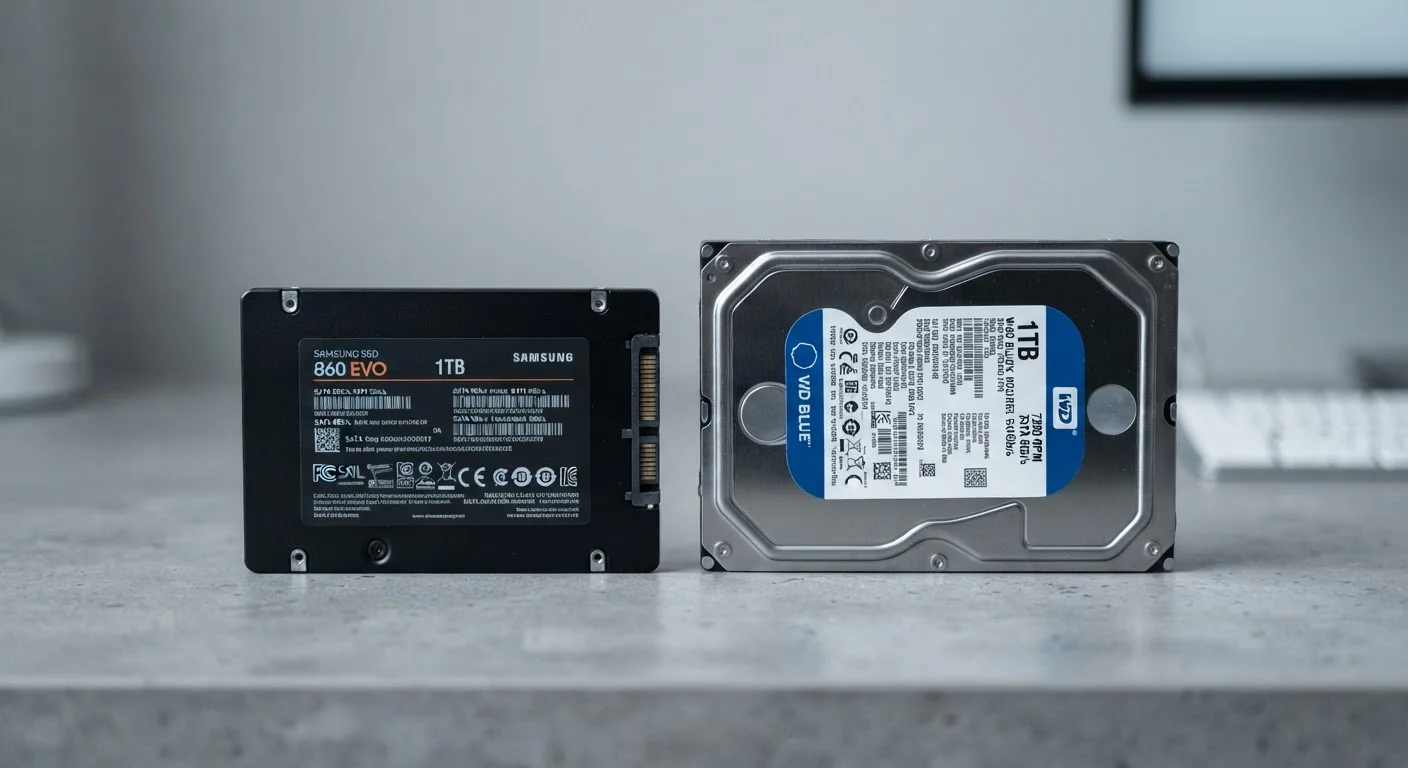
Storage type is one of the clearest examples of a spec that punches above its weight in real-world impact. A solid-state drive (SSD) loads the operating system, applications, and files dramatically faster than a traditional spinning hard-disk drive (HDD), even when both systems have identical processors and RAM. Learn how storage type affects more than speed in everyday use — the difference is often felt immediately.
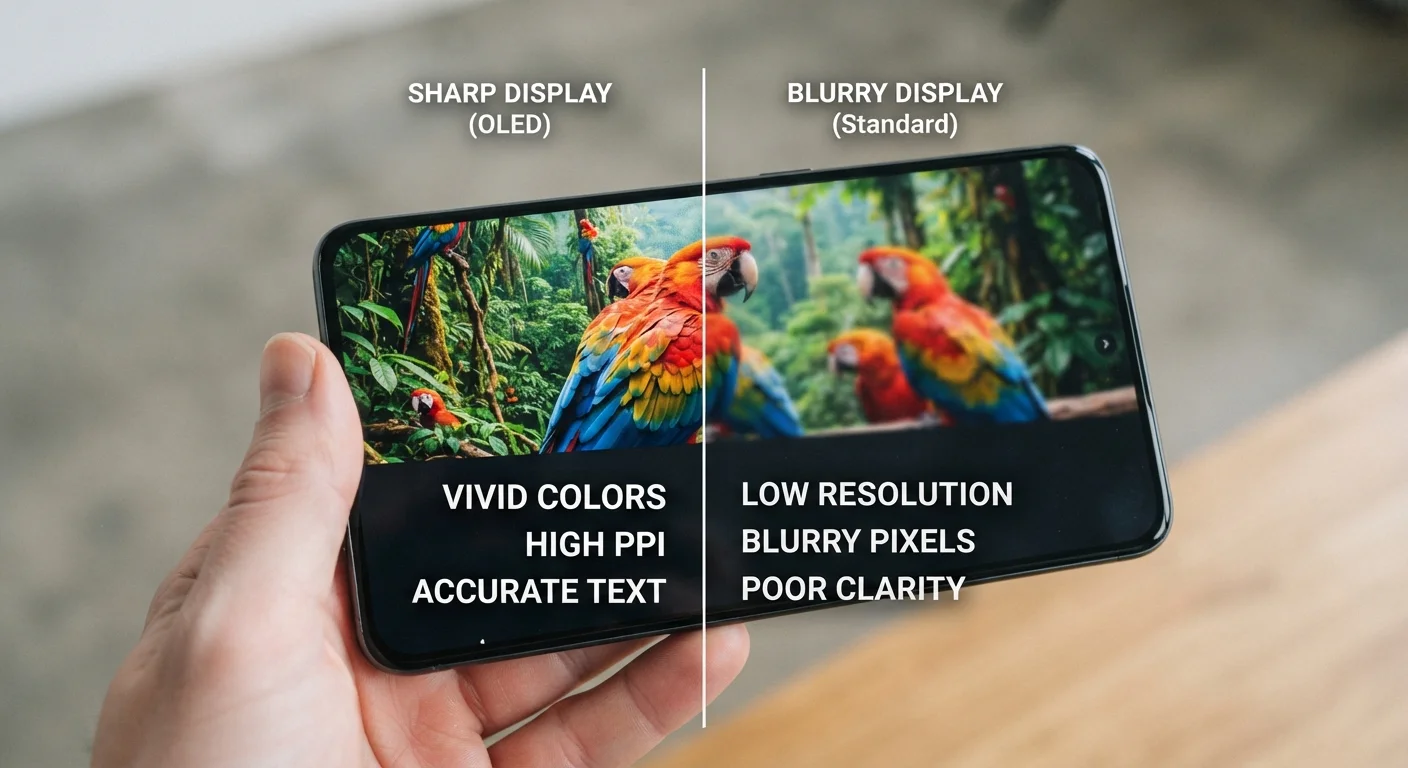
Display quality is another underappreciated factor. A screen's resolution matters, but so do its brightness, color accuracy, and refresh rate. A panel with modest resolution but excellent contrast and brightness can be far more comfortable to use for hours than a high-resolution display with washed-out colors. Understand what resolution actually does to your viewing experience before treating pixel count as the deciding factor.
~30%
Performance lost to thermal throttling under sustained load
Research on laptop thermal behavior has documented clock speed reductions of roughly 25–35% during sustained demanding workloads when cooling systems are inadequate, even on high-spec processors.
3–5×
Faster boot times: SSD vs. HDD
Independent storage performance tests consistently show SSDs loading operating systems three to five times faster than comparable HDDs, a difference users notice immediately in daily use.
Software optimization is perhaps the least visible but most consequential factor. A device running a clean, well-tuned operating system with minimal background processes will feel faster than a comparable or even higher-spec machine burdened with unnecessary startup programs, automatic updates running in the background, or poorly written drivers.
Matching Specs to What You Actually Do
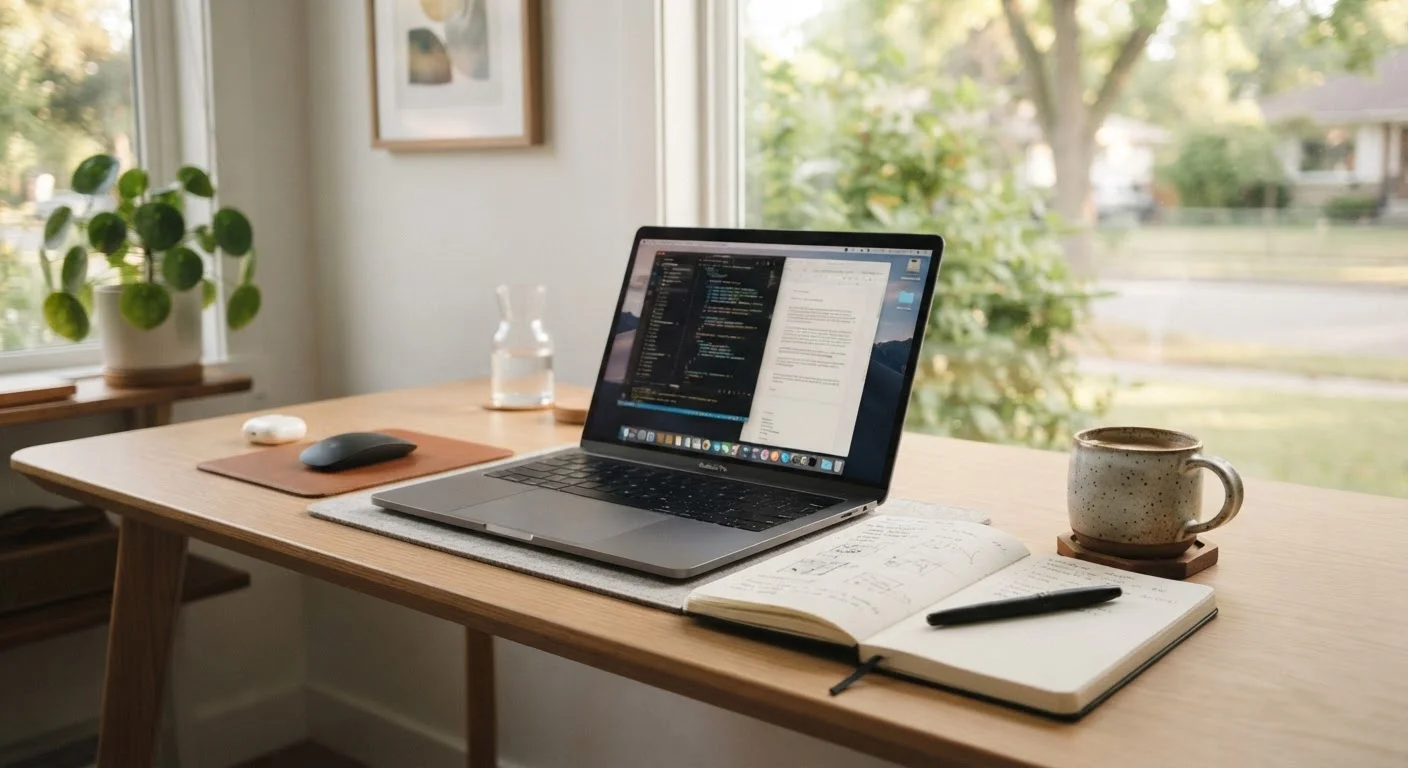
The most practical shift you can make when evaluating a device is to start with your use case, not the spec sheet. A student writing papers and attending video calls has fundamentally different needs from a graphic designer or a software developer. Chasing the highest specifications available may result in spending more for capabilities you'll never use, while the features that matter most go overlooked.
Start With Tasks, Not Specs
Before comparing processor speeds or RAM figures, list the three or four things you do most on a computer — browsing, video calls, photo editing, gaming. Then research which components actually affect those tasks. You'll narrow your options quickly and avoid paying for specs that won't improve your experience.
See how computing needs vary by household role — the specs that matter for a remote worker differ significantly from those relevant to a casual user or student. Framing your search around tasks rather than numbers leads to more satisfying outcomes.
The same principle applies to smartphones. Clock speeds and RAM figures on a phone box tell only part of the story — the camera processing pipeline, display panel quality, and software update track record all shape how a phone feels a year into ownership. Decode what smartphone specs actually mean to cut through the noise and focus on what genuinely affects daily use.
A well-chosen device matched to real needs — even one with modest specs — will consistently outperform a high-spec machine that's the wrong tool for the job.