Why a Checklist Beats Spec-Sheet Browsing
Walking into a store — or scrolling through a product page — and comparing numbers rarely tells you what a TV will actually feel like to live with. Brightness figures, contrast ratios, and refresh rates mean different things depending on your room, your habits, and what you plan to connect. This checklist moves through every meaningful decision point so you can confirm what matters for your setup before you commit.
If you encounter unfamiliar terms along the way, the Home Tech Jargon Glossary covers 40 common display and connectivity terms in plain language.
Room and Placement
Panel and Picture Quality
Connectivity and Ports
Smart Platform and Software
Audio
Warranty, Return Policy, and Delivery
Tools and Resources to Have Ready
Before running through the checklist, gather a few basic items. Having these on hand means you can answer every question without pausing mid-process.
Tape measure
Measure your viewing distance, wall space, and furniture dimensions to confirm the TV will physically fit and look proportional.
Stud finder
Locate wall studs before purchasing a wall mount, ensuring the mount can bear the TV's weight safely.
Notepad or checklist app
Record confirmed specs and port counts for each TV you are comparing so you can review them side by side.
TV's official spec sheet
Access verified technical details — panel type, HDR formats, HDMI version, and port layout — directly from the manufacturer rather than relying on retail summaries.
Wi-Fi signal strength app
Test signal strength at the intended TV location before finalizing placement, especially in larger homes.
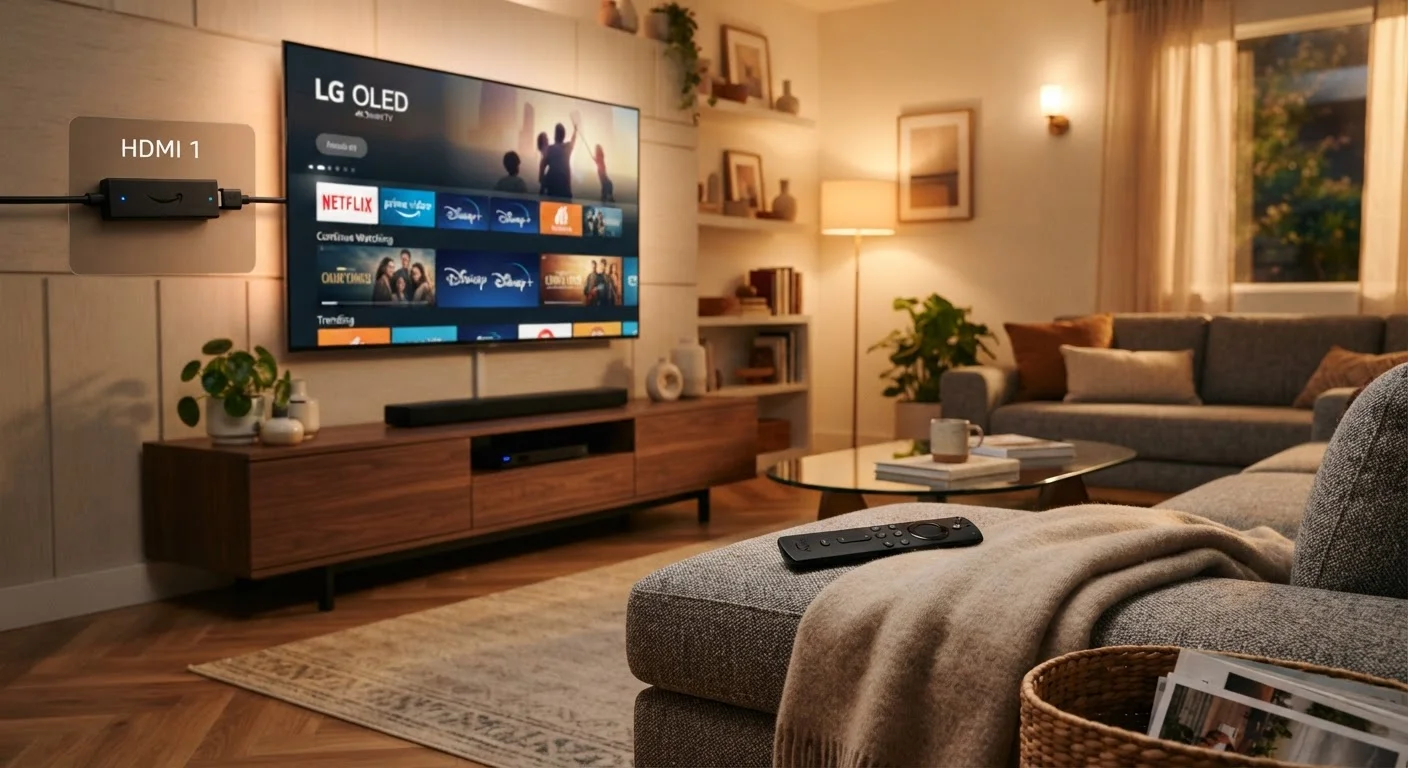
Once you have confirmed your room setup and connectivity needs, also consider the TV's software longevity. Built-in smart platforms vary widely in how long they receive updates. For a clear-eyed look at that trade-off, see our article on streaming sticks vs. built-in smart TV platforms.
Marketing Terms Can Obscure Real Specs
Terms like 'motion rate,' 'effective refresh rate,' and 'clear motion' are manufacturer-specific marketing labels — not standardized measurements. A TV marketed with a '240 motion rate' may have a native panel refresh rate of only 60 Hz. Always look for the native refresh rate in the full specification sheet rather than the headline number on the product listing.
HDR Labels Are Not All Equal
A TV that lists 'HDR support' may only meet the minimum threshold for base HDR10, which lacks scene-by-scene brightness guidance. For the best HDR experience, look specifically for Dolby Vision or HDR10+ certification. Budget models that claim HDR often cannot hit the brightness levels needed to make the format visually meaningful.
After the Checklist: Confirming Your Setup Will Work
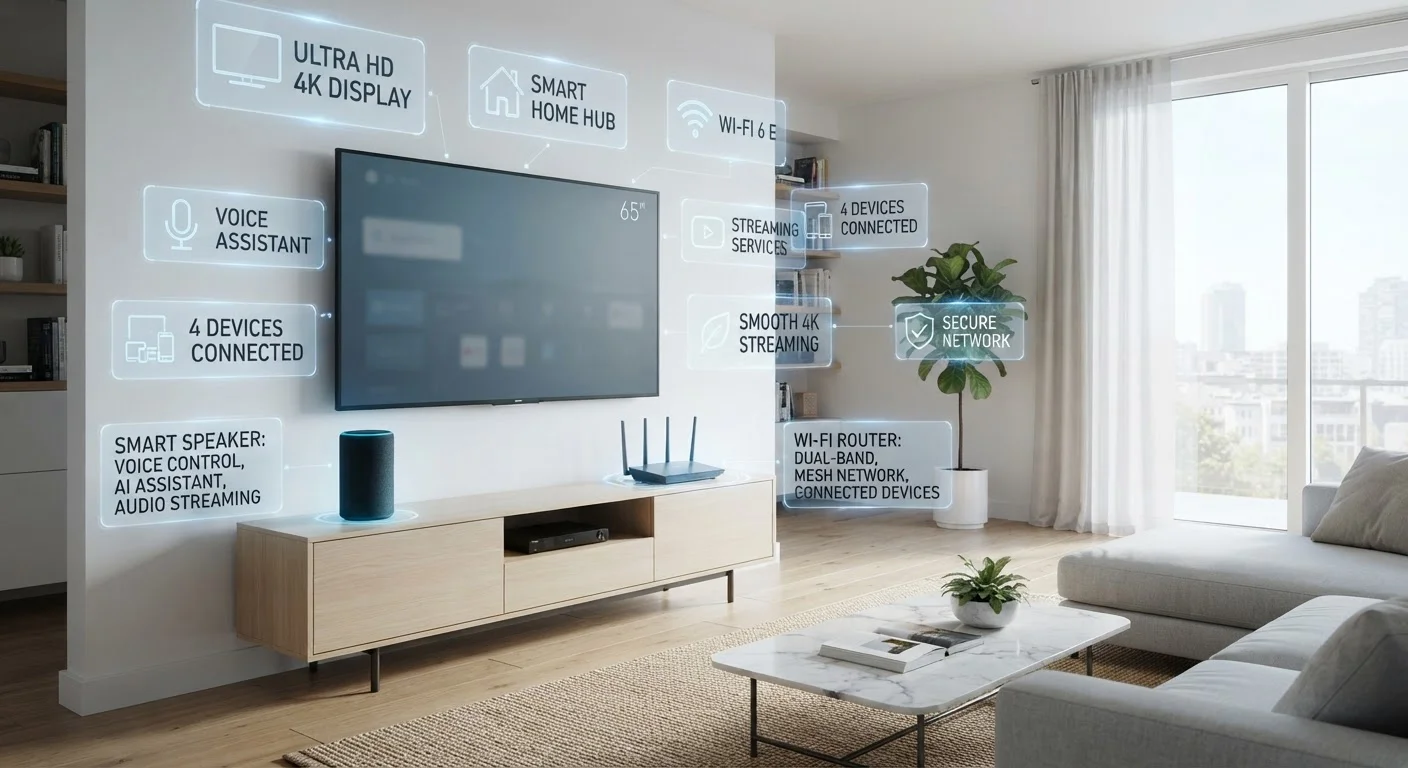
Completing the checklist items above covers the TV itself, but integration with the rest of your home matters too. Check that your Wi-Fi router reaches the TV location reliably — a weak signal is one of the most common causes of streaming problems that get blamed on the TV. Our guide on why smart TVs buffer explains the real culprits in detail.
If you are building out a broader smart-home setup, run through the pre-purchase smart device checklist as well — it covers compatibility and placement considerations that apply equally to a new TV.
Confirm Burn-In Policy Before Buying OLED
OLED panels can develop permanent image retention (commonly called burn-in) when static elements — like news tickers or game HUD elements — are displayed for extended periods. Policies on whether burn-in is covered under warranty differ by manufacturer. Read the warranty terms explicitly, and factor your typical viewing habits into the decision if you watch a lot of broadcast news or play games with persistent on-screen overlays.
Resolution is one spec that generates a lot of confusion. Whether 4K is meaningfully better than 1080p at your intended viewing distance depends on screen size and seating position — our piece on what screen resolution really does to your viewing experience explains the underlying perceptual research without the hype.