Why Software Aging Matters More Than You Might Expect
When you buy a television, the screen itself can remain excellent for a decade. The built-in software is a different story. Smart TV platforms — the operating systems that run your apps, menus, and voice controls — are tied to the hardware inside the TV at the time of manufacture. That hardware sets a ceiling on how much the software can improve through updates.
Most television manufacturers focus their development resources on current product lines. Within three to five years of a TV's release, software updates typically become less frequent, interface improvements slow, and some new streaming apps may no longer be offered on older platform versions. This isn't a flaw; it reflects the economics of consumer electronics software development. But it does mean a TV that feels snappy in year one can feel noticeably sluggish by year four, even if the picture is still excellent.
Understanding this cycle helps you plan — whether you're deciding what to buy now or trying to extend the life of a TV you already own. See our TV buying checklist for other specs worth examining before committing to a purchase.
How Streaming Sticks Stay Current
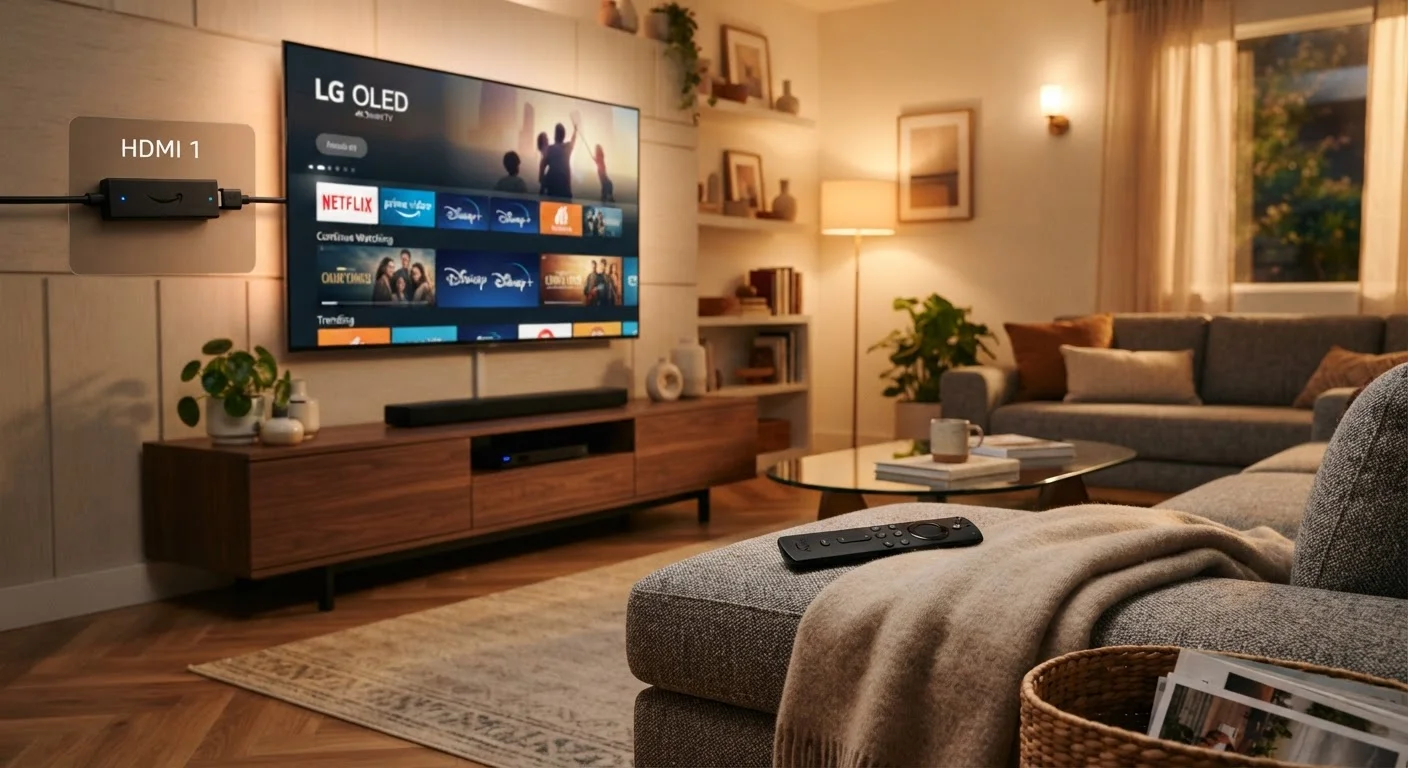
Standalone streaming devices — small sticks or pucks that plug into an HDMI port — are designed around a different product cycle than televisions. Because the manufacturer's primary product is the software experience, these devices tend to receive interface updates, new app integrations, and performance improvements far more regularly than built-in TV platforms.
Streaming sticks are also relatively inexpensive to replace when their hardware genuinely can no longer keep pace with new software demands. Replacing a $40–$60 device every four or five years is a very different financial proposition than buying a new television.
Check HDMI-CEC Before Adding a Stick
Most modern TVs support HDMI-CEC, a standard that lets a streaming stick's remote control the TV's power and volume. Look for this feature (sometimes labeled as "Anynet+," "Simplink," or "Bravia Sync" depending on the manufacturer) in your TV settings before assuming you'll need to juggle two remotes. Enabling it typically eliminates that concern entirely.
There's also a portability advantage. Travelers and renters who move frequently find that a streaming stick preserves their familiar interface and login credentials on any HDMI-equipped display — a hotel TV, a vacation rental, or a new apartment — without reconfiguring anything.
If you're thinking about how all your home devices work together over time, our guide on keeping a smart home running well over time addresses firmware hygiene and long-term maintenance strategies that apply here too.
Side-by-Side: What Actually Changes Over a 5-Year Ownership Cycle
The differences between these two approaches are most visible not at purchase, but over time. The table below maps the key dimensions across a typical five-year ownership window.
| Built-In Smart TV Platform | Standalone Streaming Stick | |
|---|---|---|
| Initial setup complexity | Minimal — ready out of the box | Low — plug in and sign in |
| Software update frequency | Slows significantly after 3–5 years | Regular, often annually or more |
| App availability over time | May lose newer apps on older OS versions | Generally tracks current app library |
| Performance over 5 years | Limited by fixed internal hardware | Replaceable hardware when needed |
| Cost to upgrade experience | Requires new TV purchase | Typically $40–$60 for new device |
| Remote control setup | Single remote, integrated experience | Second remote unless using HDMI-CEC |
| Portability | Fixed to the display | Works on any HDMI screen |
One dimension the table can't fully capture is the cumulative frustration of a slow interface. Processing power baked into a TV at manufacture doesn't improve with software updates — it can only be optimized to a degree. Streaming sticks, by contrast, can be swapped for a newer model the moment performance feels inadequate, without touching the display itself.
If buffering or sluggishness is already a problem on your current setup, it's worth reading about why your smart TV keeps buffering before assuming the TV's platform is solely to blame — network and router factors often contribute.
Making the Right Call for Your Situation
Neither approach is universally superior — context matters. If you've just purchased a current-generation television from a manufacturer with a strong software track record, the built-in platform may serve you well for several years with minimal friction. The convenience of a single remote and no extra device to manage is a genuine quality-of-life benefit.
If your TV is already a few years old and you're noticing apps loading slowly, missing streaming services, or a cluttered interface that hasn't been refreshed in years, a streaming stick is likely the most cost-effective path to a better experience. You preserve the display — often the most expensive component — while essentially upgrading the computing layer.
Those building out a broader home setup may also want to consider how streaming fits alongside other connected devices. Our comparison of smart speakers vs. smart displays explores how voice and visual interfaces overlap with TV-based streaming hubs. And if you're new to connected home technology generally, setting up your first smart home without frequent overhauls is a useful starting point for thinking about which decisions are foundational.
Finally, the display panel itself remains a separate and important consideration. If you're weighing a TV upgrade for picture quality reasons, our breakdown of OLED vs. QLED vs. LED explains what those technologies actually mean for everyday viewing.