Why Smart Home Myths Stick Around
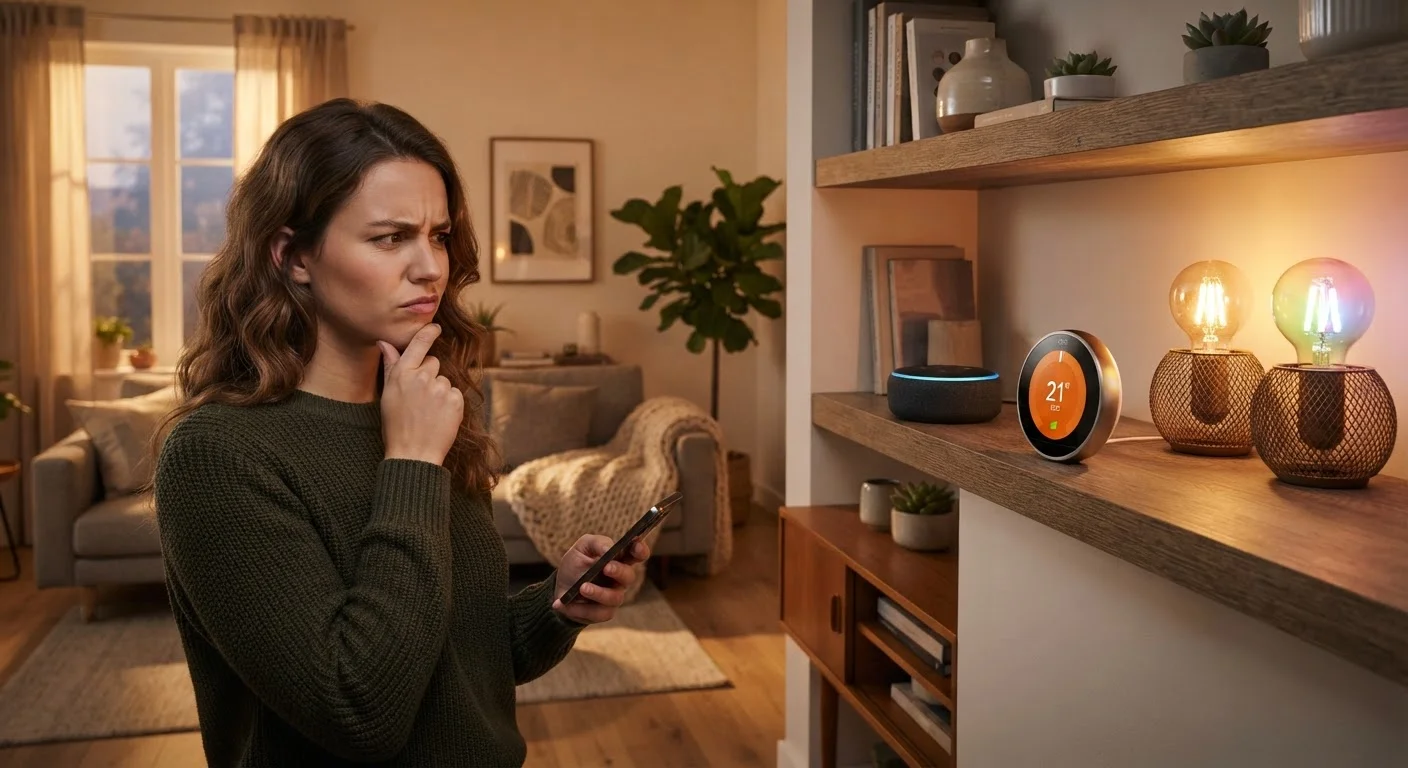
Smart home technology is marketed aggressively, which means expectations often arrive pre-inflated. Promises of seamless automation, dramatic energy savings, and plug-and-play simplicity fill product pages and ads — and many buyers discover only after purchase that reality is more complicated. Understanding where these beliefs break down helps you shop more deliberately and build a setup that actually improves your daily life.
For a grounded starting point, see what smart home technology really does — it cuts through the marketing and explains how these systems work in practice.
Myth
All smart home devices work together — just buy what you like and they'll connect.
Fact
Smart devices communicate through different protocols and platform ecosystems, and many are not interoperable without additional hardware or software bridges.
A smart bulb from one brand and a smart switch from another may each require their own separate app, hub, or voice assistant — and may never directly communicate with each other at all. Protocols like Zigbee, Z-Wave, Wi-Fi, and Bluetooth each have different ranges, speeds, and compatibility requirements. The newer Matter standard aims to improve cross-brand compatibility, but not all devices support it yet. Before purchasing, check which ecosystem or protocol each device uses. how smart home platforms connect devices is essential reading before you buy anything.
Myth
A smart thermostat will pay for itself quickly through energy savings.
Fact
Smart thermostats can reduce heating and cooling costs, but actual savings depend heavily on your existing habits, home size, and local energy rates.
If you already manually adjust your thermostat consistently, a smart version may provide only marginal additional savings. Studies by energy agencies have found that savings vary widely — some households see meaningful reductions, others very little. The biggest gains tend to come in homes where the thermostat was previously left at a fixed setting all day regardless of occupancy. Understanding how scheduling, geofencing, and learning modes actually work helps you judge whether the device will deliver in your specific situation.
Myth
Smart home devices are plug-and-play — setup takes minutes.
Fact
Many smart devices require app downloads, account creation, firmware updates, router configuration, and troubleshooting before they work reliably.
Setup complexity varies significantly. A smart plug may genuinely take minutes. A smart lock with a keypad, auto-lock schedule, and integration into a broader system can take considerably longer — especially if your home network has coverage gaps or channel congestion. Firmware updates are often required before first use, and some devices need a hub to function at all. Plan for setup time, and have your home network details ready before you open the box.
Myth
More devices mean a smarter, more automated home.
Fact
A larger number of devices increases complexity, maintenance burden, and potential points of failure without necessarily improving day-to-day comfort.
Each connected device requires ongoing attention: firmware updates, occasional reconnection, app management, and sometimes subscription renewals. A home filled with dozens of poorly integrated devices often feels less reliable than a simple setup with a handful of well-chosen ones. Automation routines built on too many dependencies — if this sensor triggers, and that light is on, and the time is between these hours — become brittle and confusing to maintain. Start with devices that solve a clearly felt problem, then expand deliberately. routine maintenance habits matter more than device count.
Myth
Smart home devices are secure by default — manufacturers handle that.
Fact
Many devices ship with default passwords, minimal encryption, and infrequent security updates, making them potential vulnerabilities on your home network.
Manufacturers vary widely in their security practices, and some budget devices receive little to no firmware support after launch. Default credentials are a known entry point for unauthorized access. Placing smart devices on a separate guest network, changing default passwords immediately, and keeping firmware updated are practical steps that most owners skip. common security oversights in connected homes covers the habits that make a meaningful difference.
What Actually Works — and What to Do Before You Buy
The smart home devices that consistently deliver are the ones solving a friction point you already notice: a thermostat you forget to adjust, lights left on in empty rooms, a door lock you second-guess after leaving the house. Devices purchased to solve imagined problems rarely earn their place.
~8%
Average heating cost reduction from smart thermostats
The U.S. Department of Energy estimates that programmable and smart thermostat use can reduce heating costs by around 8% annually, though individual results vary.
30+
Average number of connected devices in U.S. smart homes
According to Parks Associates research, active smart home households in the U.S. manage an average of more than 30 connected devices — increasing the importance of network stability.
Before adding more devices, your home network deserves attention. A crowded or weak Wi-Fi signal is the most common cause of smart device unreliability — and no device fixes that problem for you. If you're already experiencing dropouts, chronic smart bulb disconnections usually trace back to a few fixable causes.
Privacy is a real consideration, not a fringe concern. Most smart devices collect data, and always-on microphones and cameras raise legitimate questions. understanding what data smart devices collect is a conversation worth having before expanding your setup.
Don't Overlook Your Router Before Adding Devices
Every smart device you add shares your home network's bandwidth and signal. An older or overloaded router can cause chronic dropouts, delayed automations, and frustrating troubleshooting. Before expanding your smart home, confirm your router handles multiple simultaneous connections well and that signal reaches the areas where you plan to install devices.
If you're just starting out, resist the impulse to build everything at once. A focused first setup — one or two devices that solve real problems — gives you experience with the platform before you commit to an ecosystem. practical guidance for new smart home adopters can help you make foundational decisions that hold up over time.