Schedule Mode: The Baseline Approach
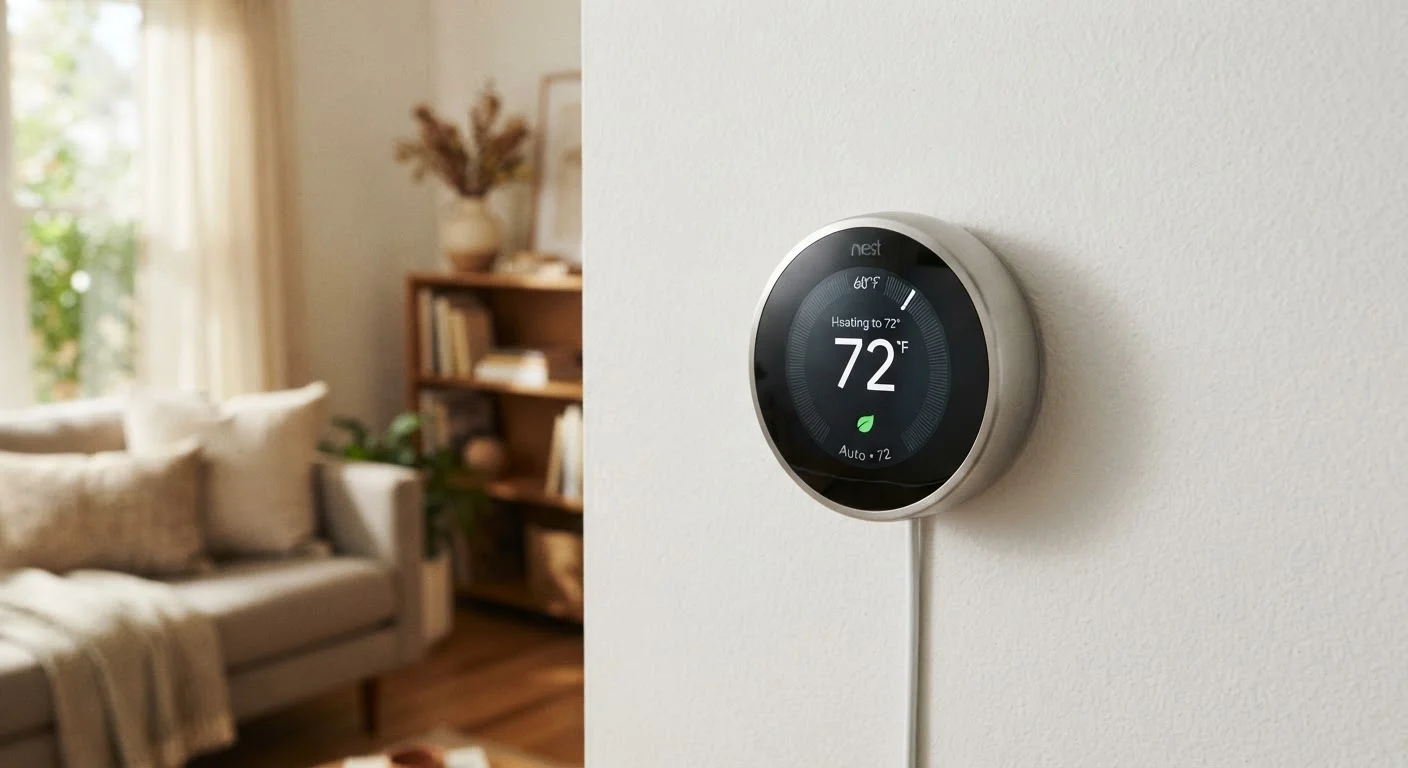
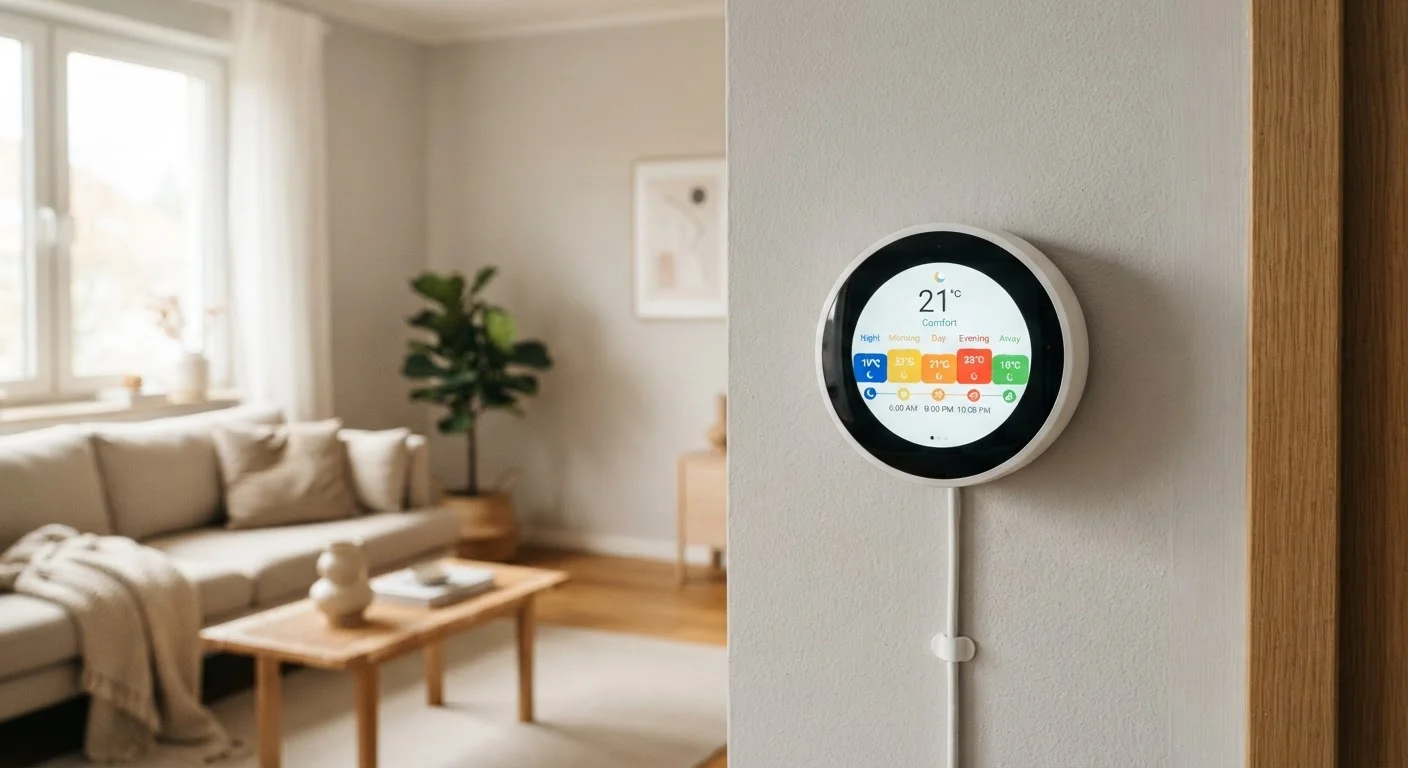
Schedule-based programming is the most straightforward smart thermostat mode. You define temperature setpoints for different times of day — a cooler overnight setting, a warm-up before you wake, an energy-saving setback while you're at work — and the thermostat follows that plan every day or on a custom weekly calendar.
The strength of schedule mode is predictability. Your HVAC system runs when you tell it to, and nothing changes unless you change it. That consistency makes it easy to understand your energy use and troubleshoot unexpected behavior.
The weakness is rigidity. A schedule assumes your life is regular. If you work from home some days, take a long weekend trip, or simply forget to update the settings after daylight saving time, the thermostat keeps running the old plan. An empty house being heated to a comfortable 70°F all afternoon is the opposite of efficient.
Revisit Your Schedule Every Season
A schedule set in October for longer evenings at home won't match your summer habits. Blocking 10 minutes each season to review and update your thermostat's programming is one of the simplest ways to keep energy use aligned with your actual routine. Most thermostat apps make this adjustment straightforward from a phone.
For schedule mode to perform well, it needs to reflect how you actually live — not how you intended to live when you set it up. Revisit your schedule seasonally, and whenever your routine changes significantly. See our setup guide for smart thermostats for practical tips on getting the initial configuration right.
Geofencing: Location-Aware Temperature Control
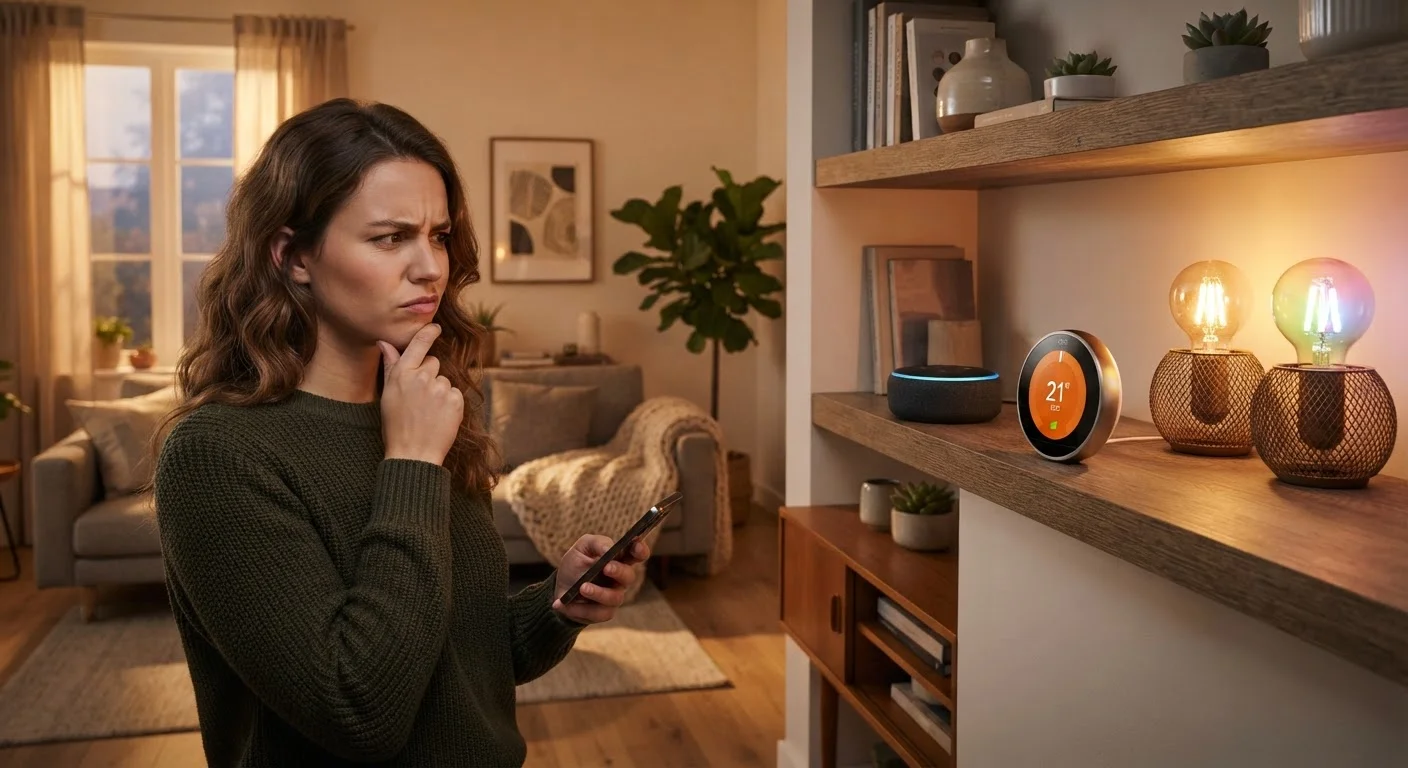
Geofencing uses your smartphone's location to create a virtual boundary — usually a radius around your home. When your phone crosses that boundary outbound, the thermostat shifts to an energy-saving away mode. When you return, it starts warming or cooling so conditions are comfortable by the time you walk in.
This solves the core problem with fixed schedules: it responds to what's actually happening rather than what was planned. Spontaneous late nights out, unplanned work-from-home days, or an early return from a trip all get handled automatically.
Multi-Person Households and Geofencing
Geofencing is only as reliable as your phone's location signal. Poor GPS accuracy, battery-saving restrictions on background apps, or leaving your phone at home can all cause the thermostat to misread your status. Households with multiple people should check whether the thermostat supports multi-phone geofencing — a feature that waits until the last person leaves before triggering away mode. Your location data is continuously shared with the thermostat's app and usually its cloud servers, so reviewing the manufacturer's privacy settings is worthwhile.
Geofencing is only as reliable as your phone's location signal. Poor GPS accuracy, battery-saving restrictions on background apps, or leaving your phone at home can all cause the thermostat to misread your status. Households with multiple people should check whether the thermostat supports multi-phone geofencing — a feature that waits until the last person leaves before triggering away mode.
Geofencing also introduces privacy considerations. Your location data is continuously shared with the thermostat's app and, usually, its cloud servers. Review the manufacturer's privacy settings if that matters to you.
Learning Mode: Pattern Recognition Over Time
Learning thermostats — sometimes called adaptive thermostats — observe the manual adjustments you make and use those patterns to build an automatic schedule. If you consistently turn the heat up at 7 a.m. on weekdays, the thermostat eventually starts doing it without being asked.
The appeal is minimal setup. Rather than programming a schedule upfront, you simply use the thermostat normally and let it adapt. Over one to two weeks of typical use, most learning devices develop a reasonably accurate routine.
The limitation is that learning mode works best for consistent households. People with irregular schedules — shift workers, frequent travelers, or anyone whose week varies substantially — may find the learned schedule lags behind reality or locks in a pattern that no longer fits. In those cases, a manually maintained schedule or geofencing may actually perform better.
It's also worth understanding that "learning" in this context means statistical pattern matching, not genuine comprehension. The thermostat doesn't know why you adjusted the temperature — it only knows that you did. Guests, seasonal habits, or one-off adjustments can skew the learned model. For a broader look at what smart home devices actually understand versus what they appear to understand, see what 'smart home' actually means.
~8%
Heating savings per degree of setback
The U.S. Department of Energy has noted that turning your thermostat back 7–10°F for 8 hours a day can save around 8% annually on heating costs — the mechanism smart scheduling automates.
1–2 weeks
Time for learning mode to stabilize
Most manufacturers report that their learning algorithms require approximately one to two weeks of user interaction before generating a reliable automatic schedule.
~30 ft
Typical geofence boundary radius minimum
Many geofencing-enabled thermostats allow users to set boundary radii, with practical minimums around half a mile to avoid false triggers from GPS drift near the home.
Which Mode — or Combination — Makes Sense for You
Most smart thermostats don't force you to choose one mode exclusively. A practical layered approach might look like this: use a schedule as the foundation, enable geofencing to handle unplanned absences, and — if your thermostat supports it — allow learning to refine the schedule over time.
The mode that saves the most energy is the one that most accurately reflects when your home is actually occupied. A well-configured schedule on a simple thermostat will outperform a sophisticated learning thermostat running a mismatched routine.
If you're evaluating whether smart thermostat savings actually offset the cost of the device, that calculation depends on your specific home, energy rates, and HVAC system — not on the thermostat's feature list alone. Common smart home myths around automatic savings are worth reviewing before assuming any device pays for itself. For ongoing performance, small maintenance habits also matter — keeping your smart home running reliably covers the firmware updates and network checks that prevent gradual drift in device behavior.