Why Smart Lights Drop Off in the First Place
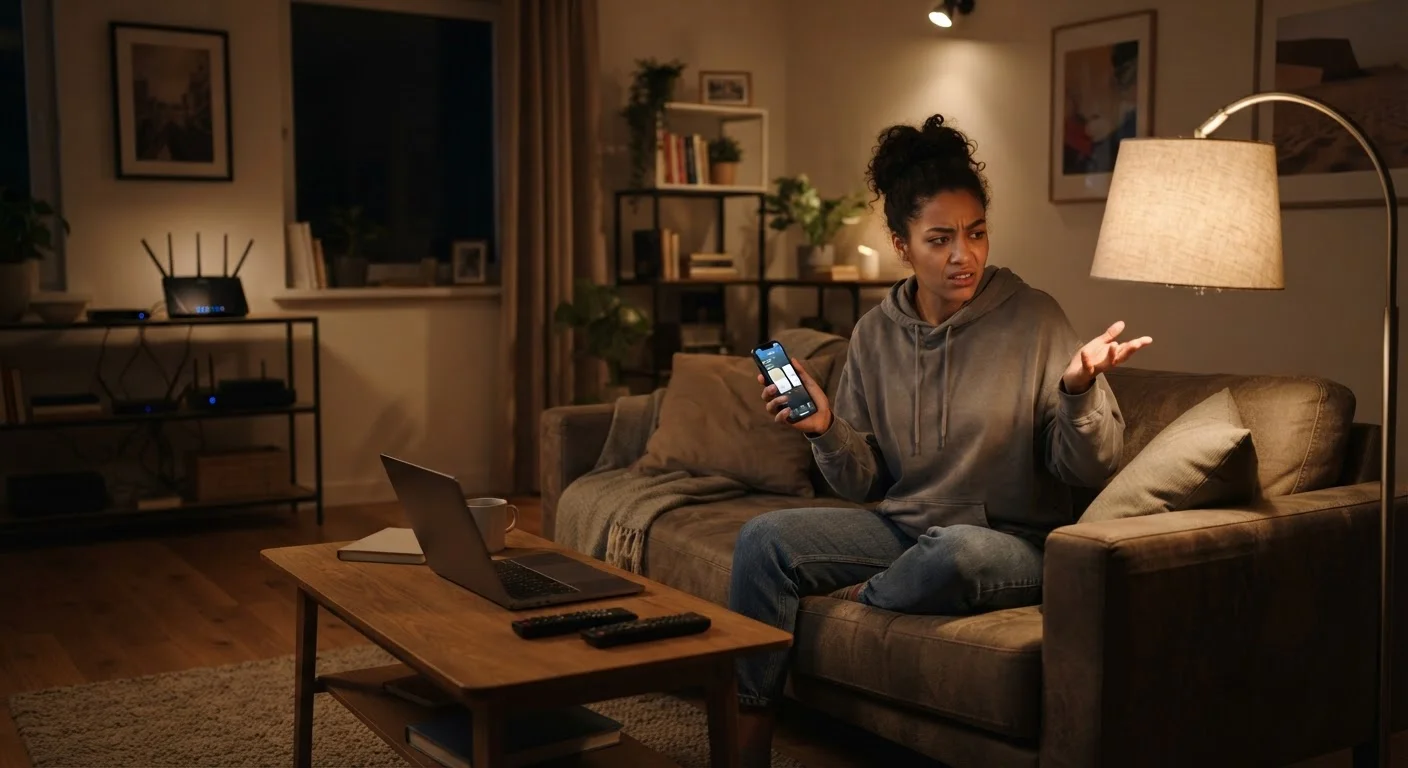
Smart bulbs feel like magic until they don't work — and a bulb that randomly goes offline or stops responding to voice commands quickly becomes more frustrating than a regular switch. The good news is that these dropouts almost never point to a defective bulb. Instead, they reflect predictable, addressable problems with your home network or device setup.
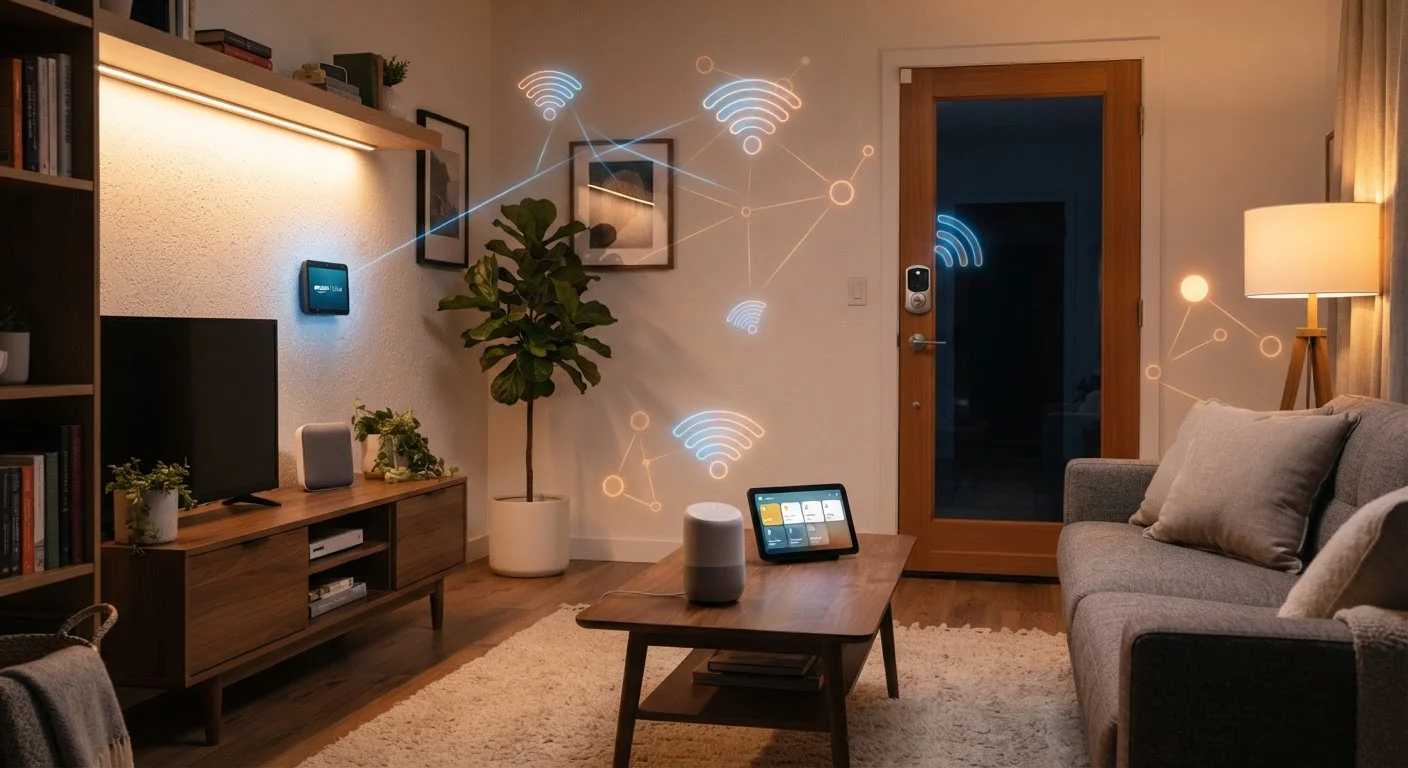
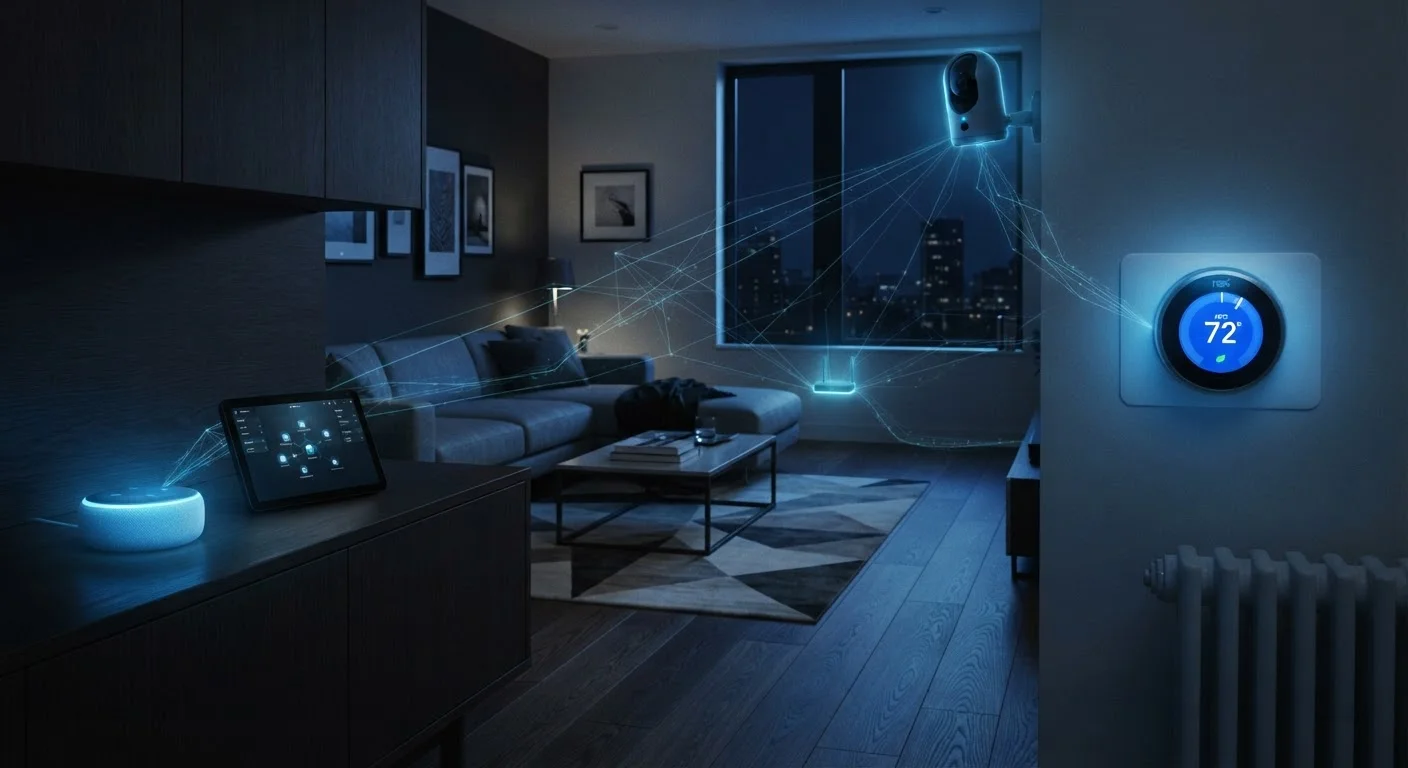
Smart lights typically connect through one of three paths: directly over Wi-Fi, through a dedicated hub using Zigbee or Z-Wave, or increasingly through the newer Matter standard. Each path has its own failure points. Understanding which one your lights use is the first step — and our guide to smart home protocols breaks down what each standard means for your setup.
The mistakes below are the most common reasons smart lights lose their connection — and each one has a clear fix.
Connecting smart bulbs to the 5 GHz Wi-Fi band instead of the 2.4 GHz band.
Why it happens: Most routers broadcast both bands under the same name, and devices often connect to whichever signal is strongest at that moment — which is frequently the 5 GHz band.
Placing the router too far from the bulbs, leaving them on the edge of signal range.
Why it happens: Routers are often positioned for computer or TV access, not with smart lighting in mind — leaving bulbs in hallways, basements, or far bedrooms underserved.
Running too many devices on an overloaded router channel, causing congestion.
Why it happens: As households add more connected devices, routers can become overwhelmed managing simultaneous requests — smart bulbs, being low-priority endpoints, are often the first to get dropped.
Skipping firmware updates on bulbs and the router.
Why it happens: Updates require deliberate action, and many people assume "if it worked before, updates aren't necessary." Manufacturers, however, routinely patch connectivity bugs in firmware releases.
Mixing smart bulbs from different ecosystems without a compatible hub or bridge.
Why it happens: Shoppers assume smart lights from different brands will work together, but without a unifying hub or a shared protocol like Matter, devices often conflict or drop connections unpredictably.
Using a smart bulb in a fixture controlled by a dimmer switch not rated for smart bulbs.
Why it happens: Standard dimmer switches regulate power in a way that interferes with the wireless radio inside smart bulbs, causing repeated disconnections or erratic behavior.
Network and Configuration Steps That Actually Help
Once you've identified which mistakes apply to your setup, a few targeted adjustments usually restore reliable performance. Start with the lowest-effort fixes first: rebooting your router and re-pairing any offline bulbs takes two minutes and solves more problems than people expect.
Don't Reset Before You Diagnose
Factory-resetting a smart bulb is often the first thing people try, but it wipes all your automations and schedules without actually addressing the underlying network issue. Before resetting, check your router's connected device list to confirm whether the bulb is still appearing on the network — that distinction tells you whether the problem is the bulb itself or the connection it's trying to maintain.
For persistent issues, dedicating a separate network band to smart devices is one of the most effective structural fixes available to most homeowners. Most modern routers let you create a separate SSID (network name) for the 2.4 GHz band. Label it clearly — for example, "HomeNet-SmartDevices" — and connect all your bulbs and sensors there exclusively. This prevents your phones and laptops from competing for bandwidth on the same channel.
Firmware is equally important and easy to overlook. Router manufacturers regularly release updates that improve wireless stability, and smart bulb makers patch connectivity bugs. Checking both every few months is a low-effort habit with meaningful payoff. For a broader maintenance routine, see keeping a smart home running well over time.
Finally, if you're running a large home with bulbs in distant rooms, a mesh Wi-Fi system — or a dedicated Zigbee/Z-Wave hub for hub-based lights — extends reliable coverage without the dead zones a single router creates. Security matters here too: as you adjust your network, keeping smart home devices secure walks through the configuration habits that protect your connected devices from outside interference.