How Each System Actually Works
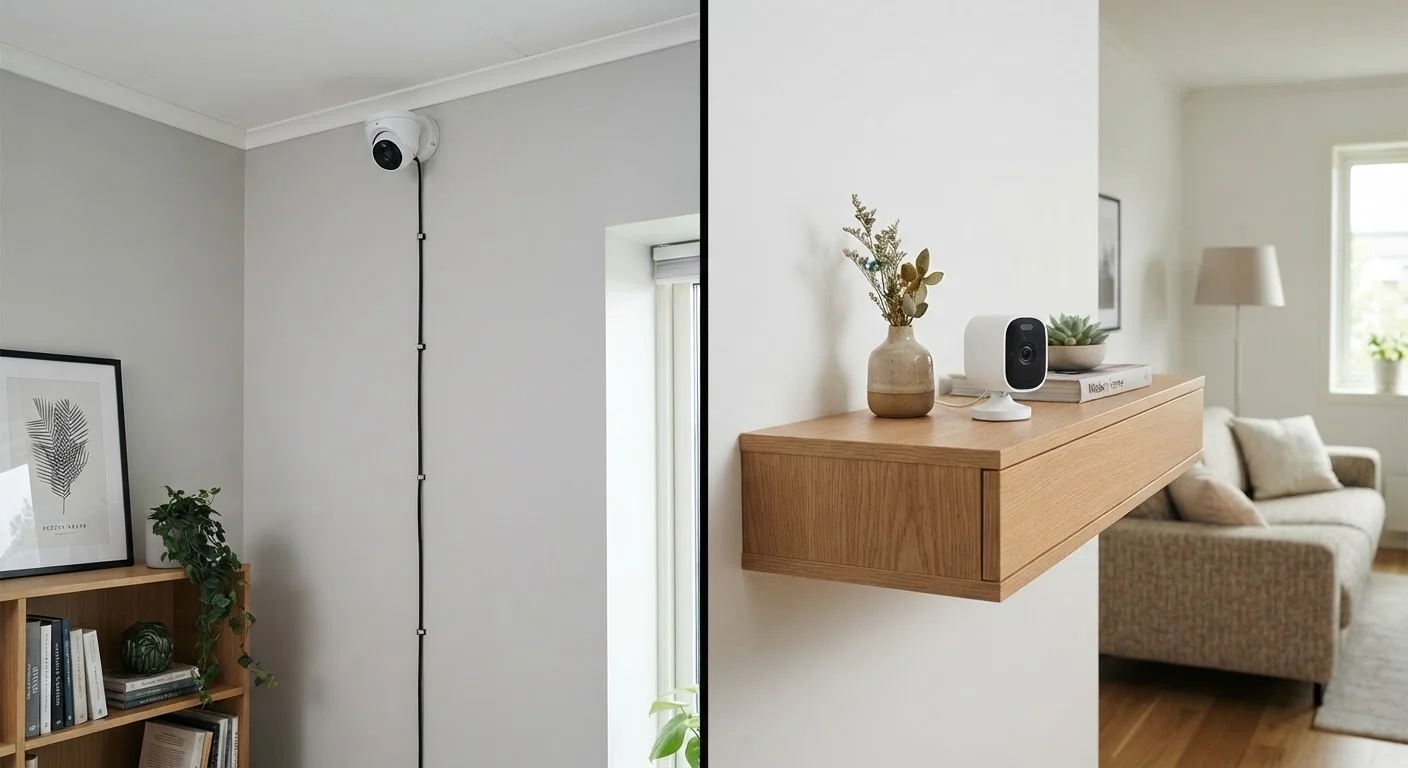
Understanding the core mechanics helps cut through the marketing language. Wired cameras connect to a central recording device — typically a NVR or DVR — through physical cables. Many modern wired systems use PoE (Power over Ethernet), meaning a single Ethernet cable carries both video data and electrical power to the camera. That simplicity is one of wired systems' biggest practical advantages.
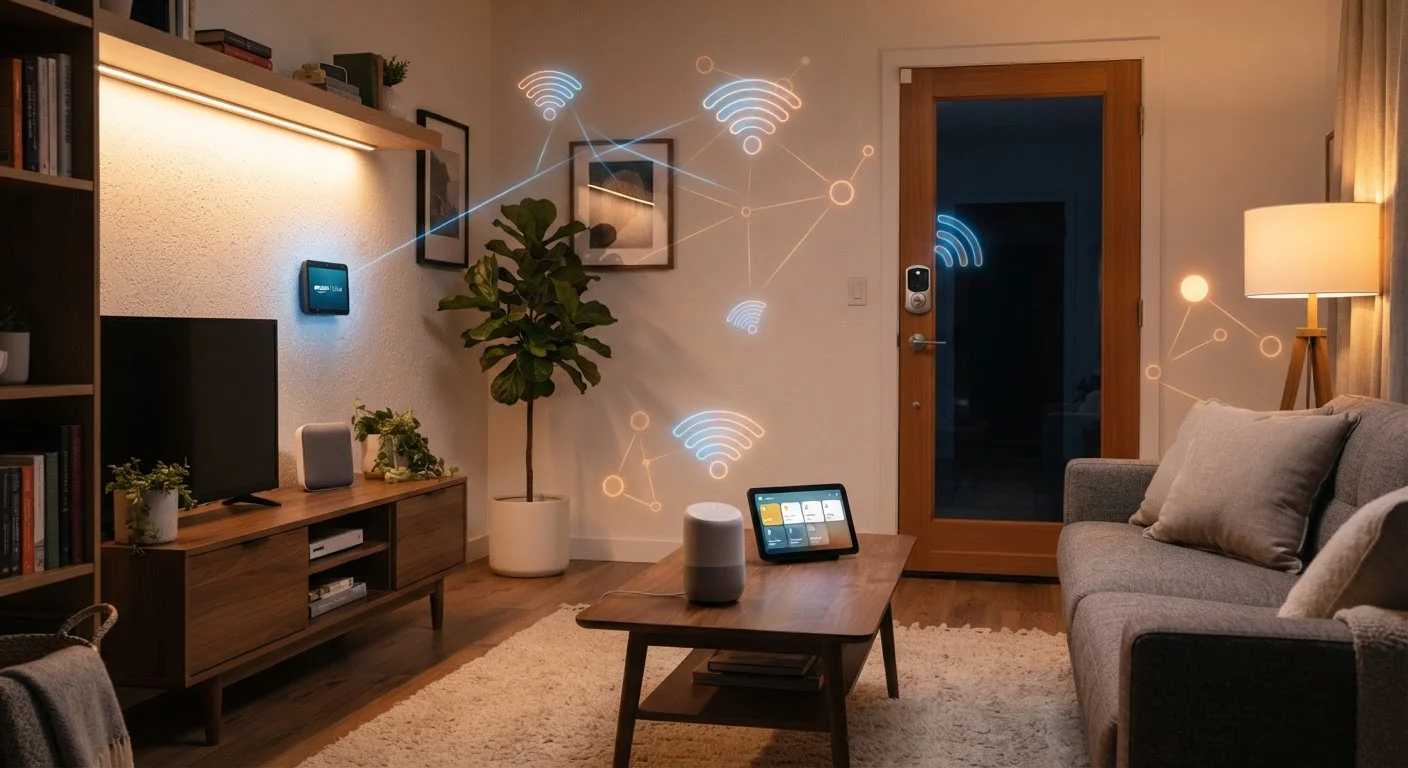
Wireless cameras, by contrast, transmit video data over your home's Wi-Fi network. Some are fully battery-powered; others still plug into a standard outlet for power but send footage wirelessly. A third category — sometimes called "wire-free" — relies entirely on rechargeable or replaceable batteries with no physical connections at all.
It's worth noting that "wireless" refers to how data travels, not necessarily how the camera is powered. This distinction matters when you're comparing maintenance expectations. For a deeper look at how wireless standards affect your entire connected home, see this guide to smart home protocols.
| Criterion | Wired Cameras | Wireless Cameras |
|---|---|---|
| Installation complexity | High — often requires professional help | Low — typically DIY-friendly |
| Connection reliability | Very stable, no signal interference | Depends on Wi-Fi strength and congestion |
| Power source | Continuous via cable (PoE or direct) | Battery, outlet, or both |
| Ongoing maintenance | Minimal once installed | Battery charging or replacement required |
| Flexibility / repositioning | Low — cable runs are fixed | High — easy to move cameras |
| Storage options | Primarily local (NVR/DVR hard drive) | Cloud (often subscription) or local SD/NAS |
| Best environment | Large homes, owned properties | Rentals, smaller spaces, flexible needs |
Installation, Reliability, and Ongoing Maintenance
Wired systems typically require more upfront effort. Running cables through walls, attics, or exterior siding often calls for a licensed installer — particularly in finished homes where drilling and fishing cable is involved. Once in place, though, these systems tend to demand very little ongoing attention. There are no batteries to replace, no Wi-Fi password updates to push, and no network congestion to manage.
Wireless cameras flip that equation. Most mount with a few screws and connect to your network in minutes. The trade-off is ongoing maintenance: battery-powered models need regular charging (schedules vary widely depending on motion activity and video quality settings), and performance is tied directly to your Wi-Fi signal. A camera placed at the far end of a large home or in a garage with weak signal may drop frames, delay alerts, or go offline entirely. If your home's wireless coverage is inconsistent, addressing that first — as outlined in our guide to setting up a mesh Wi-Fi network — is often a prerequisite for reliable wireless camera performance.
~30%
Wi-Fi signal loss through concrete walls
Building materials like concrete, brick, and metal can attenuate Wi-Fi signals significantly, according to general RF propagation research, underscoring why home construction matters for wireless camera placement.
1–3 months
Typical battery life for wire-free cameras
Battery longevity varies widely based on motion frequency and video resolution settings; manufacturers' estimates often reflect low-activity environments.
Video Quality, Storage, and Privacy
Both wired and wireless cameras are available across a broad range of resolutions, so image quality is less about the connection type and more about the specific hardware. That said, wired systems have a structural advantage: a dedicated cable connection doesn't compete with other network traffic, which can matter during peak household internet use.
Storage is where the differences become more consequential. Wired NVR and DVR systems typically write footage to a local hard drive, keeping your recordings on-premise. Many wireless cameras default to cloud storage, which usually involves a subscription fee and means your footage travels to a third-party server. Some wireless cameras support local storage via SD card or a local NAS device, giving you more control.
Cloud storage raises legitimate privacy questions worth thinking through before you commit. For a balanced look at what data connected cameras typically collect and how to limit exposure, see The Privacy Trade-Offs of Smart Home Devices. Regardless of which system you choose, basic security hygiene — strong passwords, firmware updates, and network segmentation — applies to both. Keeping Smart Home Devices Secure covers the practical habits most homeowners overlook.
Local Storage vs. Cloud: Know the Difference
Local storage keeps your footage on a hard drive or SD card inside your home — no subscription, no third-party access. Cloud storage sends recordings to remote servers, which can make footage accessible from anywhere but introduces privacy and cost considerations. Some systems support both options simultaneously, giving you a backup if one method fails. Always review the storage terms before purchasing any camera system.