Why Smart Home Security Gets Neglected
Most people spend more time choosing a smart thermostat than securing it after setup. That gap is where problems begin. Unlike a laptop or smartphone — devices we think of as computers — smart home gadgets like video doorbells, smart plugs, and connected locks can feel too simple to need much attention. In reality, each one runs software, connects to your network, and often communicates with external cloud servers.
Security researchers have found that smart home devices are regularly probed by automated scanners looking for easy targets. The good news is that the most common vulnerabilities are also the most fixable — and you don't need technical expertise to address them. For a broader look at how these systems actually work, see common smart home misconceptions worth clearing up first.
Smart Home Security Applies at Every Scale
You don't need a large or sophisticated setup for these risks to apply. A single smart plug or video doorbell connected to your home network is enough to warrant the same basic precautions as a fully automated home. The size of your setup affects complexity, not whether security matters. If you're just getting started, building a solid foundation from the start can save you from having to retrofit these habits later.
The Practices That Actually Make a Difference
Security isn't a single action — it's a small set of consistent habits. The practices below address the vulnerabilities homeowners most often miss, without requiring technical expertise.
Change default credentials immediately on every new device.
Manufacturers ship devices with default usernames and passwords — often publicly documented — that automated attack tools actively scan for. Leaving them unchanged is the equivalent of a deadbolt with a key taped to the door. A unique, strong password for each device closes this gap instantly.
Enable automatic firmware updates, or check for them manually on a regular schedule.
Firmware is the software baked into your device. Manufacturers release updates that patch newly discovered security flaws — but those patches only help if they're installed. Outdated firmware is one of the most common reasons devices remain vulnerable long after a fix exists.
Create a dedicated Wi-Fi network — often called a guest or IoT network — for smart home devices.
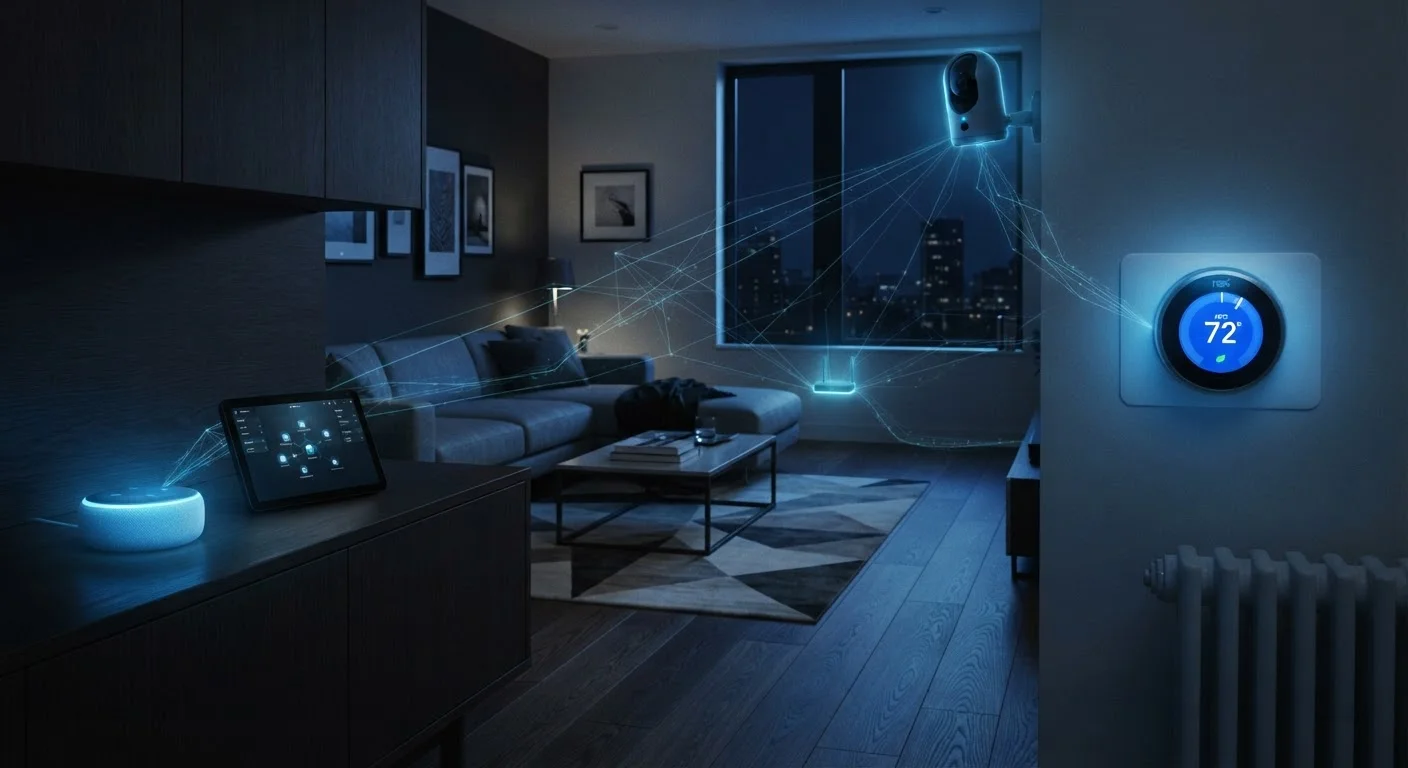
Network segmentation limits the damage if one device is compromised. If a smart bulb on a separate network is exploited, an attacker can't easily pivot to your laptop or phone on the main network. Most modern routers support this without additional hardware.
Disable features and services you don't actively use.
Remote access, Universal Plug and Play (UPnP), and voice activation are useful when needed — but each one is also a potential attack surface. Reducing the number of active entry points reduces your overall exposure without affecting how you actually use your devices.
Audit app permissions and third-party integrations periodically.
Over time, smart home apps accumulate permissions — location, microphone, camera — that were granted once and never revisited. Third-party integrations with voice assistants or automation services can also carry data-sharing agreements you may have forgotten. A periodic review keeps your consent current.
Quick Actions You Can Take Today
If you're not sure where to start, focus on the steps that deliver the most protection per minute spent. You don't have to overhaul everything at once — small, targeted changes compound over time.
For those managing a growing setup, routine smart home maintenance habits can help you build a sustainable rhythm for keeping things both reliable and secure.
Privacy and Security Overlap More Than You Think
Security and privacy aren't entirely separate concerns. A device that's been compromised can become a listening or viewing tool — making the data your devices collect directly relevant to how carefully you secure them. Smart speakers with always-on microphones and cameras with continuous recording are especially worth scrutinizing.
Start by auditing which apps on your phone have access to your smart home devices, and revoke any you no longer recognize or use. Review whether your devices store footage or voice recordings in the cloud, and understand what the manufacturer's data retention policy says. The smart home privacy conversation most people skip covers exactly these questions in more depth. For a balanced look at the trade-offs involved, smart device privacy trade-offs is worth reading alongside this article.
Use a Password Manager for Device Credentials
Smart home devices often have web interfaces or app logins that are easy to forget between setup and the next time you need them. A password manager lets you generate and store strong, unique passwords for every device without having to remember them. This small habit eliminates one of the most persistent vulnerabilities in connected homes.