Why Wi-Fi Got New Names
For years, Wi-Fi versions had names like 802.11n and 802.11ac — labels only networking engineers found meaningful. In 2018, the Wi-Fi Alliance introduced a simpler numbering system. Wi-Fi 5 (802.11ac) became the baseline most homes still run on, Wi-Fi 6 (802.11ax) followed, and now Wi-Fi 6E and Wi-Fi 7 are available in newer routers and devices.
The renaming didn't change how the technology works — it just made it easier to communicate progress. Just as you don't need to know how a car engine works to choose the right vehicle, you don't need to understand radio protocols to pick the right router. What matters is knowing what each generation actually delivers in practical, daily-use terms.
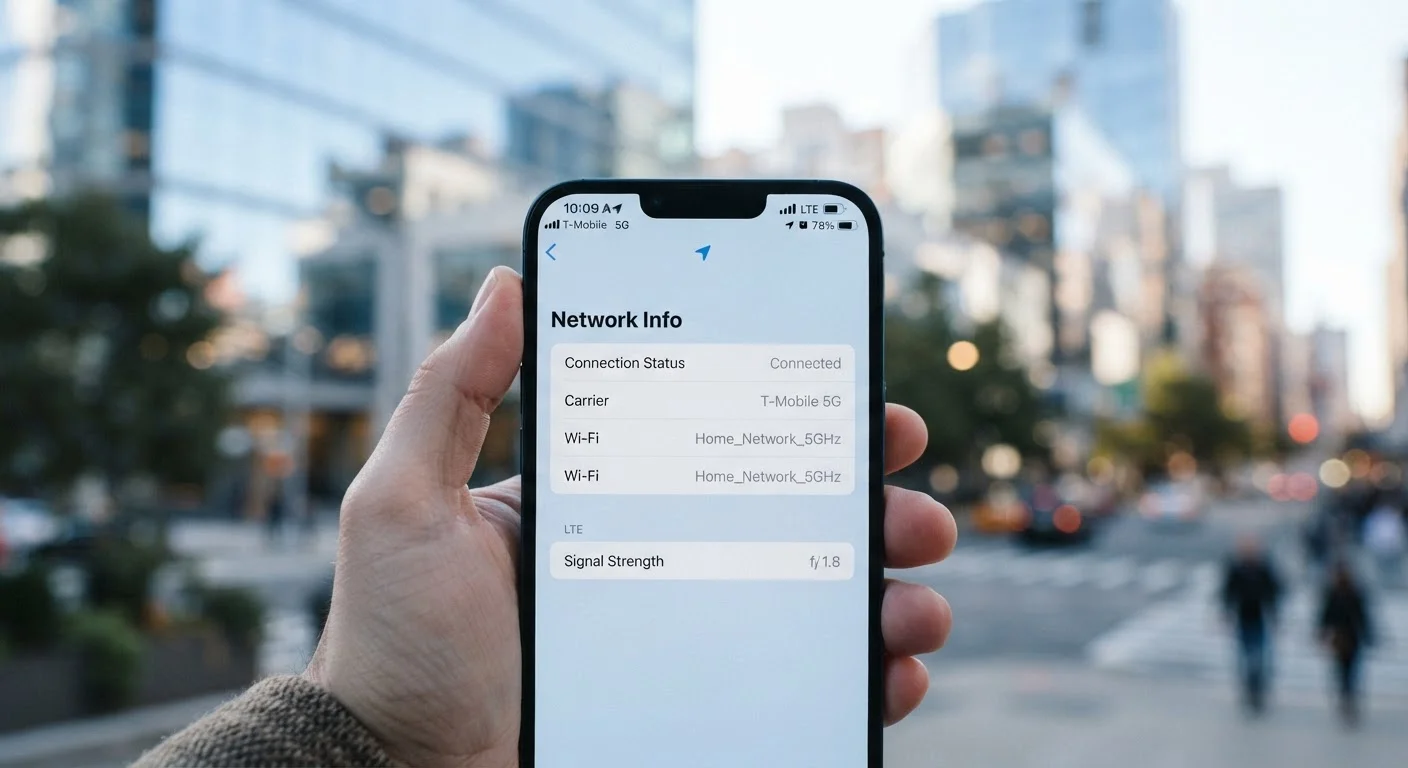
This is similar to how mobile connectivity labels work. If you've ever wondered about the difference between cellular and home wireless standards, our piece on 5G, LTE, and Wi-Fi calling breaks down how those labels compare.
What Each Generation Actually Delivers
Wi-Fi 6 was designed not just for raw speed, but for efficiency — particularly in homes where many devices are connected at once. It introduced a technology called OFDMA (Orthogonal Frequency Division Multiple Access), which lets a router handle multiple devices in a single transmission instead of serving them one at a time. The result is less congestion and more consistent speeds when your phones, tablets, smart TVs, and smart home gadgets are all active simultaneously.
Wi-Fi 6E takes Wi-Fi 6's capabilities and adds access to the 6 GHz frequency band. Think of the 2.4 GHz and 5 GHz bands as busy highways — they carry a lot of traffic from millions of existing devices. The 6 GHz band is a new, largely empty lane. Devices that support Wi-Fi 6E can use this cleaner spectrum for faster, more reliable connections, especially in apartments or densely packed neighborhoods.
Wi-Fi 7 introduces Multi-Link Operation (MLO), which allows a device to send and receive data across multiple frequency bands at the same time — rather than picking one band and sticking to it. This dramatically reduces latency (the delay before data transfers) and increases throughput. For competitive gaming, video production, or homes with 50+ connected devices, this matters. For a household with a few laptops and a streaming TV, the real-world difference over Wi-Fi 6 may be imperceptible.
9.6 Gbps
Maximum theoretical speed of Wi-Fi 6
Wi-Fi 6's theoretical maximum is roughly 9.6 Gbps, compared to 3.5 Gbps for Wi-Fi 5, though real-world speeds are always lower due to distance, interference, and device limits.
320 MHz
Maximum channel width in Wi-Fi 7
Wi-Fi 7 supports channel widths up to 320 MHz in the 6 GHz band — double the 160 MHz maximum of Wi-Fi 6E — enabling significantly higher data throughput per transmission.
~2.4 billion
Wi-Fi 6 devices shipped globally by 2023
According to Wi-Fi Alliance estimates, cumulative Wi-Fi 6 device shipments reached approximately 2.4 billion units globally by the end of 2023, indicating widespread adoption in consumer electronics.
What Actually Limits Your Wi-Fi Speed at Home
A common misconception is that buying a newer router automatically makes your internet faster. Your router standard is only one part of the equation. Your internet service plan sets a hard ceiling — a Wi-Fi 7 router cannot deliver speeds your ISP doesn't provide. Beyond that, the physical environment matters: walls, floors, microwaves, and neighboring networks all degrade signal quality.
Equally important: both your router and your devices need to support the same Wi-Fi generation to benefit from it. A Wi-Fi 7 router paired with a three-year-old laptop will default to whatever standard that laptop supports. Upgrading the router alone only benefits devices that are already compatible.
Check Your Devices Before Upgrading Your Router
Before investing in a Wi-Fi 6E or Wi-Fi 7 router, look up the Wi-Fi specifications for your most-used devices — laptops, phones, and streaming sticks. If most of them top out at Wi-Fi 5 support, you won't see meaningful improvement from a newer router until those devices are replaced. Prioritize a router upgrade when you're also refreshing your main connected devices.
If you're experiencing dead zones rather than slow speeds, a mesh network system is often more impactful than upgrading to a newer Wi-Fi standard. Our guide on setting up a mesh Wi-Fi network at home walks through how that works in practice.
Matching the Right Standard to Your Household
Rather than chasing the latest number, assess your home's actual demands:
- Small household, basic use (streaming, browsing, video calls): Wi-Fi 6 is likely more than sufficient. If your current router is older than five years, upgrading to Wi-Fi 6 will produce a noticeable improvement in reliability.
- Busy household with 20+ connected devices: Wi-Fi 6 or 6E. The efficiency gains of Wi-Fi 6 directly address congestion, and the 6 GHz band in 6E helps if you live in a dense urban environment.
- Gamers, power users, or future-proofing: Wi-Fi 6E or Wi-Fi 7 makes sense, especially as more devices begin shipping with compatible hardware.
Smart home devices — sensors, locks, bulbs — often use older, low-power protocols rather than Wi-Fi altogether. Understanding how those protocols interact with your network is a separate consideration. Our article on smart home wireless protocols like Matter, Zigbee, and Z-Wave explains how that ecosystem works alongside your router.